EasyManua.ls Logo

Vivitek DW3321 - Presentation Timer and Menu Settings

Vivitek DW3321
99 pages
Print Icon
To Next Page IconTo Next Page
To Previous Page IconTo Previous Page
Loading...
36
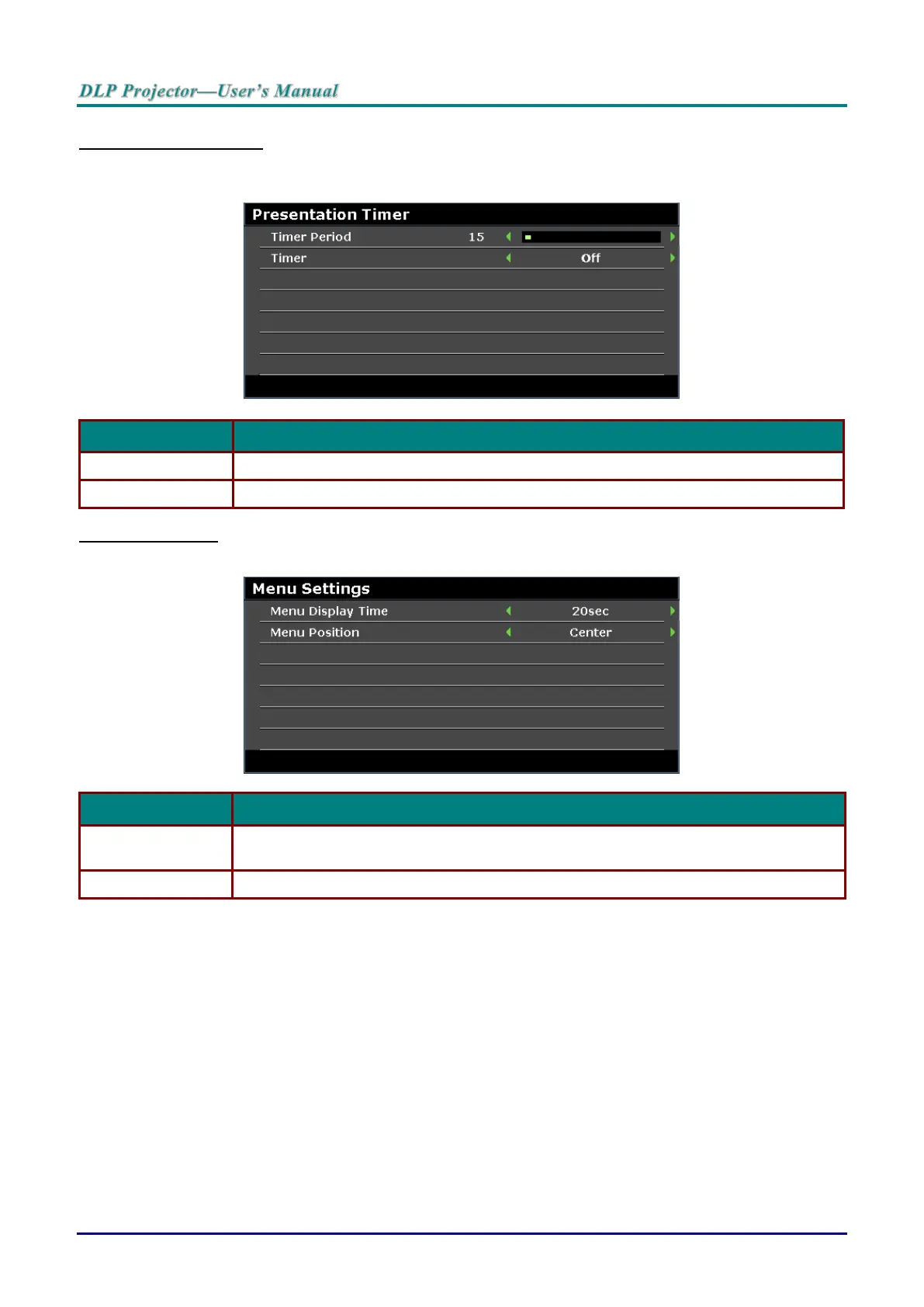
Presentation Timer
The Presentation Timer function can indicate the presentation time on the screen to help you achieve
better time management when giving presentations.
ITEM
DESCRIPTION
Timer Period
Press the cursor ◄ / ► buttons to select timer period (1 ~ 240).
Timer
Press the cursor ◄ / ► buttons to enable or disable presentation timer.
Menu Settings
Press the ENTER button to enter the Menu Settings sub menu.
ITEM
DESCRIPTION
Menu Display Time
Press the cursor ◄ / ► buttons to set the menu display timer before the OSD times
out.
Menu Position
Press the cursor ◄ / ► buttons to select from five OSD locations.

Table of Contents

Related product manuals