— 38 —
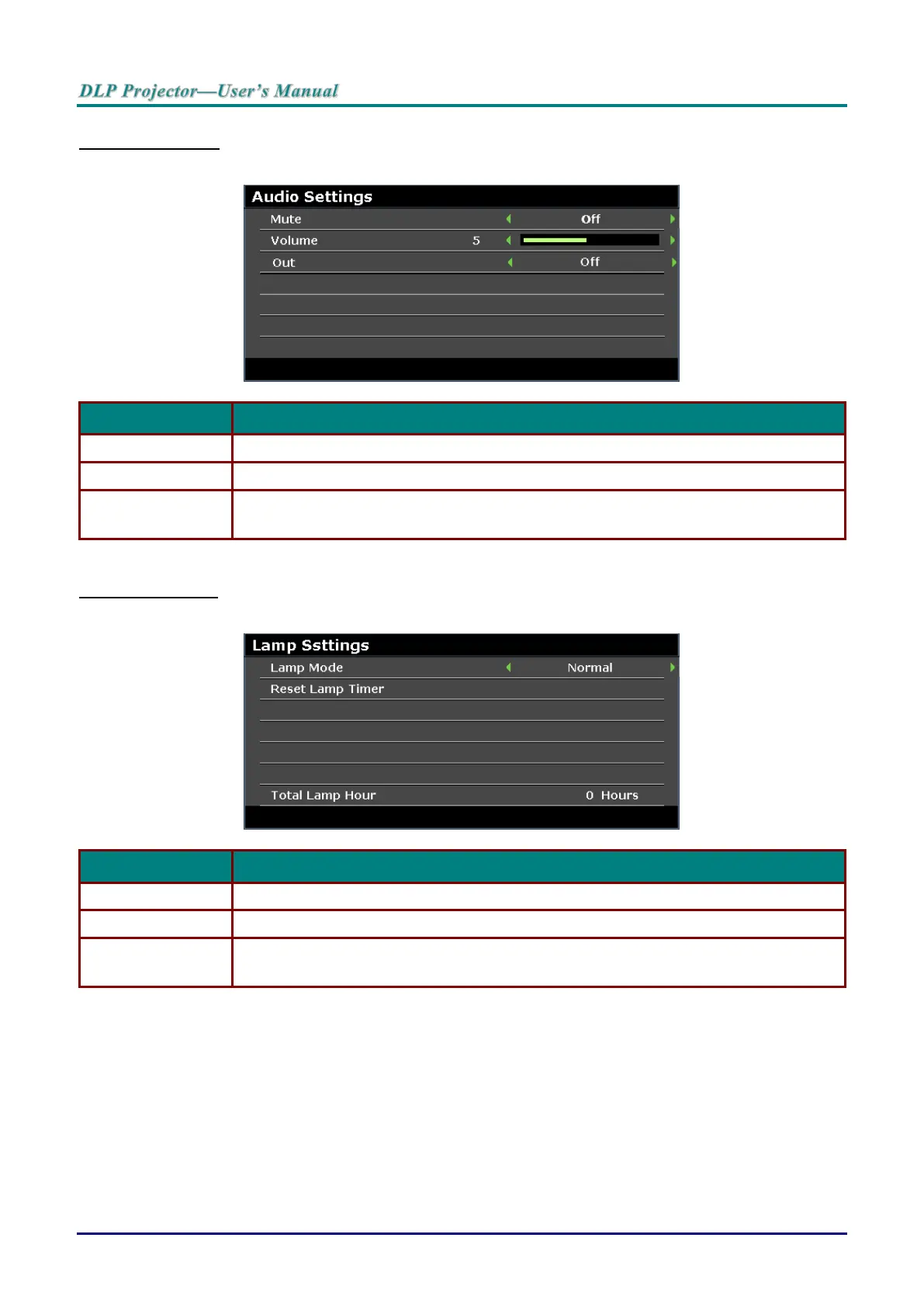
Audio Settings
Press the ENTER button to enter the Audio Settings sub menu.
Press the cursor ◄ / ► buttons to turn on or off the speaker.
Press the cursor ◄ / ► buttons to adjust the audio Volume.
Press the cursor ◄ / ► buttons to select audio output connector.
Note: When select Off, the default sound is output from speakers.
Lamp Settings
Press the ENTER button to enter the Lamp Setting sub menu.
Press the cursor ◄ / ► buttons to adjust lamp brightness.
Press the ENTER button to reset the Lamp Hour after the lamp is replaced.
Displays the number of equivalent hours the lamp has been in use.
Note: Lamp Mode is not allowed to adjust when 3D mode is activated.



 To Next Page