– 39 –
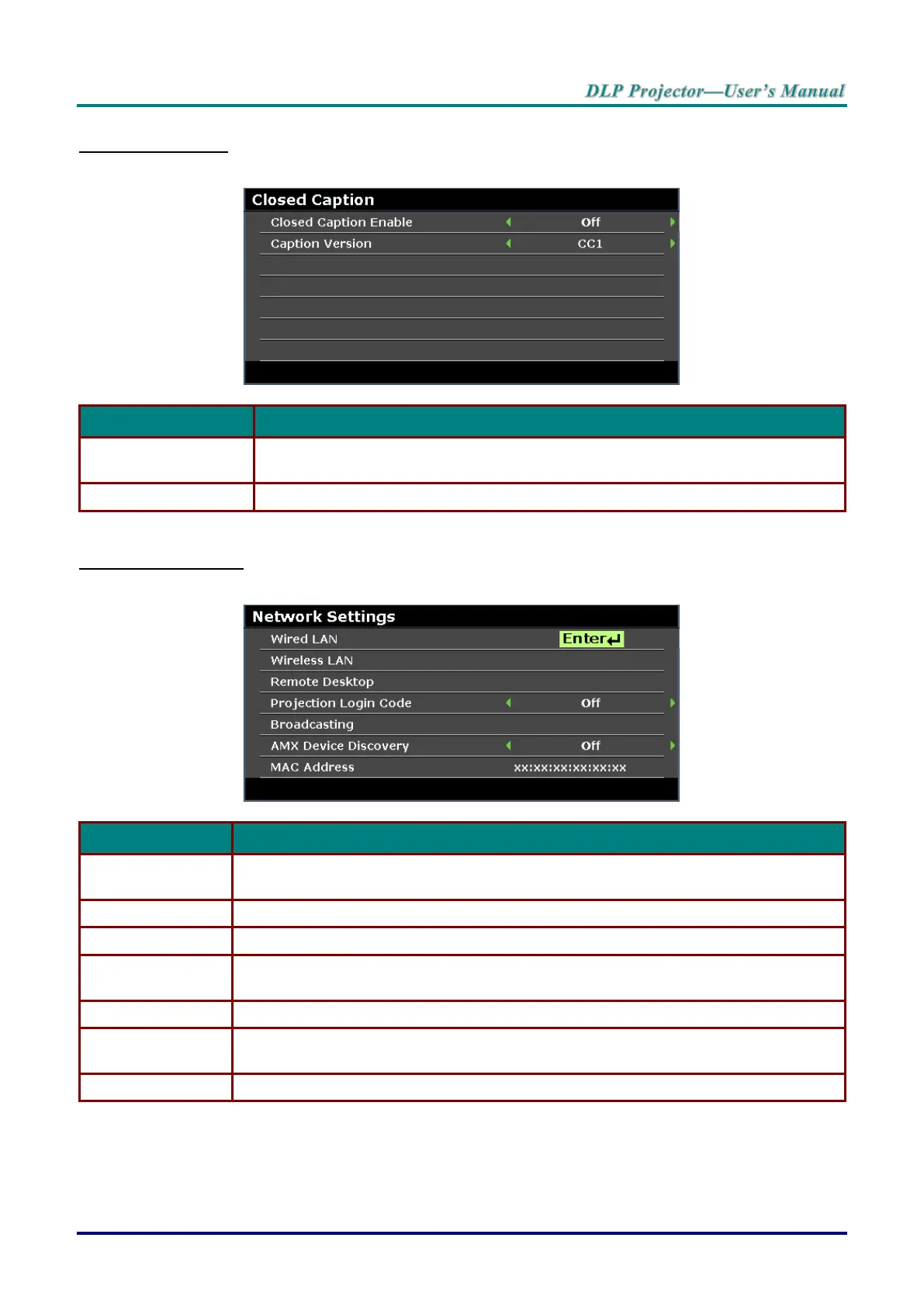
Closed Caption
Press the ENTER button to enter the Closed Caption sub menu.
Press the cursor ◄ / ► buttons to turn on or off Closed Caption.
Press the cursor ◄ / ► buttons to select the Caption Version.
Network Settings
Press the ENTER button to enter the Network Settings sub menu.
Press the ENTER button to enter the Wired LAN sub menu. See Wired LAN on page
40.
Press the ENTER button to enter the Wireless LAN sub menu.
Press the ENTER button to enable remote access to the computer.
Press the cursor ◄ / ► buttons to turn on or off the projection of the login code.
Press the ENTER button to enter the Broadcasting sub menu.
Press the cursor ◄ / ► buttons to turn on or off discovery of AMX devices.
Press the ENTER button to enter the MAC address.



 To Next Page