– 33 –
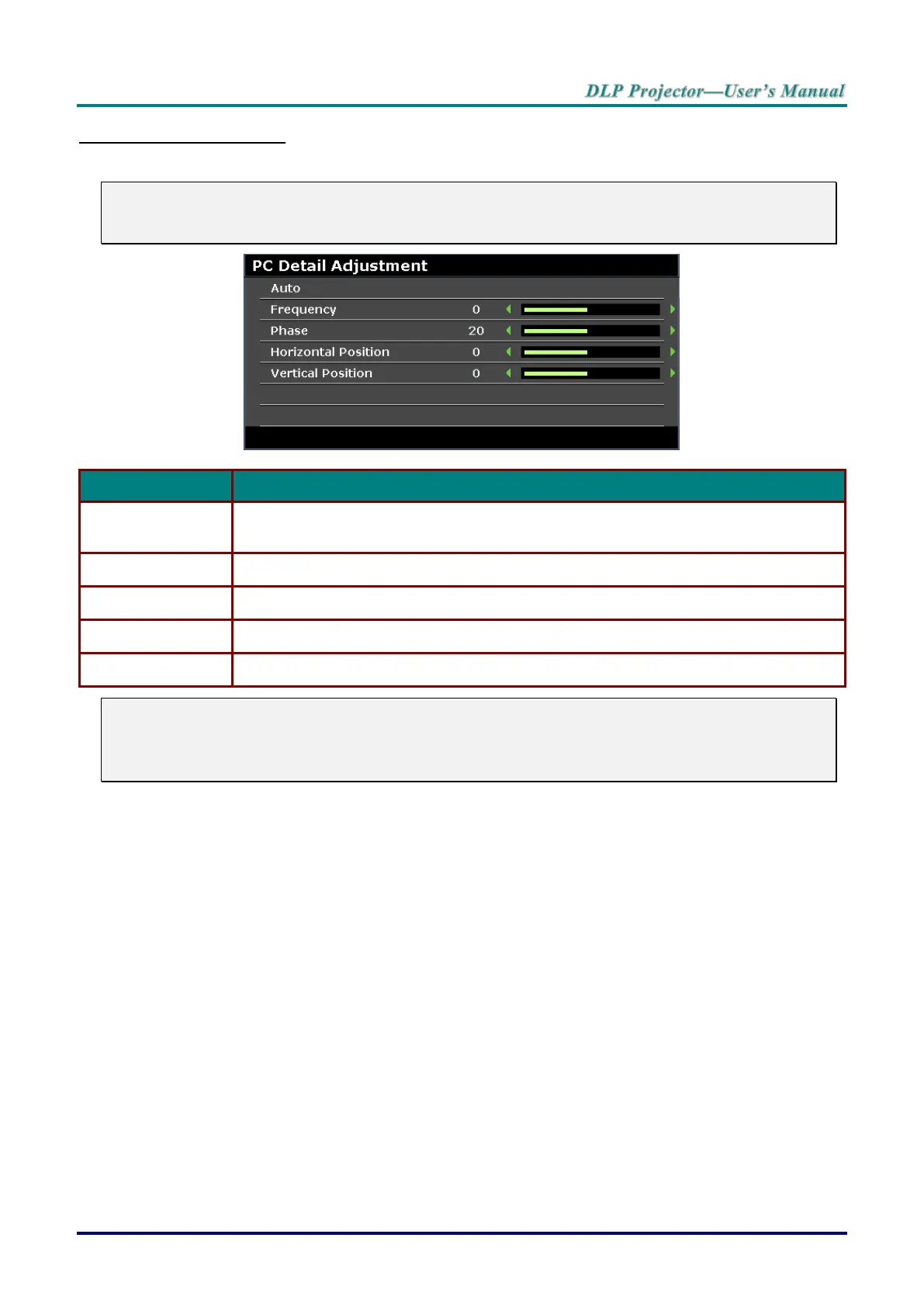
PC Detail Adjustment
Press the ENTER button to enter the PC Detail Adjustment sub menu.
Note:
Customizing the settings in PC Detail Adjustment menu is only available when PC input source
(analog RGB) is selected.
Press the ENTER/AUTO buttons on the control panel or the ENTER/AUTO buttons on
the remote control to automatically adjust frequency, phase, and position.
Press the cursor ◄ / ► buttons to adjust the A/D sampling number.
Press the cursor ◄ / ► buttons to adjust the A/D sampling clock.
Press the cursor ◄ / ► buttons to adjust the display position right or left.
Press the cursor ◄ / ► buttons to adjust the display position up or down.
Note:
Some signals may take time to display or may not be displayed correctly.
If the Auto Adjust operation cannot optimize the PC signal, try to adjust Frequency and Phase
manually.



 To Next Page