– 59 –
RS232 by Telnet Function
The projector supports RS232 control functionality through Telnet by using a RJ45 connection.
Quick Start-Guide for TELNET
Obtain the projector’s IP-Address. Make sure the projector is properly setup to function within the local
network.
1. Disable any Windows Firewall settings to allow for Telnet access.
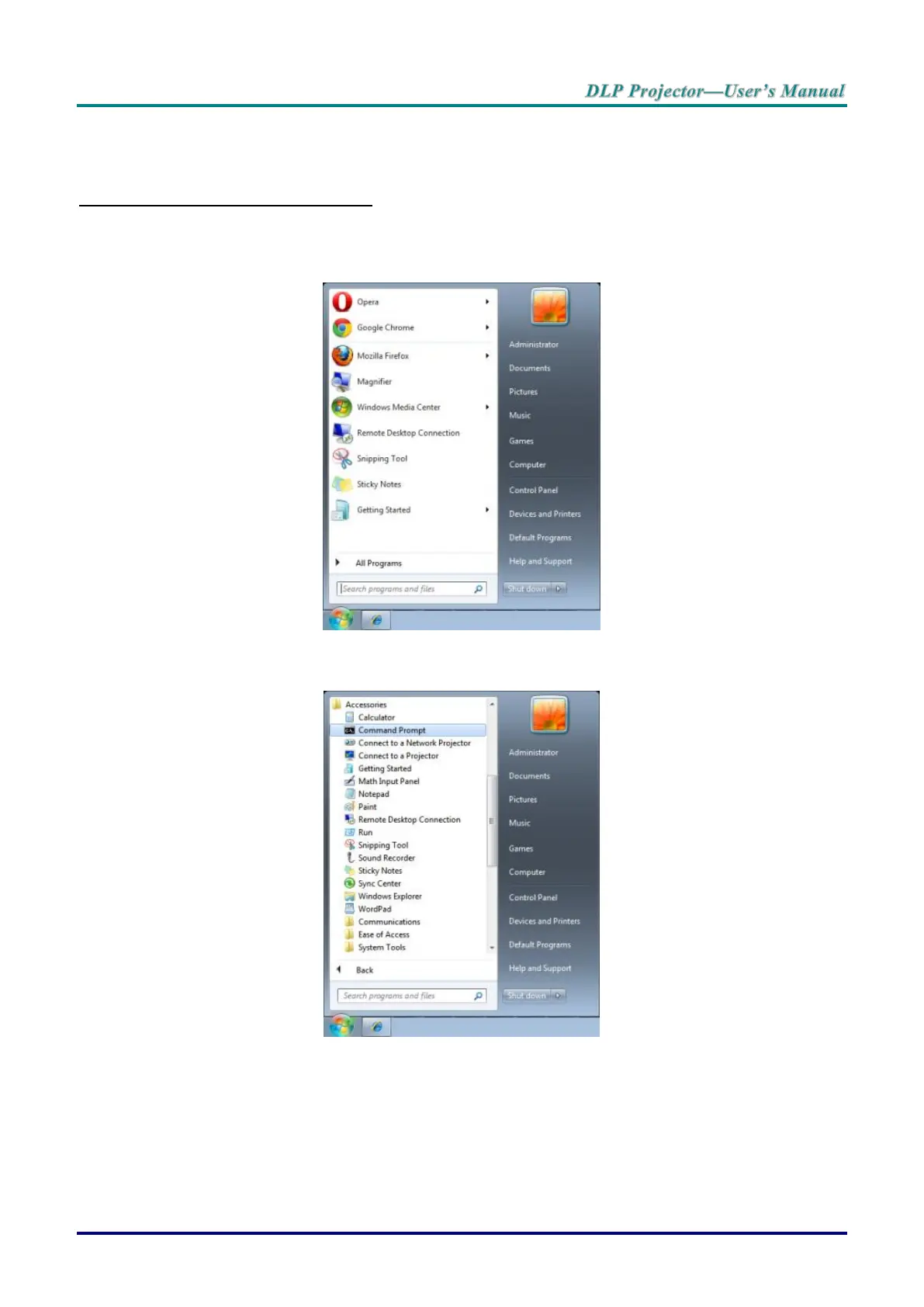
2. Navigate to Start > All Programs > Accessories and select Command Prompt. The command
window displays.
3. In the command window, type the IP address of the projector in the following format.
telnet ttt.xxx.yyy.zzz 23 (whereas ttt.xxx.yyy.zzz is the IP-Address of the projector.
4. Press Enter to continue.
Once the Telnet connection is established, enter commands to remotely control the project.



 To Next Page