— 58 —
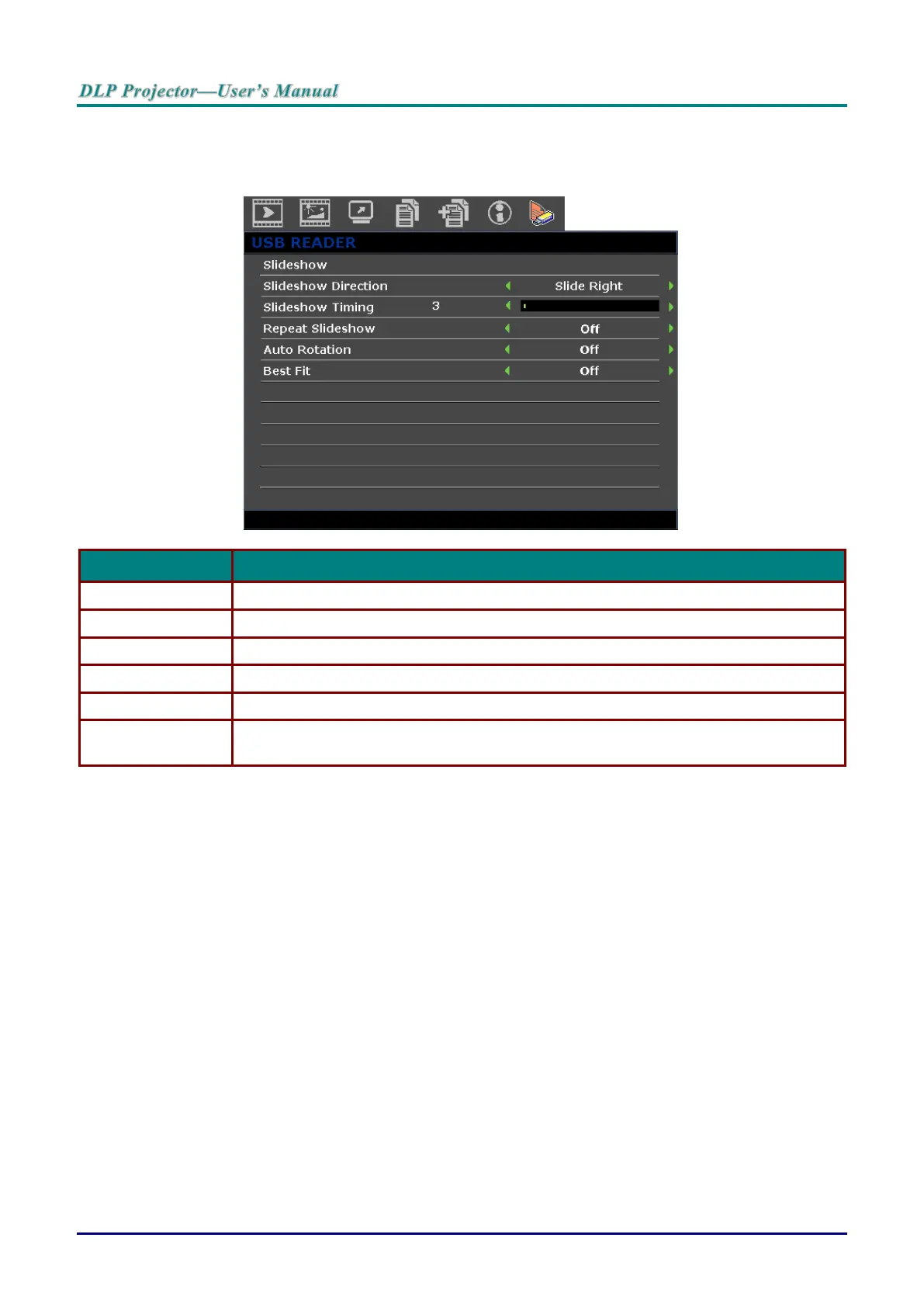
USB Reader menu
The USB Reader menu displays only when a USB device source is selected. This menu is includes a
slideshow feature for selecting settings.
Press the ENTER button to start slideshow.
Press the cursor ◄ / ► buttons to select a slideshow direction.
Press the cursor ◄ / ► buttons to select the image display frequency.
Press the cursor ◄ / ► buttons to turn on or off the repeat slideshow function.
Press the cursor ◄ / ► buttons to turn on or off auto rotate.
Press the cursor ◄ / ► buttons to turn on or off the best fit function, which adjusts the
image for the best screen fit.



 To Next Page