— 44 —
Wireless LAN Settings
1. Connect the Vivitek wireless dongle (optional) to the USB TYPE-A port of the projector.
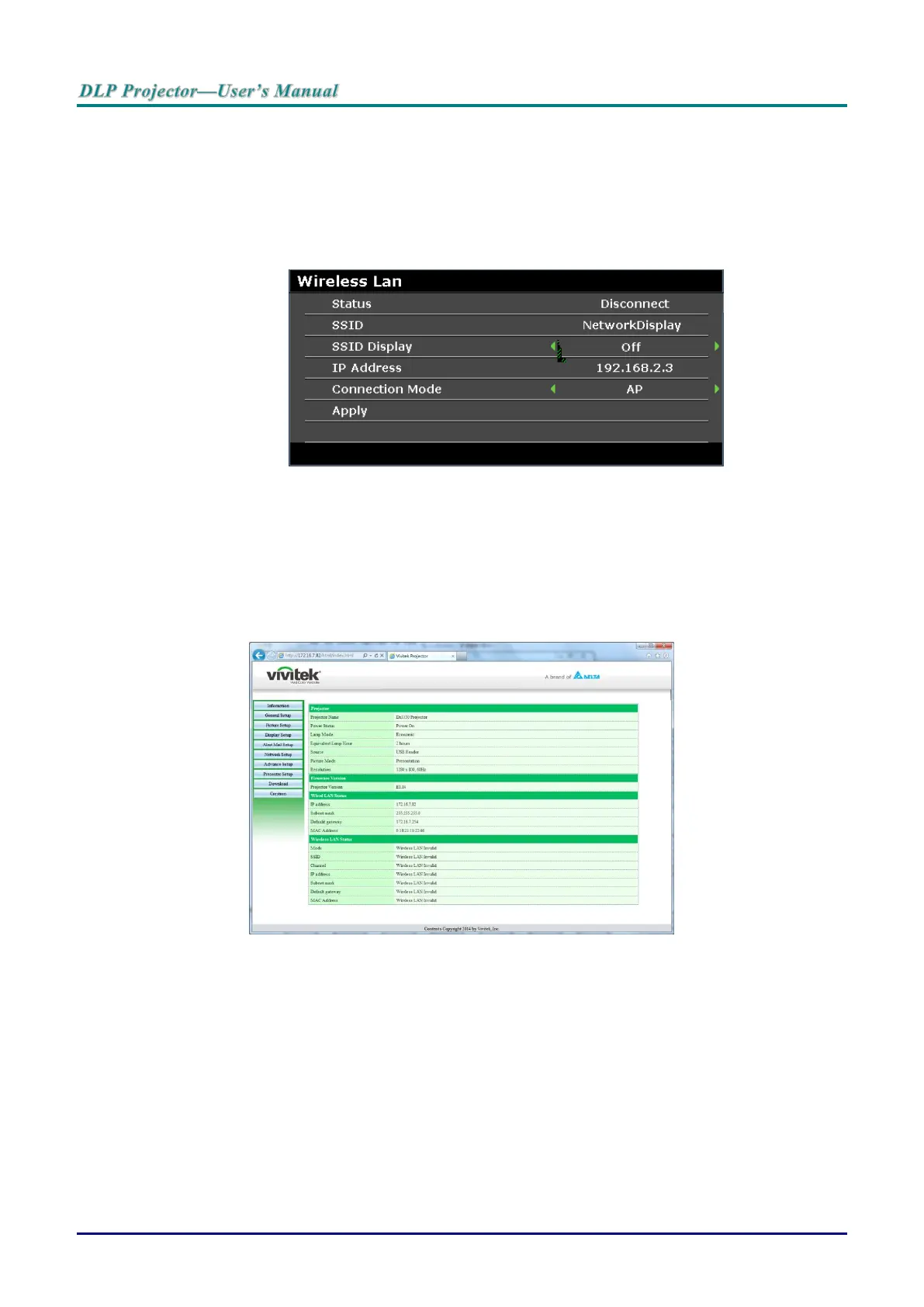
2. Select SYSTEM SETUP >> Advanced >> Network Settings >> Wireless LAN menu
3. In an AP mode connection, you must first obtain the target SSID information. In the pwPresenter
search for the wireless SSID host.
For a connection in infrastructure mode, select the projector’s SSID to connect.
4. On the computer, use the wireless network function to connect to a wireless network.
5. If the wireless network requires a password, the user must manually enter the password.
Browser Based Management
1. Open a browser such as the Microsoft Internet Explorer*.
2. In the Address bar, type the projector’s IP address as set in Wired LAN Terminal Function. The
projector is setup for web control page. The LAN/RJ45 function displays as follows.
The Information page displays the information and status of this projector.
* Adobe Flash Player 9.0 or higher is required to view the interface through the browser.



 To Next Page