– 55 –
Note:
The function requires the pwPresenter software available on the provided CD.
This function is only available when the Network Display source is selected.
Minimum system requirements: Intel
®
Core 2 Dou, 2.4GHz CPU, 2G DDR.
Remote Desktop Control through pwPresenter
pwPresenter provides remote desktop control function for the projector.
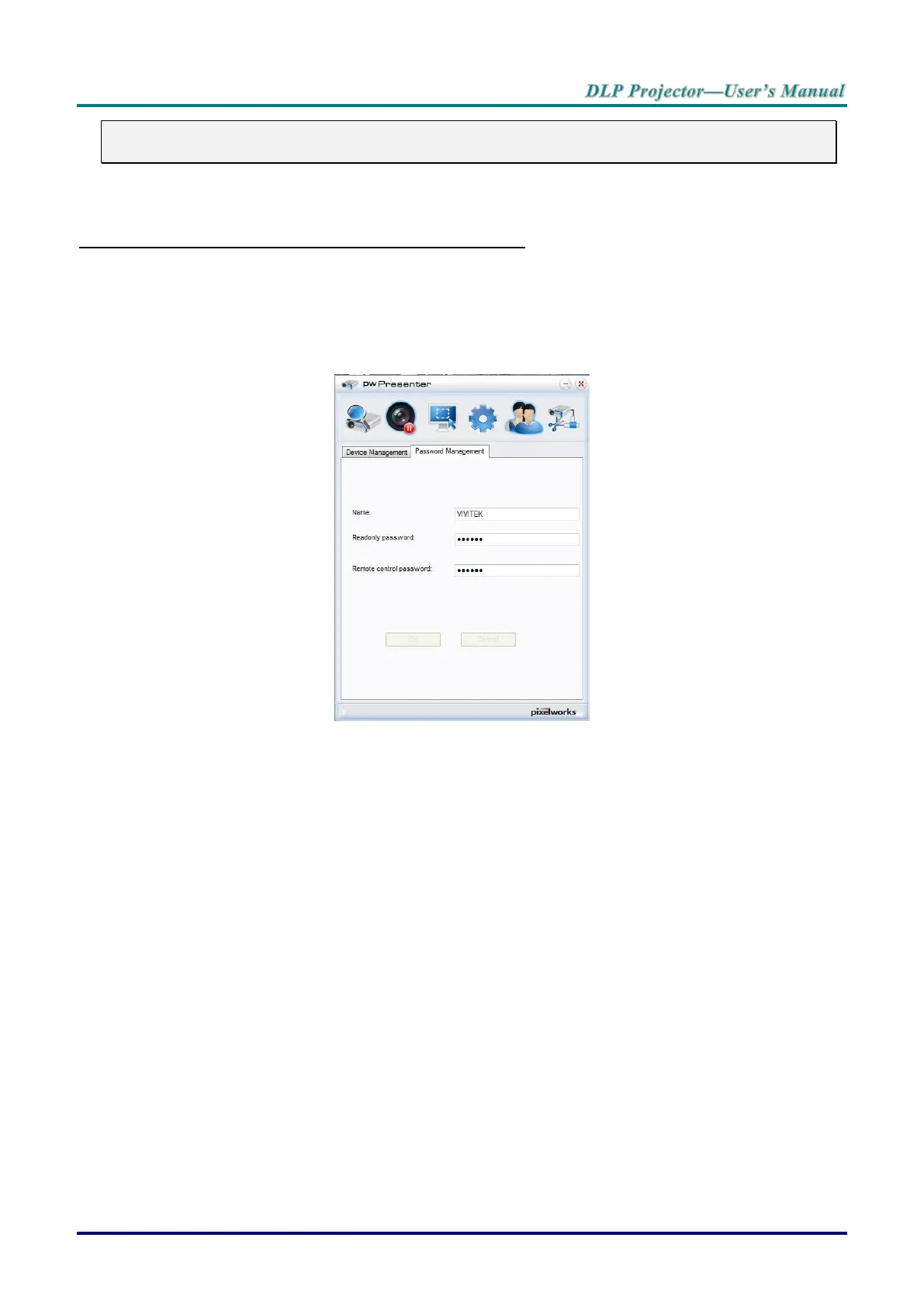
1. Setup a login account (User name and Password) in pwPresenter. Enter the user name in the
Name field.
2. Designate a password for read-only access in the Read-only password field.
3. Designate a password for remote control access in the Remote control password field.
Name: must be eight or more characters, capital letters (A~Z) and/or numbers (0 ~9).
Password: must be a numerical combination (1 ~ 4), a minimum of six digits.
The on-screen password is visible as left, down, right symbols.
If identical pwPresenter names are used, a duplicate error is displayed.
4. Click the tab pwPresenter >> Parameter Settings >> Global Settings to open Remote Desktop
screen.



 To Next Page