— 54 —
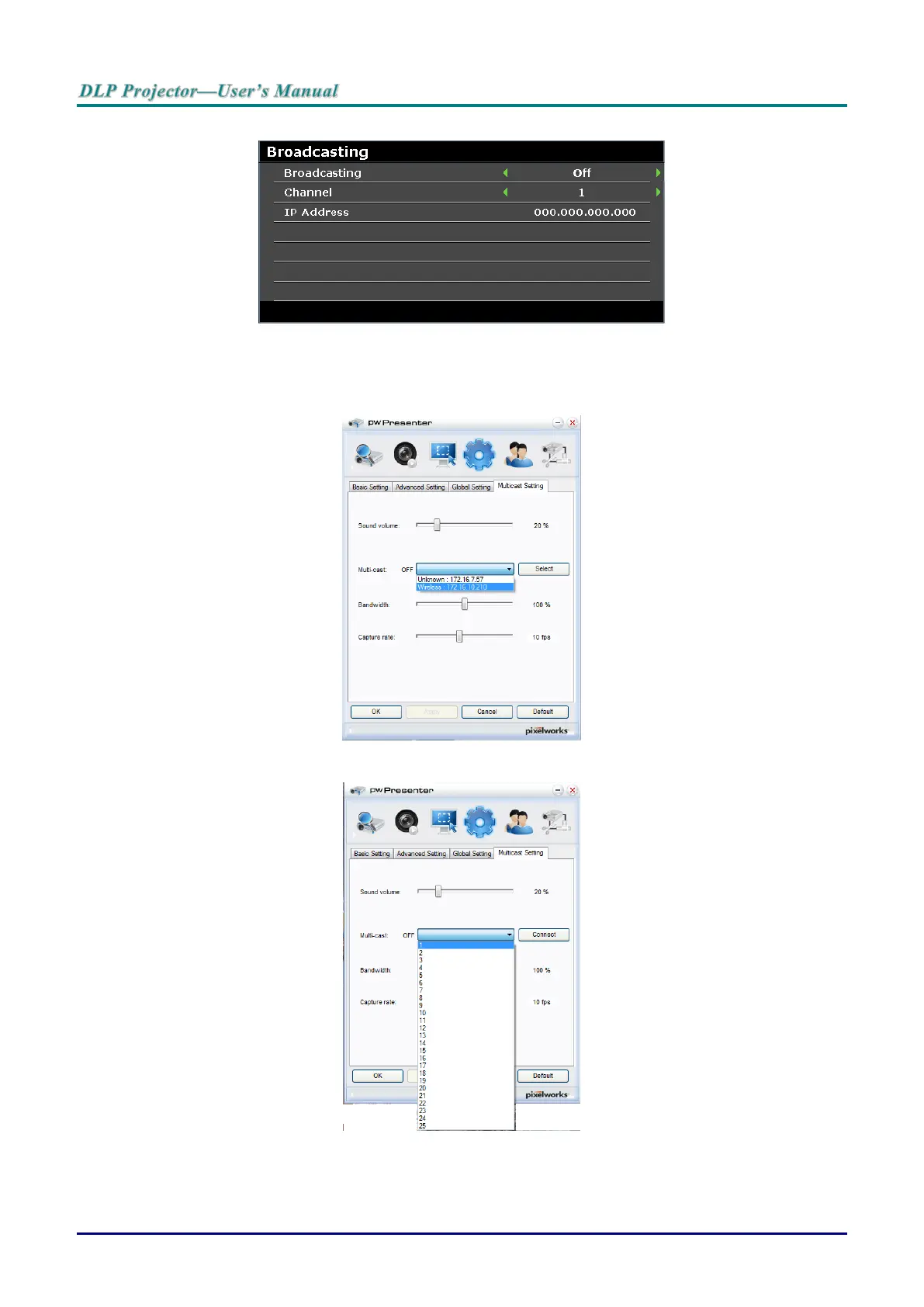
3. Press ▼ to select Broadcasting and press ◄ / ► to select On.
4. Open pwPresenter and select the Multicast Setting tab.
5. Click Search and click Apply.
6. From the Multi-cast drop-down menu select the broadcasting device (IP address).
7. Select the channel as it is setup in the projector Broadcasting menu.
8. Press Connect to broadcast the captured screen from the computer.



 To Next Page