— 28 —
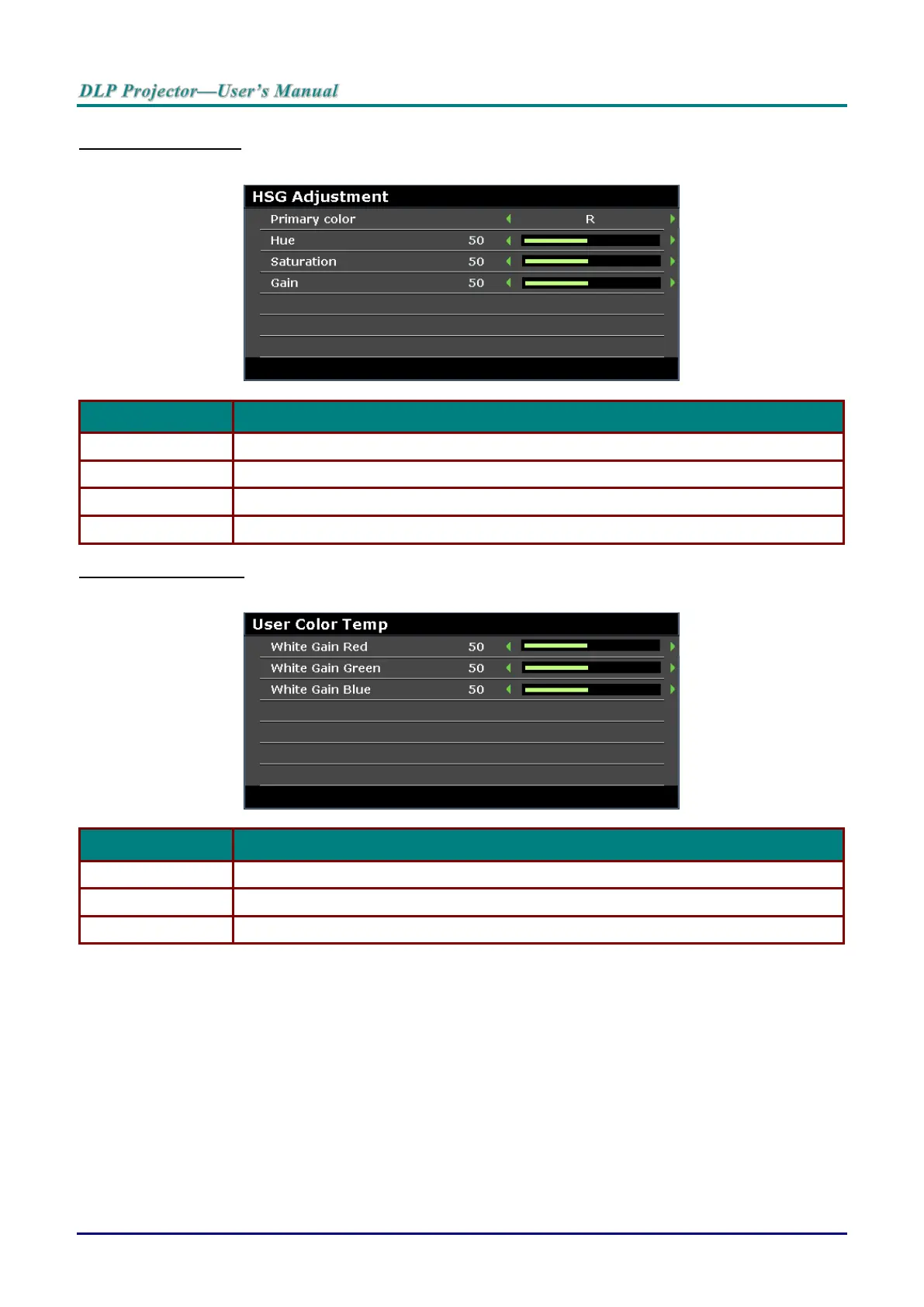
HSG Adjustment
Press the ENTER button to enter the HSG Adjustment sub menu.
Press the cursor ◄ / ► buttons to set the Primary Color.
Press the cursor ◄ / ► buttons to adjust the Hue.
Press the cursor ◄ / ► buttons to adjust the Saturation.
Press the cursor ◄ / ► buttons to adjust the Gain.
User Color Temp
Press the ENTER button to enter the User Color Temp sub menu.
Press the cursor ◄ / ► buttons to adjust the White Gain Red.
Press the cursor ◄ / ► buttons to adjust the White Gain Green.
Press the cursor ◄ / ► buttons to adjust the White Gain Blue.



 To Next Page