— 32 —
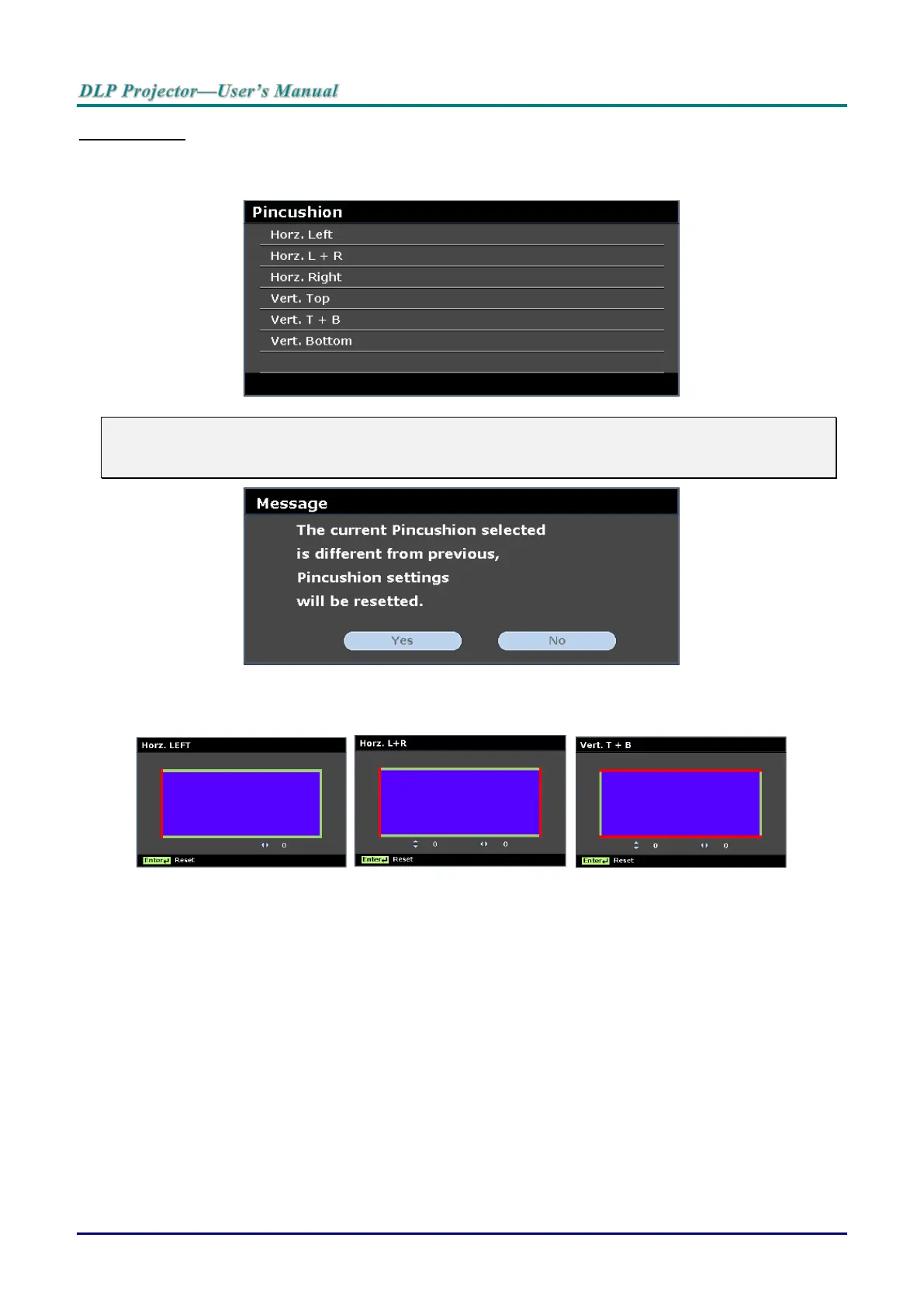
Pincushion
Press the ENTER button to enter the Pincushion sub menu.
1. Press the cursor ▲ / ▼ buttons to select one or both side and press ENTER.
Note:
Only one Pincushion setting will be stored so if you want to change from the previous direction to
the other, the notice message will pop-up to remind you to reset the previous Pincushion setting.
2. Press the cursor ▲ / ▼ / ◄ / ► buttons to adjust the desired side convex or concave.
3. Press ENTER to save the settings.



 To Next Page