— 70 —
Using the Physical Lock
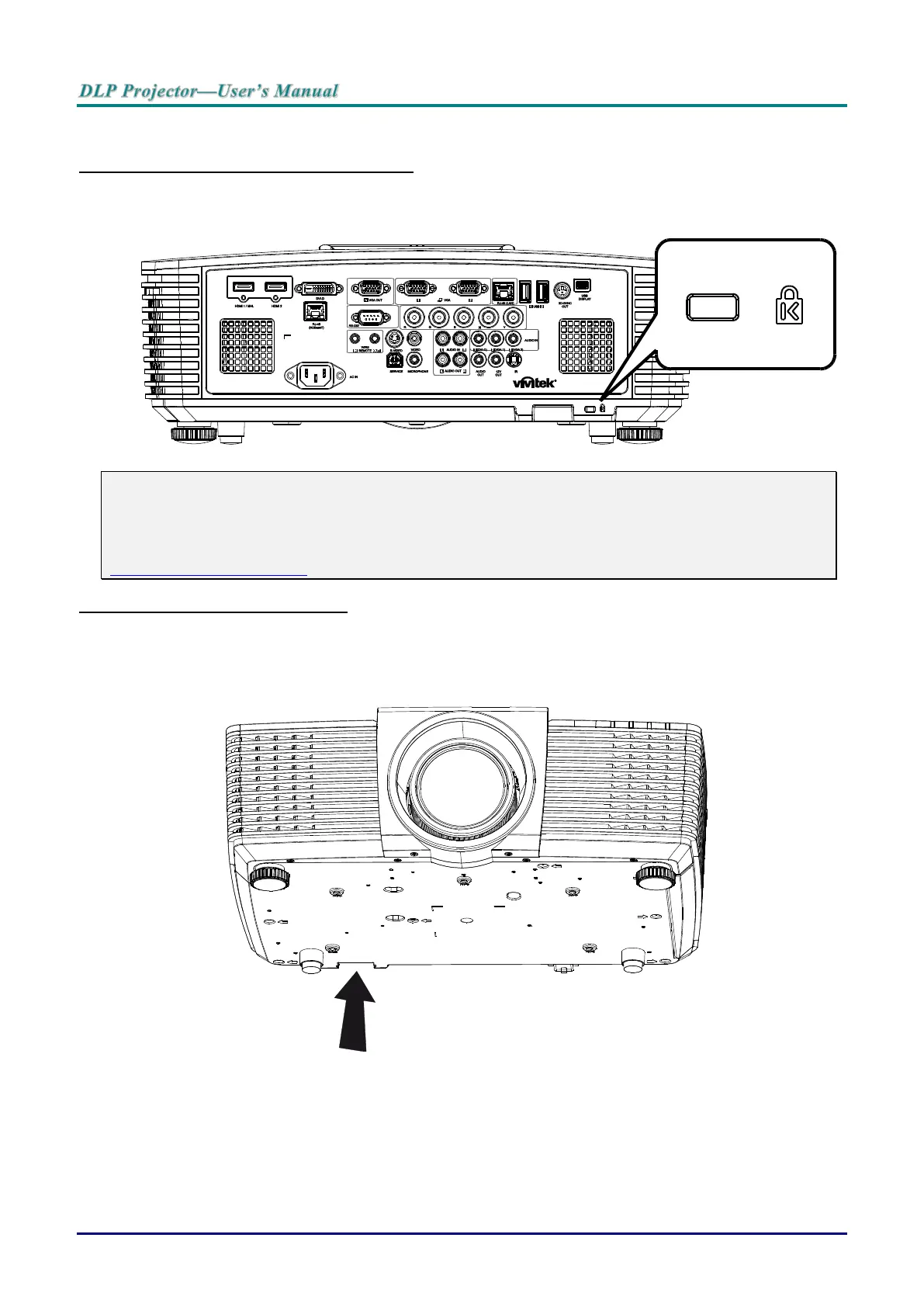
Using the Kensington Security Slot
If you are concerned about security, attach the projector to a permanent object with the Kensington slot
and a security cable.
Note:
Contact your vendor for details on purchasing a suitable Kensington security cable.
The security lock corresponds to Kensington’s MicroSaver Security System. If you have any com-
ment, contact: Kensington, 2853 Campus Drive, San Mateo, CA 94403, U.S.A. Tel: 800-535-4242,
http://www.Kensington.com.
Using the Security Bar Lock
In addition to the password protection function and the Kensington lock, the Security Bar Opening helps
protect the projector from unauthorized use.
See the following picture.



 To Next Page