– 27 –
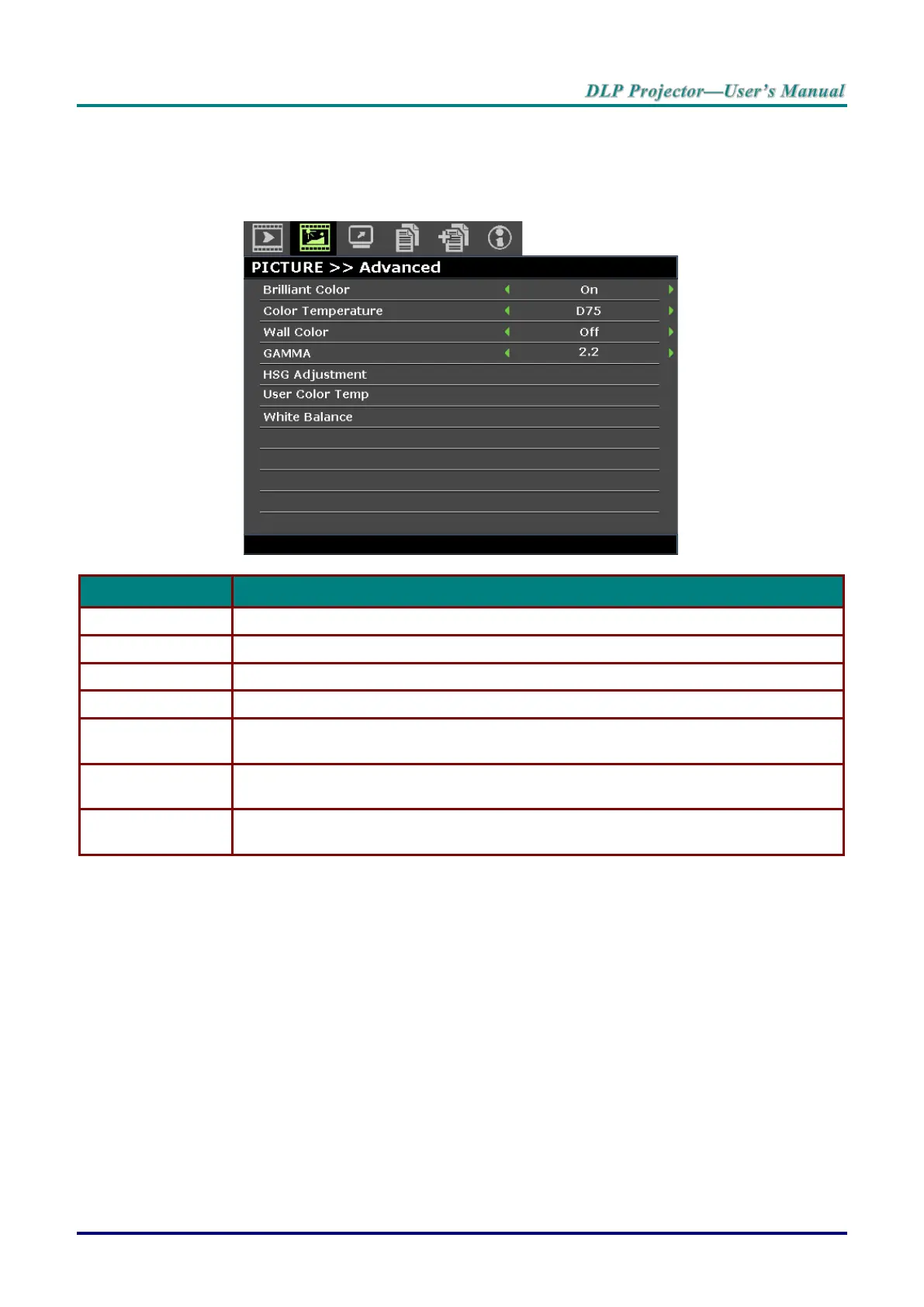
PICTURE >> Advanced Menu
Press the MENU button to open the OSD menu. Press the cursor ◄ / ► buttons to move to the
PICTURE >> Advanced menu. Press the cursor ▲ / ▼ buttons to move up and down in the
PICTURE >> Advanced menu. Press the cursor ◄ / ► buttons to change values for settings.
Press the cursor ◄ / ► buttons to set the brilliant color.
Press the cursor ◄ / ► buttons to set the color temperature.
Press the cursor ◄ / ► buttons to select different wall color setting.
Press the cursor ◄ / ► buttons to adjust the gamma correction of the display.
Press the ENTER button to enter the HSG Adjustment sub menu. See HSG
Adjustment on page 28.
Press the ENTER button to enter the User Color Temp sub menu. See User Color
Temp on page 28.
Press the ENTER button to enter the White Balance sub menu.
See White Balance on page 29.



 To Next Page