— 26 —
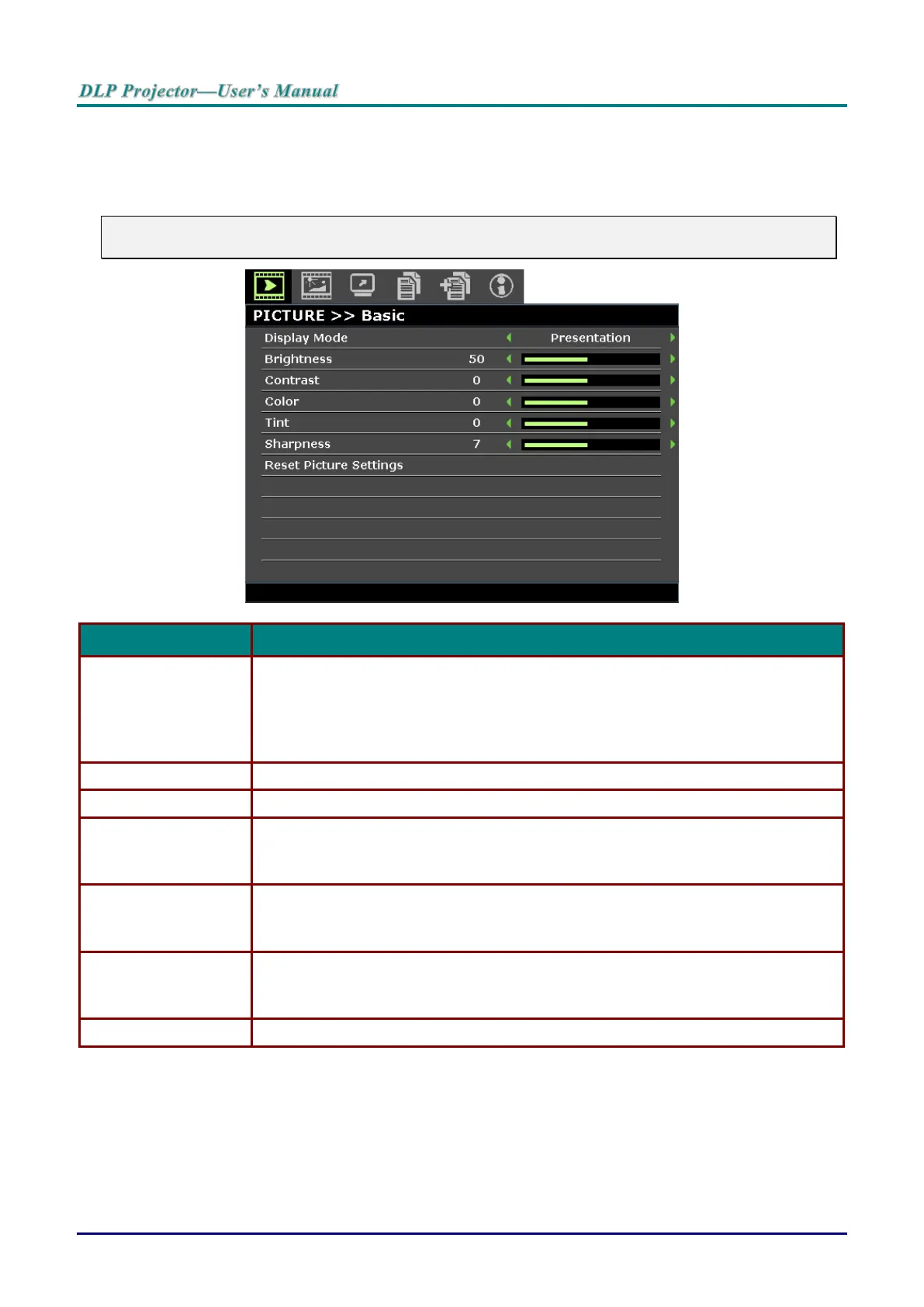
PICTURE >> Basic Menu
Press the MENU button to open the OSD menu. Press the cursor ◄ / ► buttons to move to the PICTURE
>> Basic menu. Press the cursor ▲ / ▼ buttons to move up and down in the PICTURE >> Basic menu.
Press the cursor ◄ / ► buttons to change values for settings.
Note:
Customizing the settings in PICTURE >> Basic menu is only available in User 1 / 2 mode.
Press the cursor ◄ / ► buttons to set the display mode.
Note: The DISCOM SIM mode simulates the grayscale/gamma performance of the
equipment used for "Digital Image and Communication in Medicine"(DICOM).
Important: This display mode should NEVER be used for medical diagnosis; it is
for education/training purpose only.
Press the cursor ◄ / ► buttons to adjust the display brightness.
Press the cursor ◄ / ► buttons to adjust the display contrast.
Press the cursor ◄ / ► buttons to adjust the video saturation.
Note: This function is only available when Component, Video or S-Video input
source is selected.
Press the cursor ◄ / ► buttons to adjust the video tint/hue.
Note: This function is only available when Component, Video or S-Video with
NTSC system input source is selected.
Press the cursor ◄ / ► buttons to adjust the display sharpness.
Note: This function is only available when Component, Video or S-Video input
source is selected.
Press the ENTER button to reset Current or All settings to default values.



 To Next Page