— 56 —
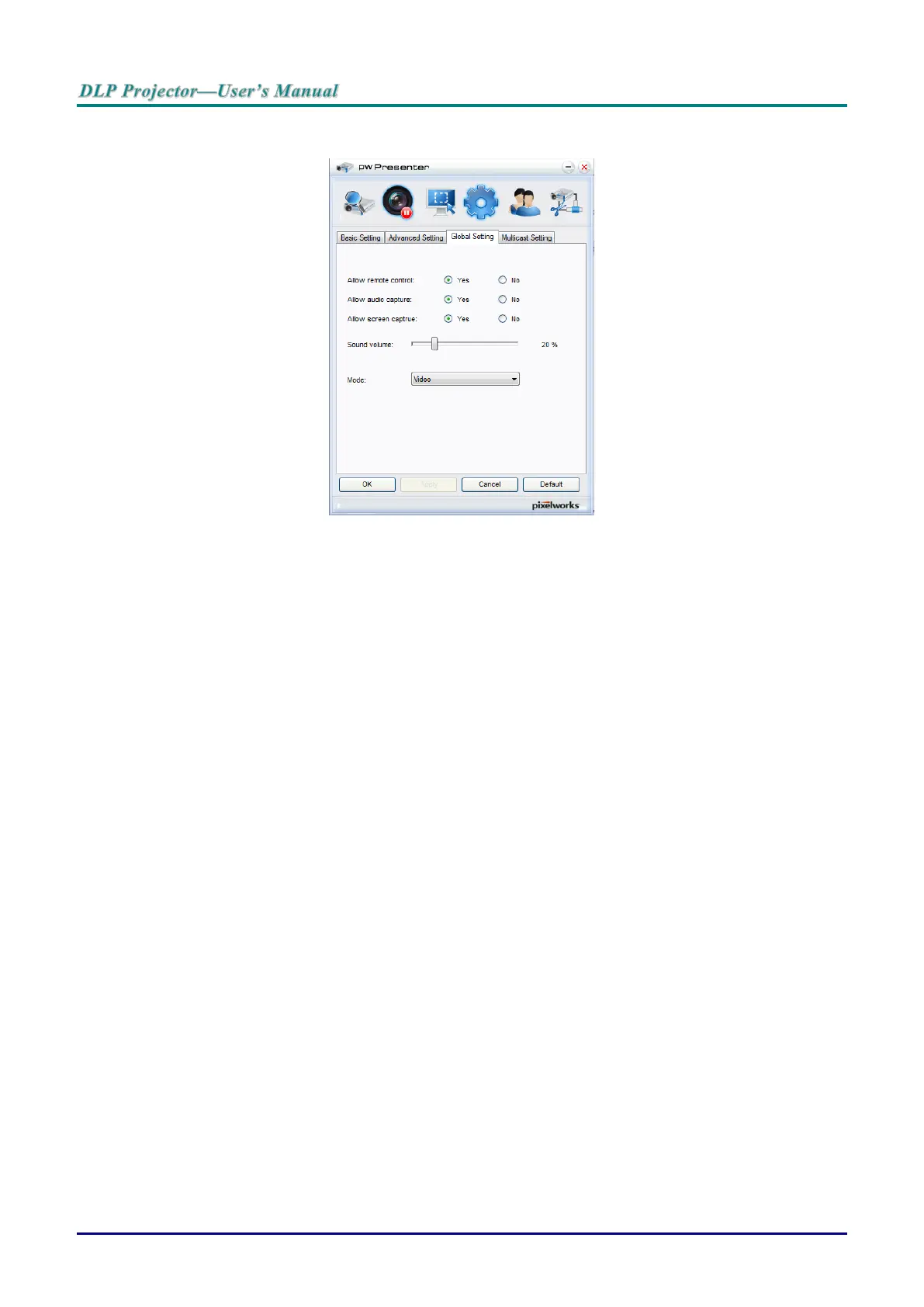
5. Select the radio button and click Yes to enable the remote control/audio capture/screen capture
function.
When you installing the pwPresenter, the operating system’s default language is selected for
pwPresenter. If a language is not available, English is selected.
a. You can select whether to allow notification message popup.
b. Once you set to activate 1:N display, 1PC/NB can display up to 8 projectors at the same
time.
c. Once set, press Apply to save the changes.
d. You can select Video or Graphic display mode.
Graphic Mode: worse image quality but faster transmission speed.
Video Mode: better image quality but slower transmission speed.
The actual transmission performance is determined by the current network bandwidth.
e. You can select whether to automatically open the pwPresenter application when the
computer is powered on.
f. Once set, press Apply to save the changes.
6. Open the OSD menu and go to the SYSTEM SETUP >> Advanced > Network Settings >
Remote Desktop.



 To Next Page