— 60 —
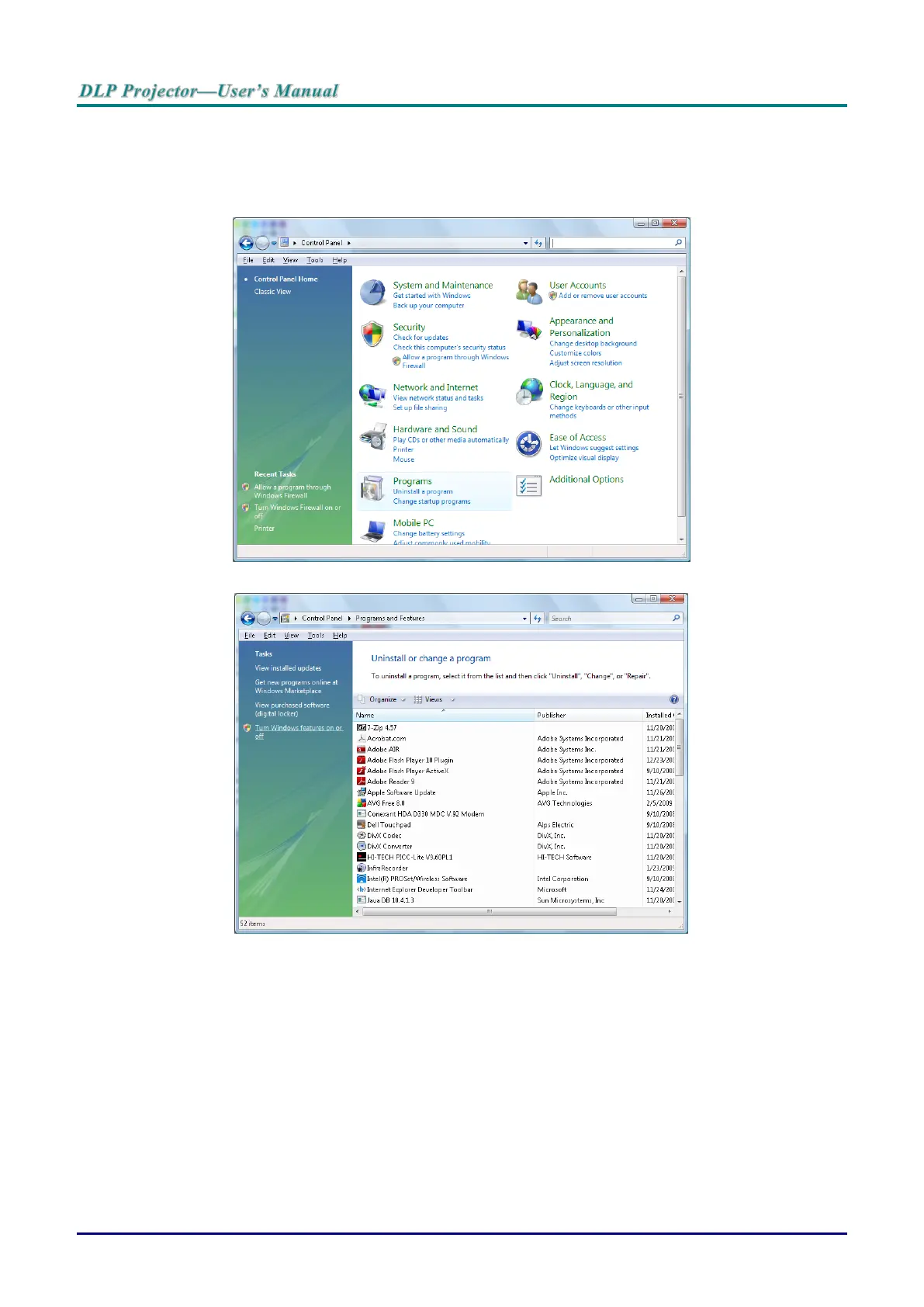
Enabling TELNET in Windows VISTA and Windows 7
By default installation for Windows VISTA the Telnet function is not enabled. It is enabled by configuring
Windows features..
1. Navigate to Start > Control Panel in Windows Vista.
2. Select Programs to continue.
3. Select Turn Windows features on or off to open the Windows Features window.
4. Scroll down until the Telnet Client feature is displayed.



 To Next Page