– 61 –
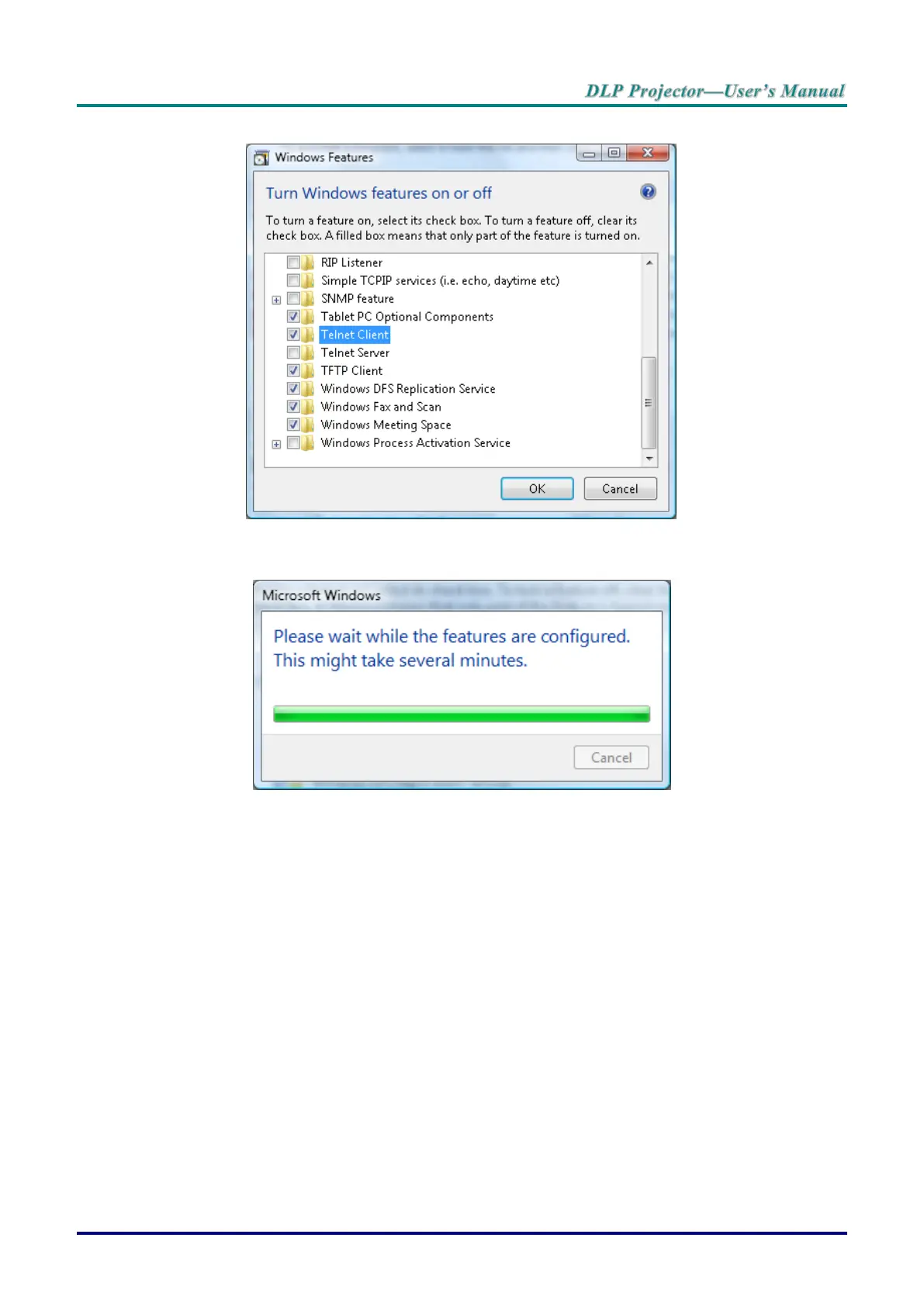
5. Click the radio box to enable the Telnet Client feature.
6. Click OK to continue.
The feature requires additional Windows configuration.
RS232 Spec sheet for Telnet
1. Telnet: TCP.
2. Telnet port: 23 (for further information, contact the system administrator).
3. In console mode, type Telnet.exe to open the Windows console utility.
4. Disconnect from RS232-by-Telnet normally:
Close Windows Telnet utility after Telnet connection is established.
5. Limitation 1 for Telnet-Control: there is only one connection for Telnet-Control per projector.
Limitation 2 for Telnet-Control: there are less than 50 bytes for successive network payload for
Telnet-Control application.
Limitation 3 for Telnet-Control: there are less than 26 bytes for one complete RS232 command for
Telnet-Control.
Limitation 4 for Telnet-Control: Minimum delay between RS232 commands must be more than
200 (ms).
(*In Windows built-in TELNET.exe utility, Enter key represents a Carriage-Return and New-Line
code value.)



 To Next Page