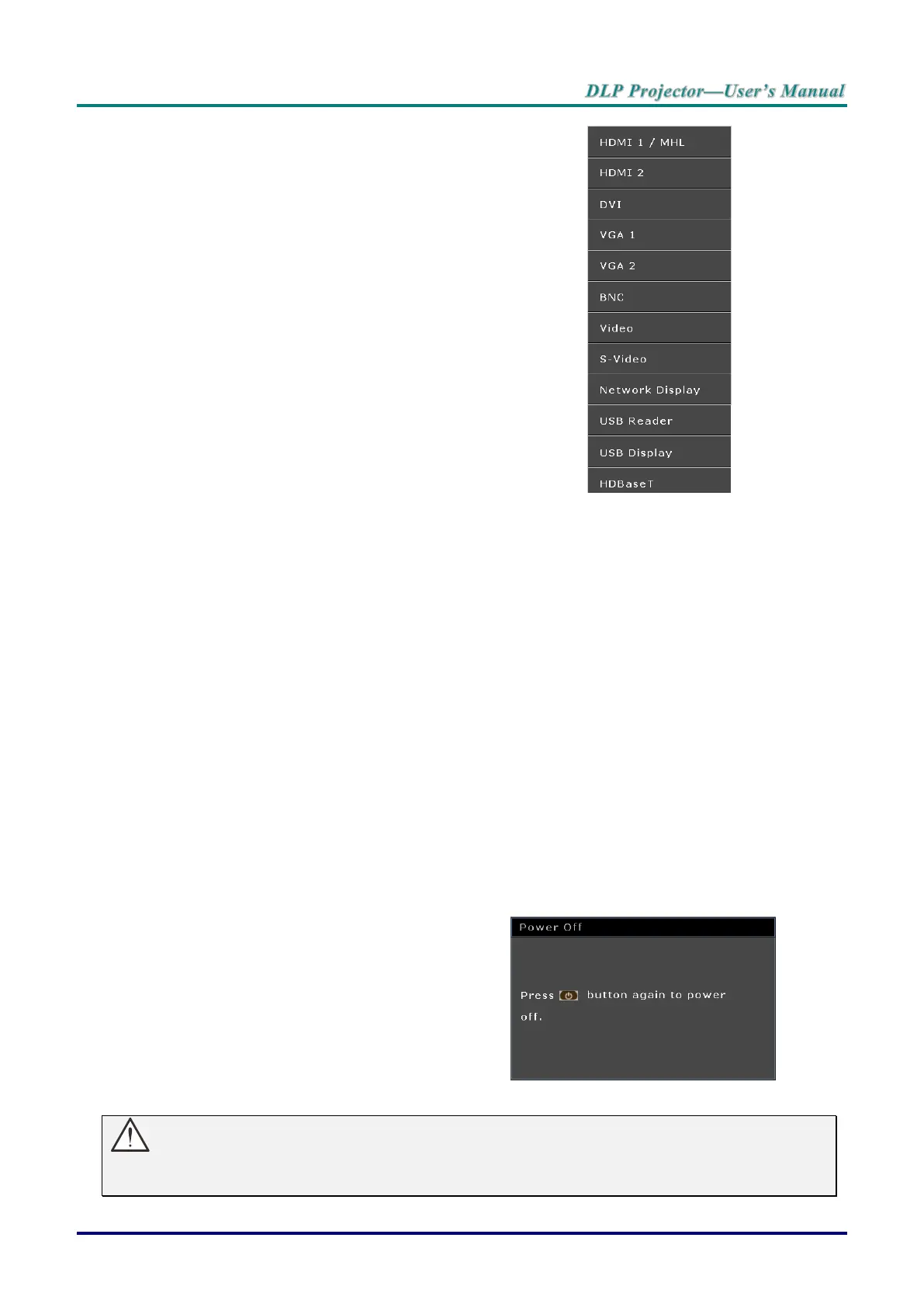
If more than one input device is
connected, press the SOURCE button
and use ▲▼ to scroll among devices.
(Component is supported through the
RGB to Component adapter.)
HDMI 1 / MHL: High-Definition Multimedia Interface
and Mobile High-Definition Link
compatible
HDMI 2: High-Definition Multimedia Interface
compatible
DVI: DVI
VGA 1 / 2: Analog RGB
DVD input YCbCr/ YPbPr, or HDTV input
YPbPr via D-sub connector
BNC: Analog RGB
VIDEO: Tradition composite video
S-Video: Super video (Y/C separated)
Network Display: Network Display Source
USB Reader: USB reader Source
USB Display: USB Display from PC USB connection
HDBaseT: Digital Video trough the HDBaseT
transmitter (Available in DH3321)
Note: Using a single HDBaseT CAT5e cable, the
projector supports an HDBaseT connection distances to
100m/328ft.
When the “Power Off? /Press Power
again” message appears, press the
POWER button. The projector turns off.
cooled down.



 To Next Page