Home
Vivitek
Projector
DW3321
Page 33 (System Setup Menu Overview (Advanced))
Vivitek DW3321 - System Setup Menu Overview (Advanced)
99 pages
Manual
Save Page as PDF
To Next Page
To Next Page
To Previous Page
To Previous Page
Loading...
—
24
—
M
AIN
M
ENU
S
UB
M
ENU
S
ETTINGS
SYSTEM
SETUP
>>
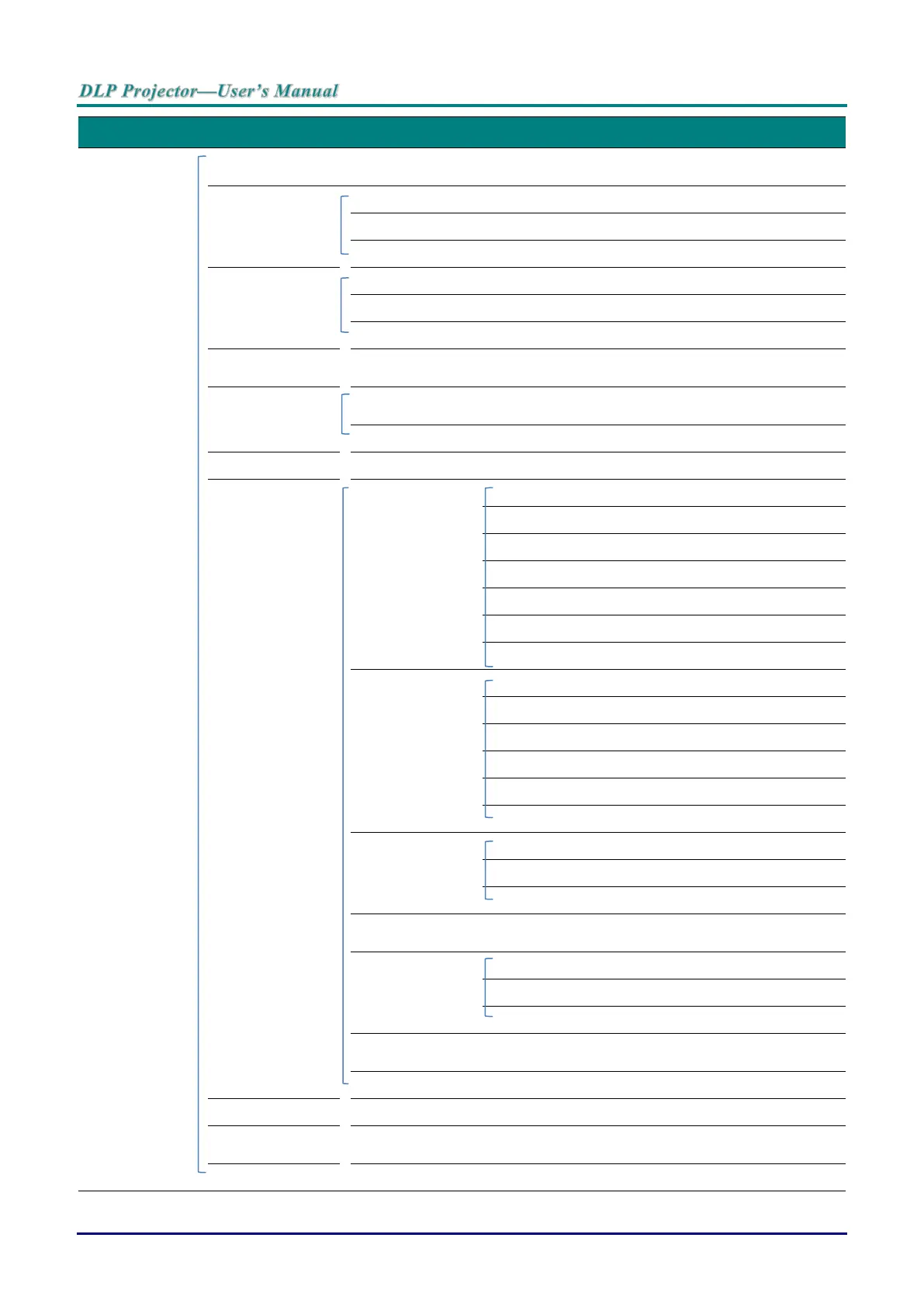
Advanced
High Altitude
Mode
Off, On
Audio Settings
Mute
Off, On
Volume
0 ~ 10
Out
Off, Mini, RCA
Lamp Settings
Lamp Mode
Normal, ECO, Dynamic ECO
Reset Lamp Timer
Yes, No
Total Lamp Hour
Test Pattern
Off, Grid, White, Red, Gree
n,
Blue, Black
Closed Caption
Closed Caption
Enable
Off, On
Caption Version
CC1, CC2, CC3, CC4
Low Power Mode
Off, On, On By Lan
Network Settings
Wired Lan
Status
Connect, Disconnect
DHCP
On, Off
IP Address
0~255, 0~255, 0~255, 0~255
Subnet Mask
0~255, 0~255, 0~255, 0~255
Default Gateway
0~255, 0~255, 0~255, 0~255
DNS Server
0~255, 0~255, 0~255, 0~255
Apply
Wireless Lan
Status
Connect, Disconnect
SSID
Refresh, Other
SSID Display
On, Off
IP Address
0~255, 0~255, 0~255, 0~255
Connection Mode
AP, Infrastructure
Apply
Remote Desktop
Account
Password
Connection Mode
AP, Infrastructure
Projection Login
Code
On, Off
Broadcasting
Broadcasting
On, Off
Channel
2~25
IP Address
AMX Device
Discovery
On, Off
MAC Address
xx.xx.xx.xx.xx.xx
Reset All Settings
Reset, Cancel
Air Filter Timer
Reset
Yes, No
Remote ID
Default, 1, 2, 3, 4, 5,
6, 7
32
34
Table of Contents
Main Page
Default Chapter
8
Table of Contents
8
Getting Started
10
Packing Checklist
10
Views of Projector Parts
11
Front-Right View
11
View of Projector Part
11
Top View-On-Screen Display (OSD) Buttons and Leds
12
Rear View
13
Bottom View
15
Remote Control Parts
16
Remote Control Operating Range
19
Projector and Remote Control Buttons
19
Setup and Operation
20
Inserting the Remote Control Batteries
20
Starting and Shutting down the Projector
21
Adjusting the Projector Level
23
Adjusting Projected Image Position Using Lens Shift
24
Adjusting the Vertical Image Position
25
Adjusting the Horizontal Image Position
26
Adjusting the Zoom, Focus and Keystone
27
Adjusting the Volume
28
On-Screen Display (Osd) Menu Settings
29
Osd Menu Controls
29
Navigating the OSD
29
Setting the Osd Language
30
Osd Menu Overview
31
Picture >> Basic Menu
35
Picture >> Advanced Menu
36
HSG Adjustment
37
User Color Temp
37
White Balance
38
Display Menu
39
Corner
40
Pincushion
41
PC Detail Adjustment
42
3D Setting
43
System Setup >> Basic Menu
44
Presentation Timer
45
Menu Settings
45
System Setup >> Advanced Menu
46
Audio Settings
47
Lamp Settings
47
Closed Caption
48
Network Settings
48
Wired Lan
49
Supported External Devices
50
Browser Based Management
53
Pwpresenter
56
Using the Broadcasting Function
62
Remote Desktop Control through Pwpresenter
64
Presenting from a USB Reader
66
Rs232 by Telnet Function
68
Quick Start-Guide for TELNET
68
Information Menu
71
Maintenance and Security
72
Replacing the Projection Lamp
72
Cleaning the Projector
75
Cleaning the Lens
75
Cleaning the Case
75
Cleaning the Air Filter
76
Using the Physical Lock
79
Using the Kensington Security Slot
79
Using the Security Bar Lock
79
Troubleshooting
80
Common Problems and Solutions
80
Tips for Troubleshooting
80
Led Error Messages
81
Image Problems
82
Lamp Problems
82
Remote Control Problems
83
Audio Problems
83
Having the Projector Serviced
83
Hdmi Q & a
84
Specifications
85
Pecifications
85
Projection Distance Vs. Projection Size
87
Projection Distance and Size Table
87
Timing Mode Table
88
Projector Dimensions
91
Regulatory Compliance
92
Fcc Warning
92
Canada
92
Safety Certifications
92
RS232 Pin Assignments (Projector Side)
93
Rs-232C Protocol
93
Appendix I
93
Operation Command
94
Related product manuals
Vivitek DW2650Z
66 pages
Vivitek DW771USTIE
87 pages
Vivitek DW886 Series
82 pages
Vivitek D550
65 pages
Vivitek DS262
69 pages
Vivitek DX977
79 pages
Vivitek D6510
111 pages
Vivitek D8800
73 pages
Vivitek DX273
48 pages
Vivitek DU6771
64 pages
Vivitek D857WT
65 pages
Vivitek D825MS
55 pages



 To Next Page