33
Built-in Help
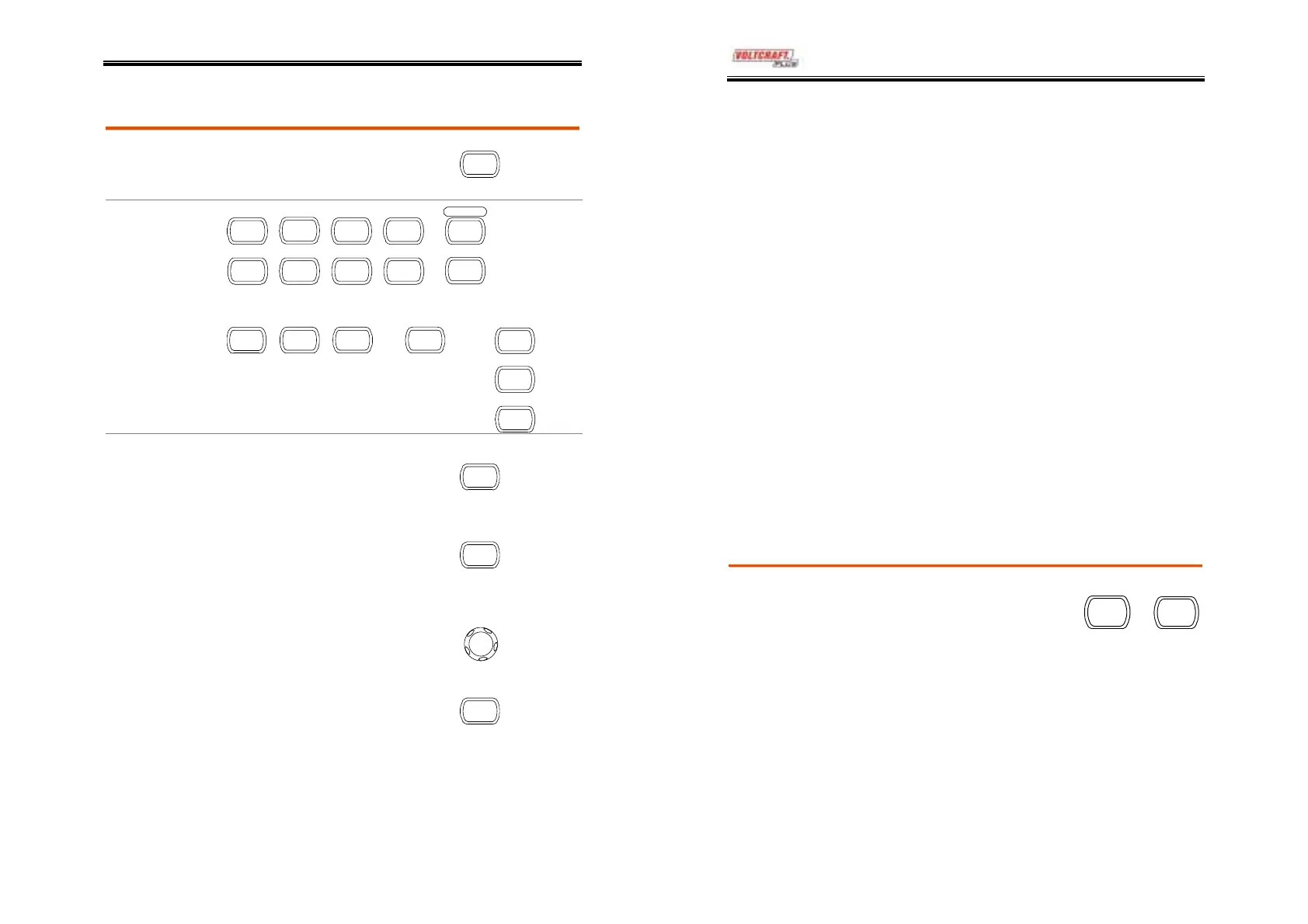
The Help key shows the contents of the built-in
help support. When you press a function key, its
descriptions appear in the display.
Help
Applicable keys
cquire Display Utility Help
Run/Stop
utoset
Cursor HardcopyMeasure Save/Recall
(Vertical)
CH 1
T
CH 2
(Horizontal)
MENU
(Trigger)
MENU
FORCE
SINGLE
Procedure
1. Press the Help key. The
display changes to the Help
mode.
Help
2. Press a functional key to
access its help contents.
(example: Acquire key)
cquire
3. Use the Variable knob to
scroll the Help contents up
and down.
V
RIABL
4. Press the Help key again to
exit the Help mode.
Help
DSO-4000 User Manual
34
MEASUREMENT
The Measurement chapter describes how to
properly observe a signal using the oscilloscope’s
basic functionalities, and how to observe a signal
in detailed manners using one of the advanced
functionalities: automatic measurements, cursor
measurements, and math opetaions.
Basic Measurements
This section describes the basic operations required in capturing and
viewing an input signal. For more detailed operations, see the
following chapters.
• Measurements → from page34
• Configurations → from page49
Activating a channel
Activating a
channel
To activate an input channel,
press the Channel key, CH1 or
CH2. The channel indicator
appears at the left side of the
display and the channel icon
changes accordingly.
CH 1
or
CH 2
(Continued on next page)



 To Next Page