45
Using the vertical cursors
Procedure
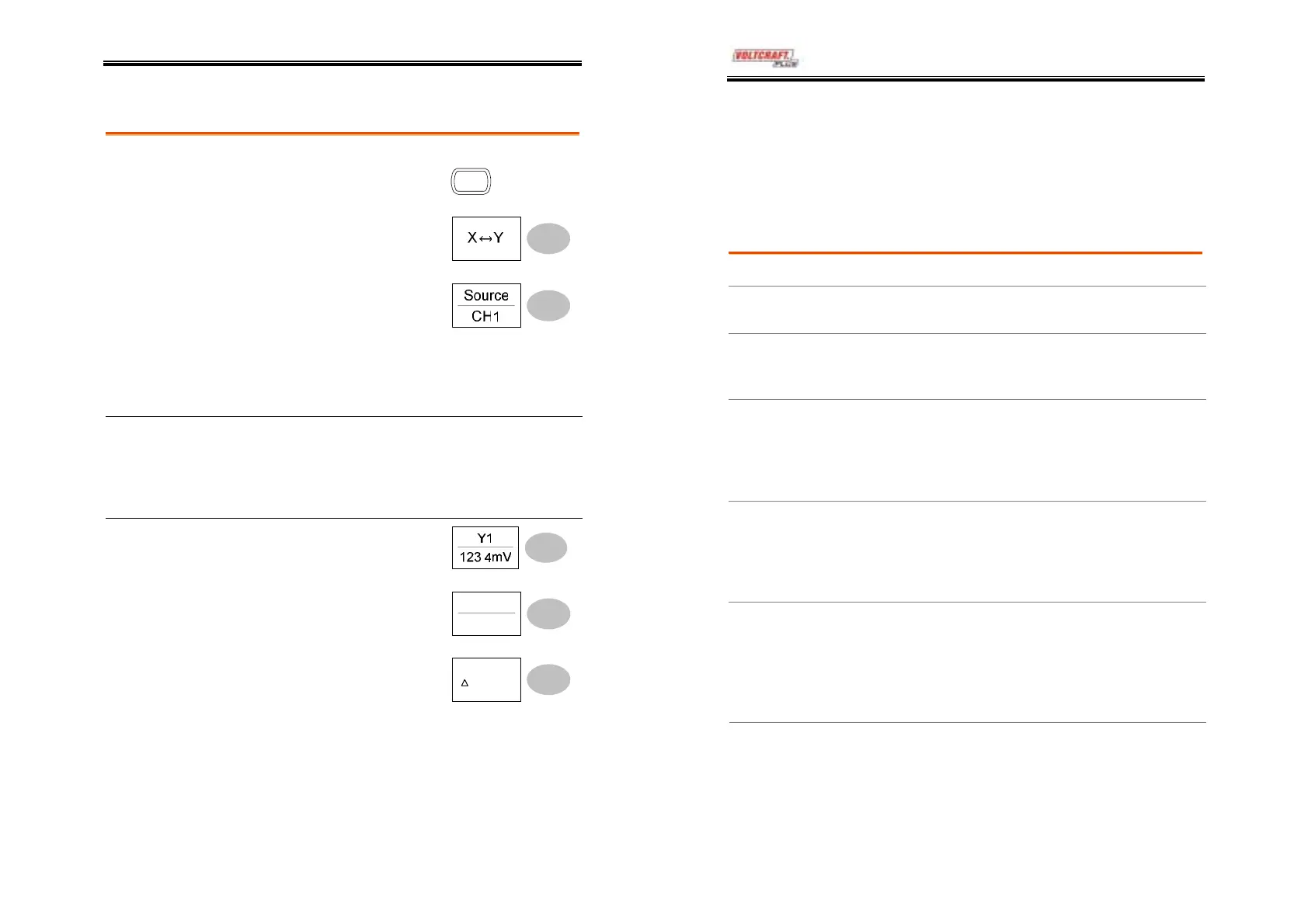
1. Press the Cursor key.
Cursor
2. Press X↔Y to select the
vertical (Y1&Y2) cursor.
3. Press Source repeatedly to
select the source channel.
Range
CH1, 2, Math
4. The cursor measurement results will appear in
the menu.
Parameters Y1
Voltage level of the upper cursor
Y2
Voltage level of the lower cursor
∆
The voltage difference between the upper
and lower cursor
Moving the
vertical cursors
To move the upper cursor,
press Y1 and then use the
Variable knob.
To move the lower cursor,
press Y2 and then use the
Variable knob.
Y2
22.9mV
To move both cursors at once,
press Y1Y2 and then use the
Variable knob.
Y1Y2
:23.6us
DSO-4000 User Manual
46
Math Operations
The Math operations can add, subtract, or perform FFT on the input
waveforms. The resulted waveform can be measured using the
cursors, and saved or recalled just like normal input signals.
Overview
Addition (+)
Adds amplitude of CH1 & CH2 signals.
Subtraction (–)
Extracts the amplitude difference between CH1 &
CH2.
FFT
Runs FFT calculation on a signal. Four types of
FFT windows are available: Hanning, Flattop,
Rectangular, and Blackman.
Frequency resolution
Good
Hanning FFT
window
Amplitude resolution
Not good
Suitable for....
Frequency measurement on
periodic waveforms
Frequency resolution
Not good
Flattop FFT
window
Amplitude resolution
Good
Suitable for....
Amplitude measurement on
periodic waveforms
Frequency resolution
Very good
Rectangular FFT
window
Amplitude resolution
Bad
Suitable for....
Single-shot phenomenon
(this mode is the same as
having no window at all)
Frequency resolution
Bad
Blackman FFT
window
Amplitude resolution
Very good
Suitable for....
Amplitude measurement on
periodic waveforms



 To Next Page