55
Selecting the waveform update mode
Background
The display update mode is switched
automatically or manually according to the
horizontal scale.
Main mode
Updates the whole displayed waveform at once.
The main mode is automatically selected when the
horizontal scale (timebase) is fast.
Horizontal scale
≤100ms/div
Trigger
All mode available
Roll mode
Updates and moves the waveform gradually from
the right side of the display to the left. The Roll
mode is automatically selected when the
horizontal scale (timebase).
When in the Roll mode, an indicator appears at the
bottom of the display.
Main mode
Roll mode
Timebase
≥250ms/div (≤100Sa/s)
Trigger
Auto mode only
Selecting the Roll
mode manually
1. Press the Horizontal menu
key.
MENU
2. Press Roll. The horizontal
scale automatically becomes
250ms/div and the
waveform starts scrolling
from the right side of the
display (If the oscilloscope
is already in the Roll mode,
there will be no change).
Roll
DSO-4000 User Manual
56
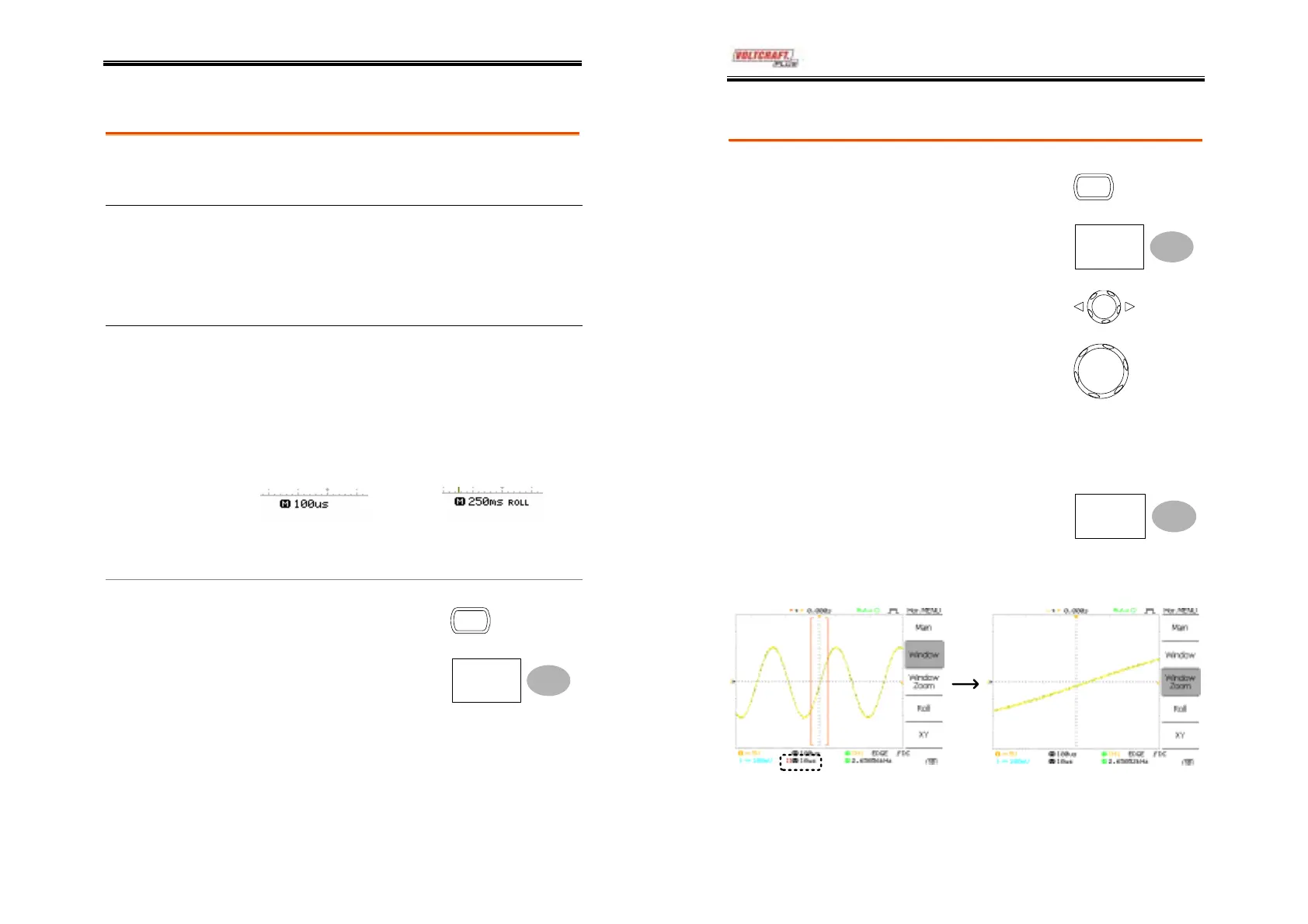
Zooming the waveform horizontally
Procedure/ range
1. Press the Horizontal Menu
key.
MENU
2. Press Window.
Window
3. Use the horizontal position
knob to move the zoom
range sideways, and
TIME/DIV knob to change
the zoom range width.
TIME/DIV
The width of the bar in the middle of the
display is the actual zoomed area.
Zoom range
1ns ~ 1ms
4. Press Window Zoom. The
specified range gets
zoomed.
Window
Zoom
Example
Zoom width
Setting the zoom width Zooming in



 To Next Page