79
Saving the panel settings
Procedure
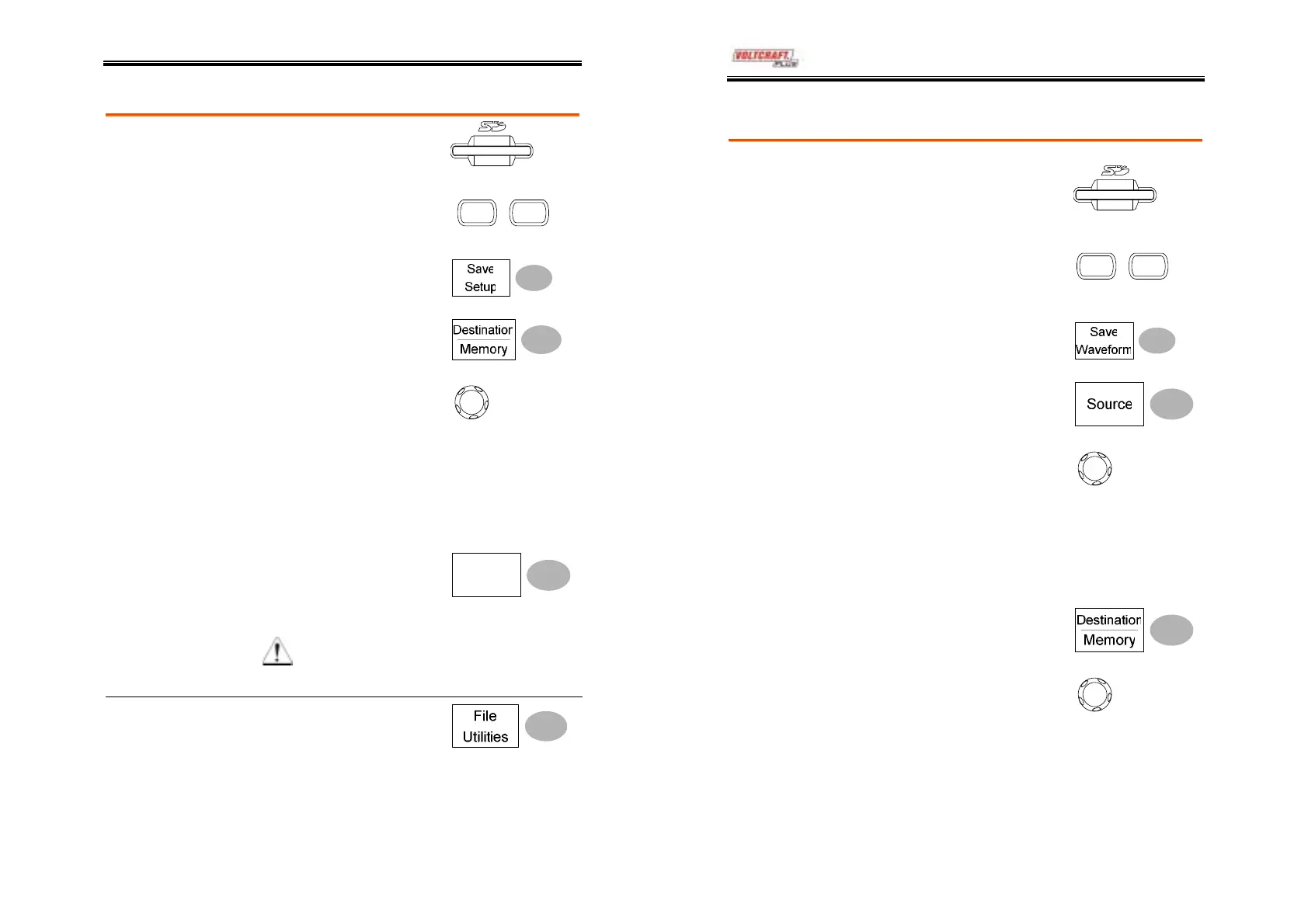
1. (For saving to an external
SD card) Insert the card into
the slot.
2. Press the Save/Recall key
twice to recall the Save
menu.
Save/Recal
Save/Recal
3. Press Save Setup.
4. Press Destination repeatedly
to select the saved location.
Use the Variable knob to
change the internal memory
location (S1 ~ S15).
V
RIABL
Memory
Internal memory, S1 ~ S15
SD card
External card, no practical
limitation for the amount of file.
When saved, the setup file will be
placed in the root directory.
5. Press Save to confirm
saving. When completed, a
message appears at the
bottom of the display.
Save
Note
The file will not be saved if the
power is turned off or SD card is
disconnected before completion.
File utilities
To edit SD card contents
(create/ delete/ rename files
and folders), press File Utilities.
For details, see page74.
DSO-4000 User Manual
80
Saving the waveform
Procedure
1. (For saving to an external
SD card) Insert the card into
the slot.
2. Press the Save/Recall key
twice to recall the Save
menu.
Save/Recal
Save/Recal
3. Press Save Waveform.
4. Press Source. Use the
Variable knob to select the
source signal.
V
RIABL
CH1 ~ CH2
Channel 1 ~ 2 signal
Math
Math operation result (page46)
RefA, B
Internally stored reference
waveforms A, B
5. Press Destination repeatedly
to select the file destination.
Use the Variable knob to
select the memory location.
V
RIABL
Memory
Internal memory, W1 ~ W15
SD card
External card, no practical
limitation for the amount of file.
When saved, the waveform will be
placed in the root directory.



 To Next Page