65
Configuring the video trigger
Procedure
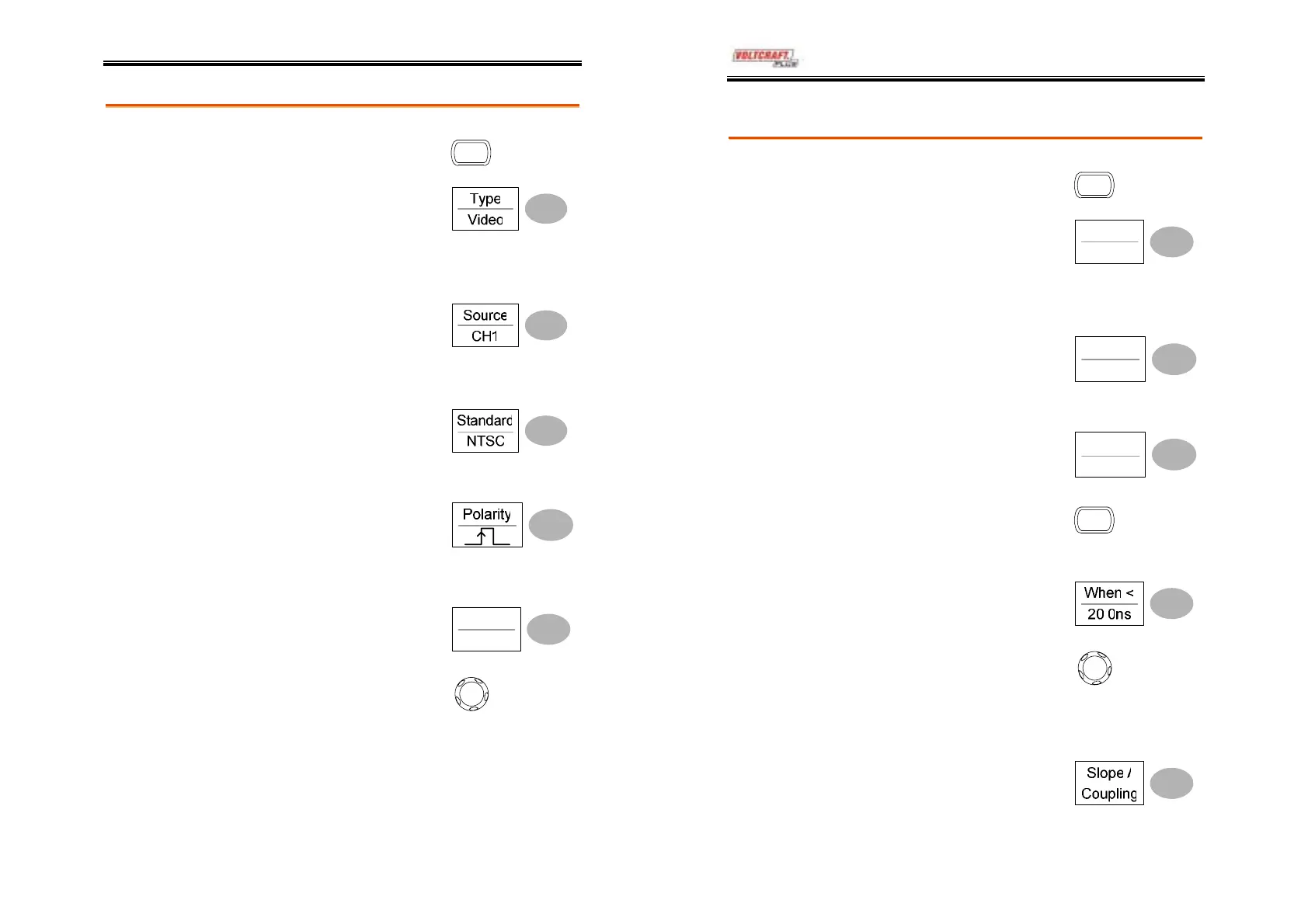
1. Press the Trigger menu key.
MENU
2. Press Type repeatedly to
select video trigger. The
video trigger indicator
appears at the bottom of the
display.
3. Press Source repeatedly to
select the trigger source
channel.
Range
Channel 1, 2
4. Press Standard repeatedly to
select the video standard.
Range
NTSC, PAL, SECAM
5. Press Polarity repeatedly to
select the video signal
polarity.
Range
positive, negative
6. Press Line repeatedly to
select the video field line.
Use the Variable knob to
select the video line.
Line
V
RIABL
Field
1, 2
Video line
NTSC: 1 ~ 262 (Even), 1 ~ 263 (Odd)
PAL/SECAM: 1 ~ 312 (Even),
1 ~ 313 (Odd)
DSO-4000 User Manual
66
Configuring the pulse width trigger
Procedure
1. Press the Trigger menu key.
MENU
2. Press Type repeatedly to
select pulse width trigger.
The pulse width trigger
indicator appears at the
bottom of the display.
Type
Pulse
3. Press Source repeatedly to
select the trigger source.
Source
CH1
Range
Channel 1, 2, Ext
4. Press Mode repeatedly to
select the trigger mode,
Auto or Normal. To select
the Single trigger mode,
press the Single key.
Mode
Auto
SINGLE
Range
Auto, Normal, Single
5. Press When repeatedly to
select the pulse condition.
Then use the Variable knob
to set the pulse width.
V
RIABL
Condition
> , < , = , ≠
Width
20ns ~ 200us
6. Press Slope/Coupling to set
trigger slope and coupling.



 To Next Page