63
Pulse condition
(pulse trigger)
Sets the pulse width (20ns ~ 200us) and the
triggering condition.
>
Longer than
=
Equal to
<
Shorter than ≠ Not equal to
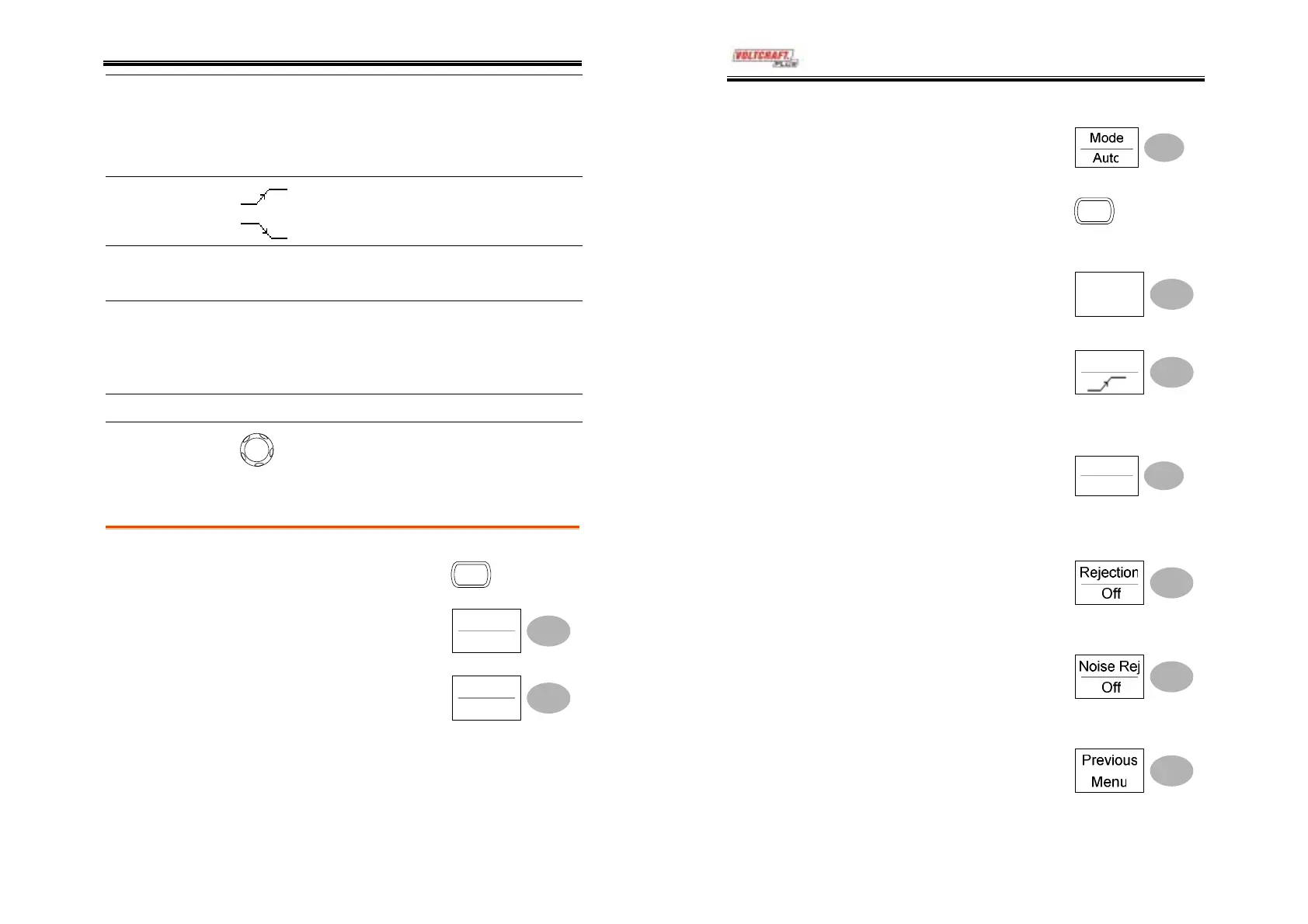
Trigger slope
Triggers on the rising edge.
Triggers on the falling edge.
Trigger coupling AC
Triggers only on AC component.
DC
Triggers on AC+DC component.
Frequency
rejection
LF
Puts a high-pass filter and rejects the
frequency below 50kHz.
HF
Puts a low-pass filter and rejects the
frequency above 50kHz.
Noise rejection
Rejects noise signals.
Trigger level
LEVEL
Using the trigger level knob moves the
trigger point up or down.
Configuring the edge trigger
Procedure
1. Press the Trigger menu key.
MENU
2. Press Type repeatedly to
select edge trigger.
Type
Edge
3. Press Source repeatedly to
select the trigger source.
Source
CH1
Range
Channel 1, 2, Line, Ext
DSO-4000 User Manual
64
4. Press Mode repeatedly to
select the Auto or Normal
trigger mode. To select the
Single trigger mode, press
the Single key.
SINGLE
Range
Auto, Normal, Single
5. Press Slope/coupling to enter
into the trigger slope and
coupling selection menu.
Slope /
Coupling
6. Press Slope repeatedly to
select the trigger slope,
rising or falling edge.
Slope
Range
Rising edge, falling edge
7. Press Coupling repeatedly to
select the trigger coupling,
DC or AC.
Coupling
AC
Range
DC, AC
8. Press Rejection to select the
frequency rejection mode.
Range
LF, HF, Off
9. Press Noise Rej to turn the
noise rejection on or off.
Range
On, Off
10. Press Previous menu to go
back to the previous menu.



 To Next Page