51
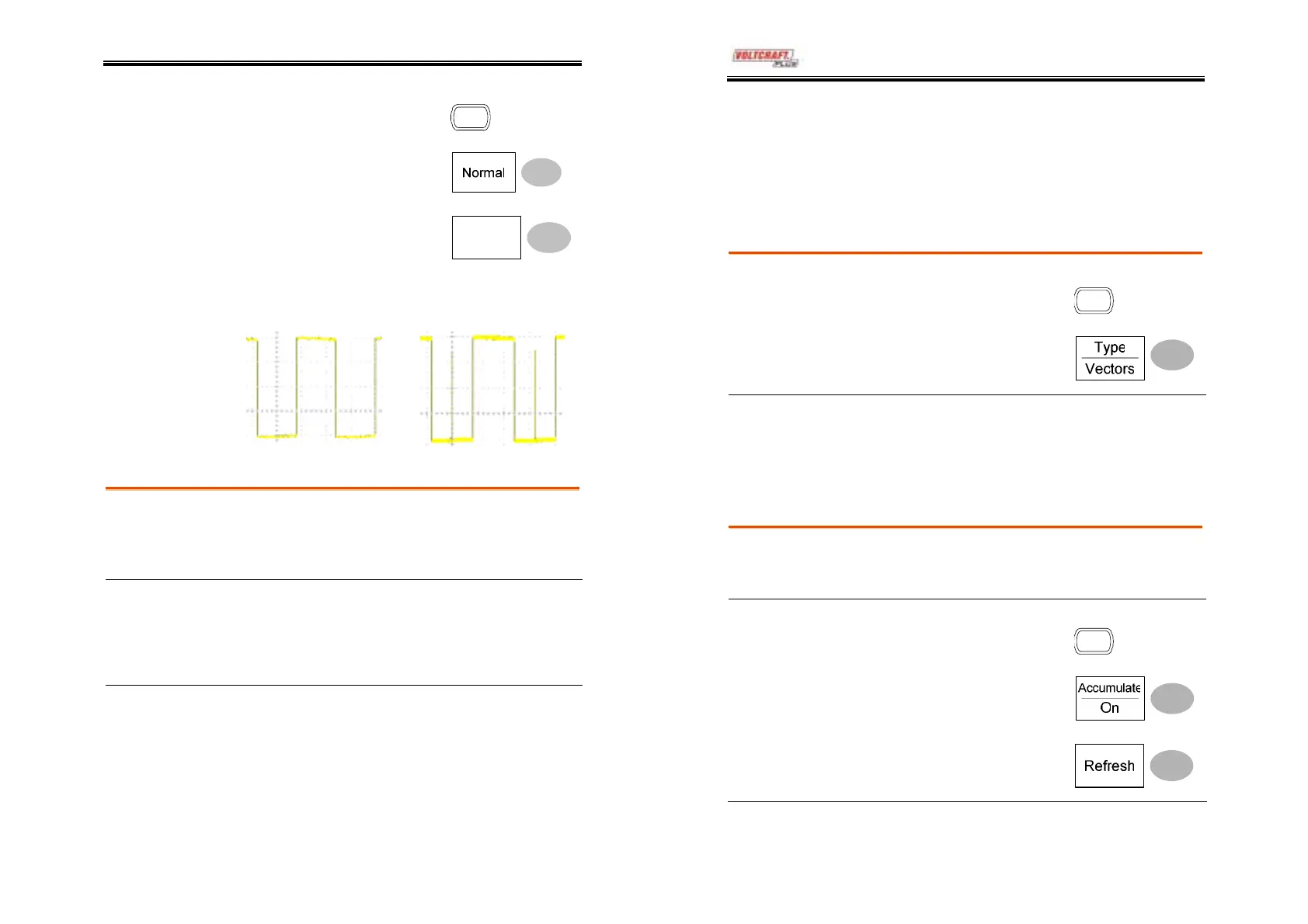
6. Press the Acquire key.
cquire
7. Press Normal.
8. Press Peak-Detect and see
that a spike noise is
captured.
Peak
Detect
Example
The peak detect mode reveals the occasional glitch.
Normal mode
Peak detect mode
Real time vs Equivalent time sampling mode
Backgrounds
The oscilloscope automatically switches between
two sampling modes, Real-time and Equivalent-
time, according to the number of active channels
and sampling rate.
Real-time
sampling
One sampled data is used to reconstruct a single
waveform. Short-time events might get lost if the
sampling rate gets too high. This mode is used
when the sampling rate is relatively low
(250MSa/s or lower).
Equivalent-time
sampling
Multiple numbers of sampled data are
accumulated to reconstruct a single waveform.
Restores greater waveform details but takes longer
to update the waveform. This mode is used when
the sampling rate becomes higher than 250MSa/s.
The maximum equivalent-time sampling rate is
25GSa/s.
DSO-4000 User Manual
52
Display
The Display section describes how to configure the display settings:
drawing type, waveform accumulation, contrast adjustment, and
grid settings.
Selecting the vector or dot drawing
1. Press the Display key.
Display
Procedure
2. Press Type repeatedly to
select the waveform
drawing.
Types Dots
Only the sampled dots are displayed.
Vectors
The sampled dots are connected by
lines.
Accumulating the waveform
Background
Accumulation preserves the old waveform
drawings and overwrites new waveforms on top
of it. It is useful for observing waveform variation.
1. Press the Display key.
Display
Procedure
2. Press Accumulate to turn on
the waveform accumulation.
3. To clear the accumulation
and start it over (refresh),
press Refresh.
(Continued on next page)



 To Next Page