85
Cursor
Source: CH1 Horizontal: None
Vertical: None
Display
Type: Vectors Accumulate: Off
Graticule:
Horizontal
Scale: 2.5us/Div Mode: Main Timebase
Math
Type: + (Add) Channel: CH1+CH2
Position: 0.00 Div Unit/Div: 2V
Measure
Item: Vpp, Vavg, Frequency, Duty cycle, Rise Time
Trigger
Type: Edge Source: Channel1
Mode: Auto Slope:
Coupling: DC Rejection: Off
Noise Rejection: Off
Utility
SaveImage, InkSaver Off
DSO-4000 User Manual
86
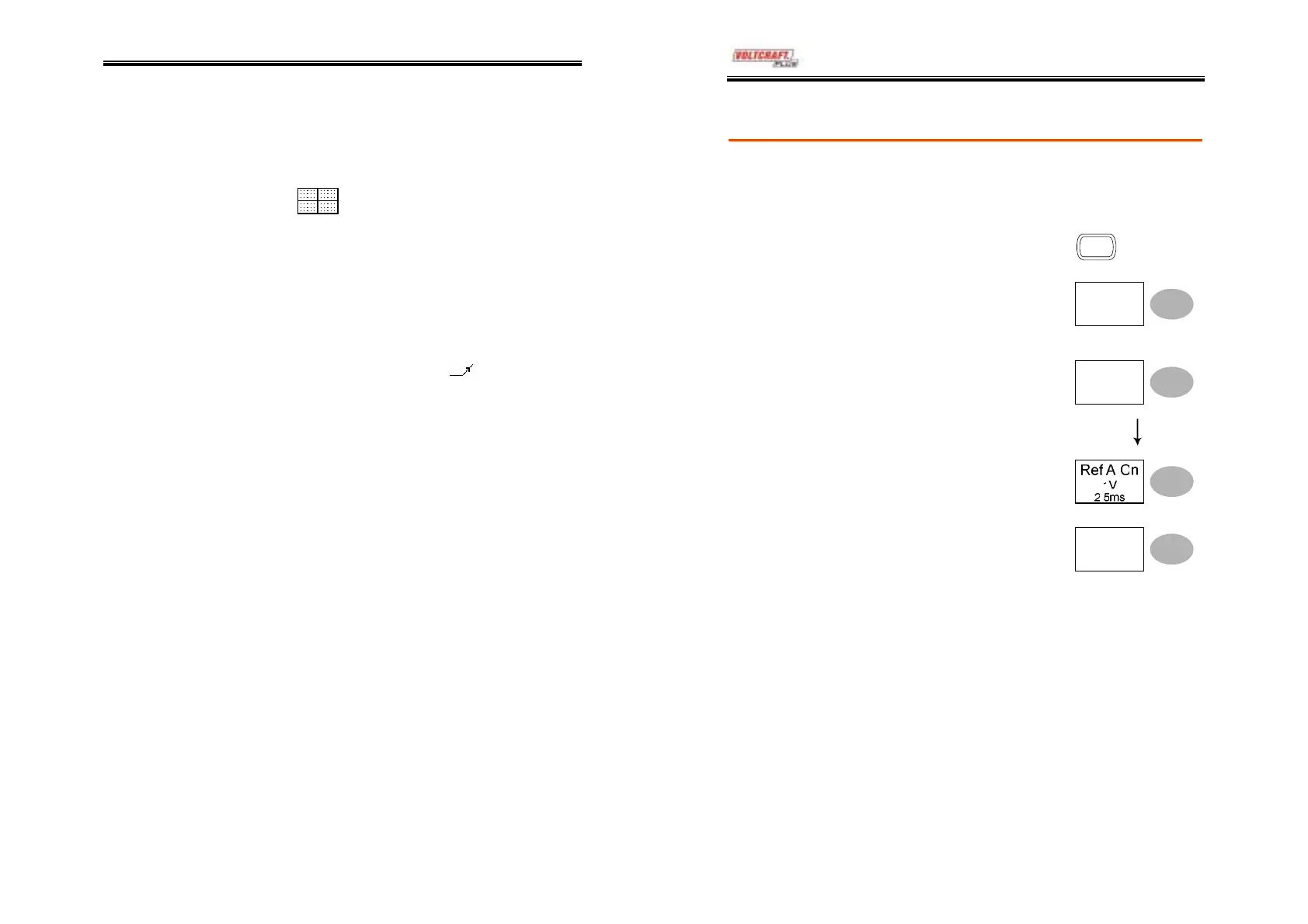
Recalling a reference waveform to the display
Procedure
1. The reference waveform must be stored in
advance. See page80 for details.
2. Press the Save/Recall key.
Save/Recal
3. Press Display Refs. The
reference waveform display
menu appears.
Display
Refs.
4. Select the reference
waveform, Ref A or Ref B,
and press it. The waveform
appears on the display and
the period and amplitude of
the waveform appears in the
menu.
Ref.A Off
5. To clear the waveform from
the display, press RefA/B
again.
Ref.A Off



 To Next Page