67
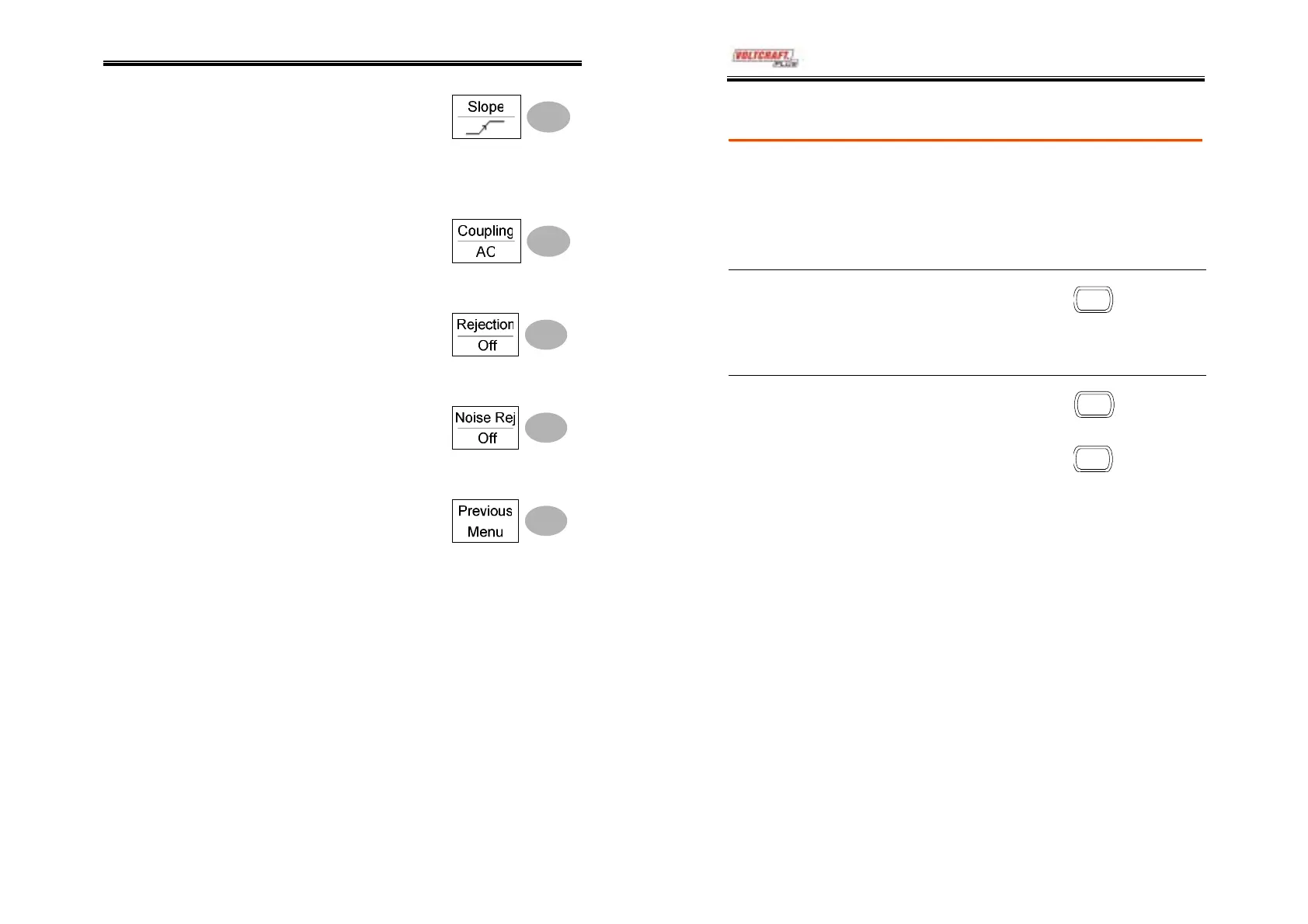
7. Press Slope repeatedly to
select the trigger slope,
which also appears at the
bottom of the display.
Range
Rising edge, falling edge
8. Press Coupling repeatedly to
select the trigger coupling.
Range
DC, AC
9. Press Rejection to select the
frequency rejection mode.
Range
LF, HF, Off
10. Press Noise Rej to turn the
noise rejection on or off.
Range
On, Off
11. Press Previous menu to go
back to the previous menu.
DSO-4000 User Manual
68
Manually triggering the signal
Note
This section describes how to manually trigger the
input signals when the oscilloscope does not
capture them. This section applies to the Normal
and Single trigger mode, since in the Auto trigger
mode, the oscilloscope keeps updating the input
signal regardless of the trigger conditions.
To acquire the
signal regardless
of trigger
conditions
To acquire the input signal
regardless of the trigger
condition, press the Force key.
The oscilloscope captures the
signals once.
FORCE
In the Single
trigger mode
Press the Single key to start
waiting for the trigger
condition. To break out of the
Single mode, press the
Run/Stop key. The trigger
mode changes to the Normal
mode.
SINGLE
Run/Stop



 To Next Page