57
Viewing waveforms in the X-Y mode
Background
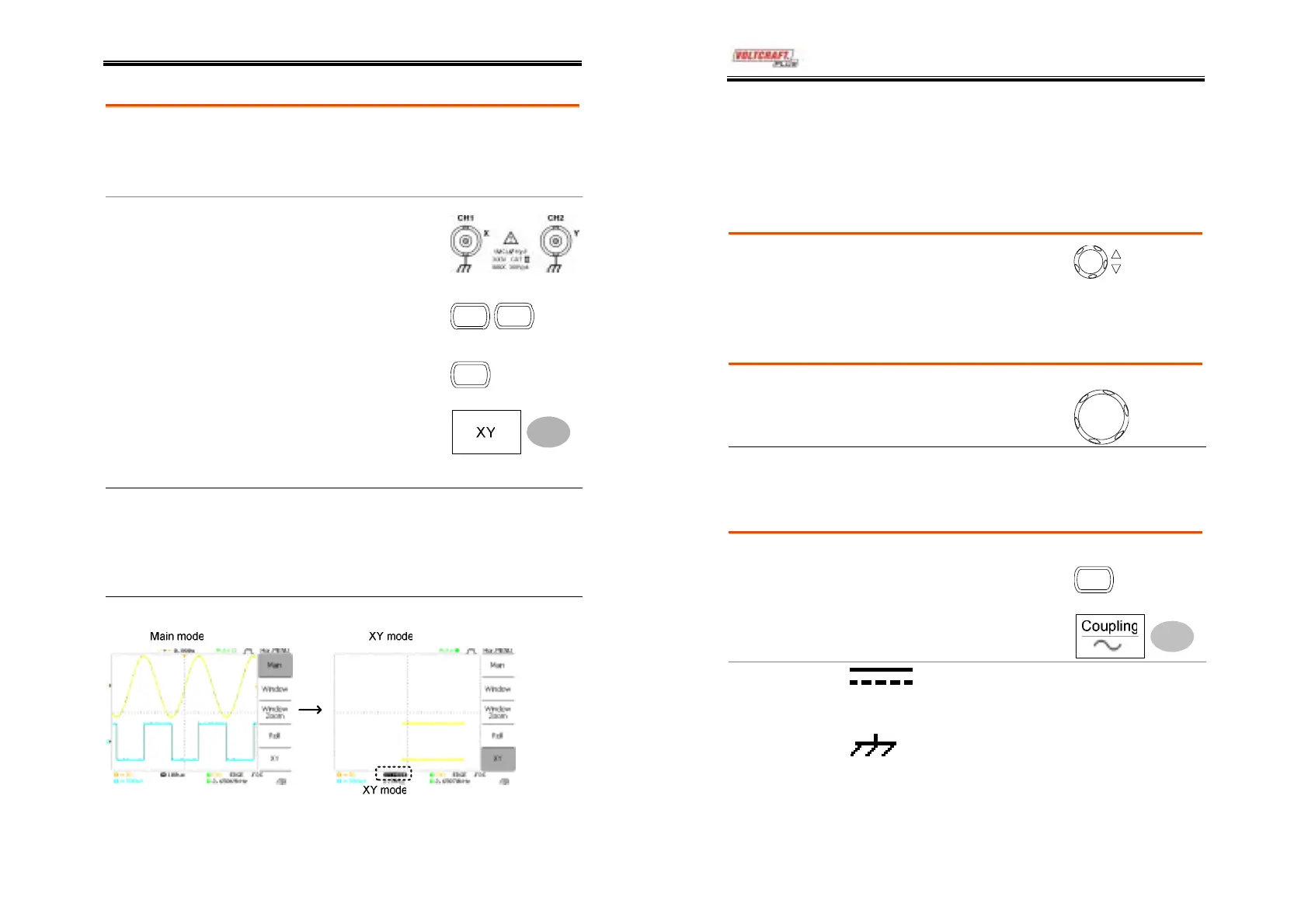
The X-Y mode compares the voltage of Channel 1
and Channel 2 waveforms in a single display. This
mode is useful for observing the phase relationship
between the two waveforms.
Procedure
1. Connect the signals to
Channel 1 (X-axis) and
Channel 2 (Y-axis).
2. Make sure both Channel 1
and 2 are activated.
CH 1
CH 2
3. Press the Horizontal key.
MENU
4. Press XY. The display
shows two waveforms in X-
Y format; Channel 1 as X-
axis, Channel 2 as Y-axis.
Horizontal position CH1 Position knob
Adjusting the X-Y
mode waveform
Horizontal scale CH1 Volts/Div knob
Vertical position CH2 Position knob
Vertical scale CH2 Volts/Div knob
Example
DSO-4000 User Manual
58
Vertical View (Channel)
The Vertical view section describes how to set the vertical scale,
position, bandwidth limitation, coupling mode, and attenuation.
Moving the waveform position vertically
Procedure
To move the waveform up or
down, turn the vertical position
knob for each channel.
Selecting the vertical scale
Procedure
To change the vertical scale,
turn the VOLTS/DIV knob; left
(down) or right (up).
V
LTS /DI
Range
2mV/Div ~ 5V/Div, 1-2-5 increments
Selecting the coupling mode
1. Press the Channel key.
CH 1
Procedure
2. Press Coupling repeatedly to
select the coupling mode.
Range
DC coupling mode. The whole
portion (AC and DC) of the signal
appears on the display.
Ground coupling mode. The display
shows only the zero voltage level as a
horizontal line. This mode is useful
for measuring the signal amplitude
with respect to the ground level.



 To Next Page