89
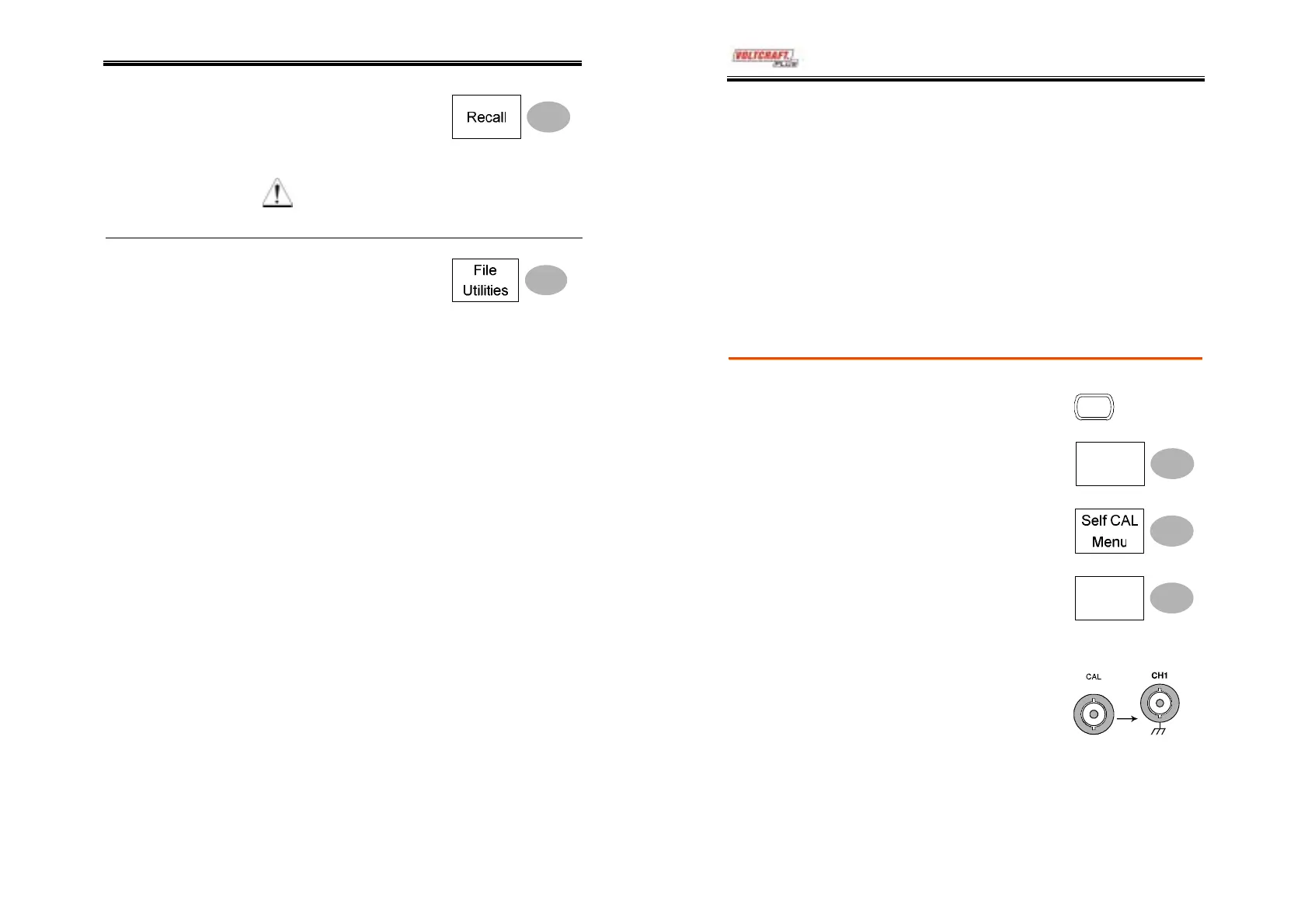
6. Press Recall to confirm
recalling. When completed,
a message appears at the
bottom of the display.
Note
The file will not be saved if the
power is turned off or SD card is
disconnected before completion.
File utilities
To edit SD card contents
(create/ delete/ rename files
and folders), press File Utilities.
For details, see page74.
DSO-4000 User Manual
90
MAINTENANCE
Two types of maintenance operations are
available: calibrating the vertical resolution, and
compensating the probe. Run these operations
when using the oscilloscope in a new environment.
Vertical Resolution Calibration
1. Press the Utility key.
Utility
Procedure
2. Press More.
More
3. Press Self Cal Menu.
4. Press Vertical. The message
“Set CAL to CH1, then press
F5” appears at the bottom of
the display.
Vertical
5. Connect the calibration
signal between the rear
panel CAL out terminal and
the Channel1 input.
6. Press F5. The calibration automatically starts.



 To Next Page