43
Automatically measuring the input signals
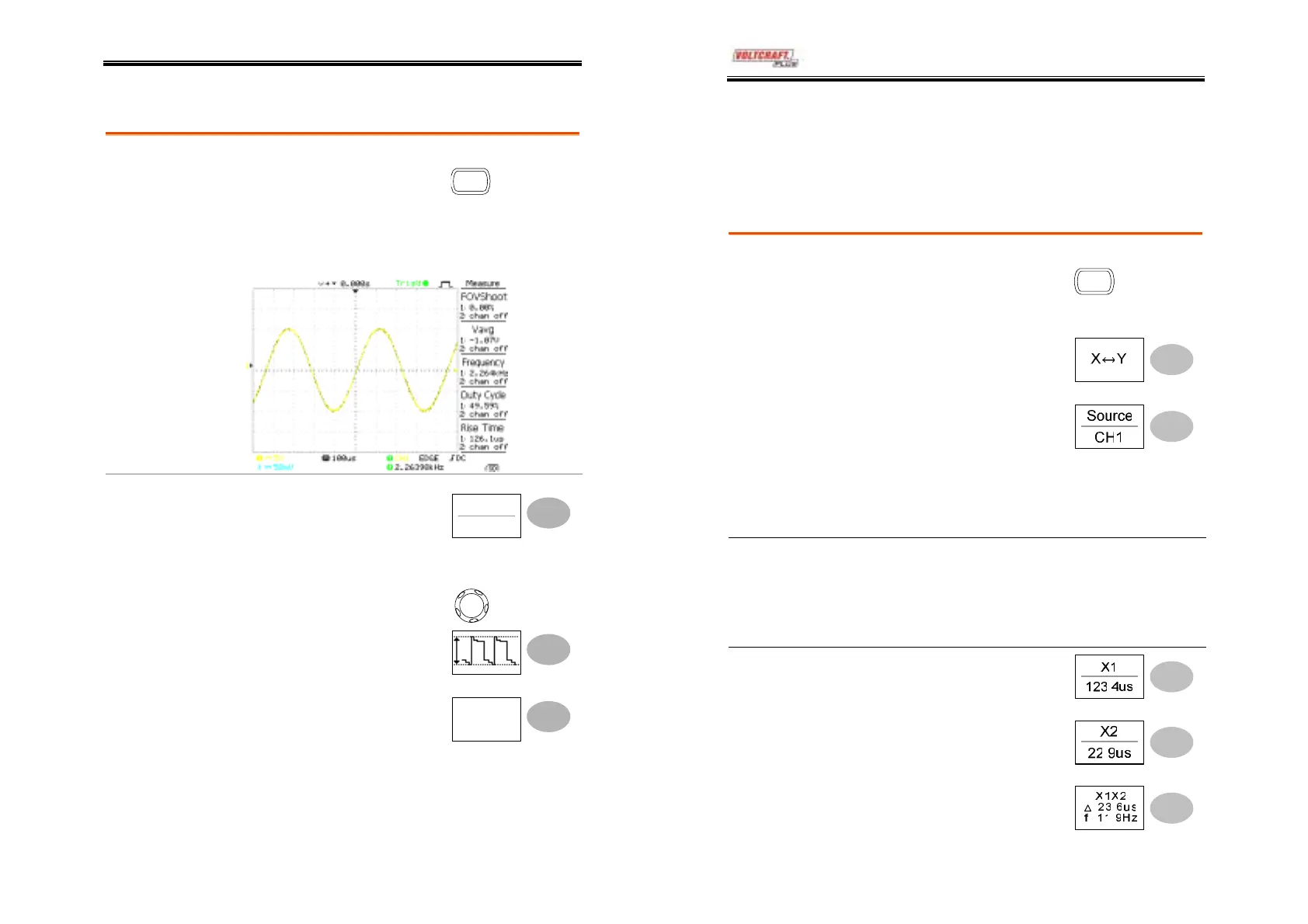
1. Press the Measure key.
Measure
Viewing the
measurement
result
2. The measurement results appear on the menu
bar, constantly updated. Press the menu to
change its measurement item.
Selecting a
measurement
item
1. Press F3 repeatedly to select
the measurement type:
Voltage or Time.
Voltage
Vpp
2. Use the Variable knob to
select the measurement
item.
V
RIABL
3. Press Previous Menu to
confirm the item selection
and to go back to the
measurement results view.
Previous
Menu
DSO-4000 User Manual
44
Cursor Measurements
Cursor line, horizontal or vertical, shows the precise position of the
input waveforms or math operation result.
Using the horizontal cursors
Procedure
1. Press the Cursor key. The
cursors appear in the
display.
Cursor
2. Press X↔Y to select the
horizontal (X1&X2) cursor.
3. Press Source repeatedly to
select the source channel.
Range
CH1, 2, Math
4. The cursor measurement results will appear in
the menu, F2 to F4.
Parameters X1
Time position of the left cursor
X2
Time position of the right cursor
∆
The distance between the X1 and X2
f
The time distance converted to frequency
Moving the
horizontal
cursors
To move the left cursor, press
X1 and then use the Variable
knob.
To move the right cursor, press
X2 and then use the Variable
knob.
To move both cursors at once,
press X1X2 and then use the
Variable knob.



 To Next Page