47
Adding or subtracting signals
Procedure
1. Activate both CH1 and
CH2.
CH 1
CH 2
2. Press the Math key.
M
A
T
H
3. Press Operation repeatedly
to select addition (+) or
subtraction (–).
Operation
+
4. The math measurement
result appears in the
display.
Unit/Div
2V
5. To move the math result
vertically, press Position and
use the Variable knob.
Position
0.00 Div
V
RIABL
6. To clear the math result
from the display, press the
Math key again.
M
A
T
H
DSO-4000 User Manual
48
Using the FFT function
Procedure
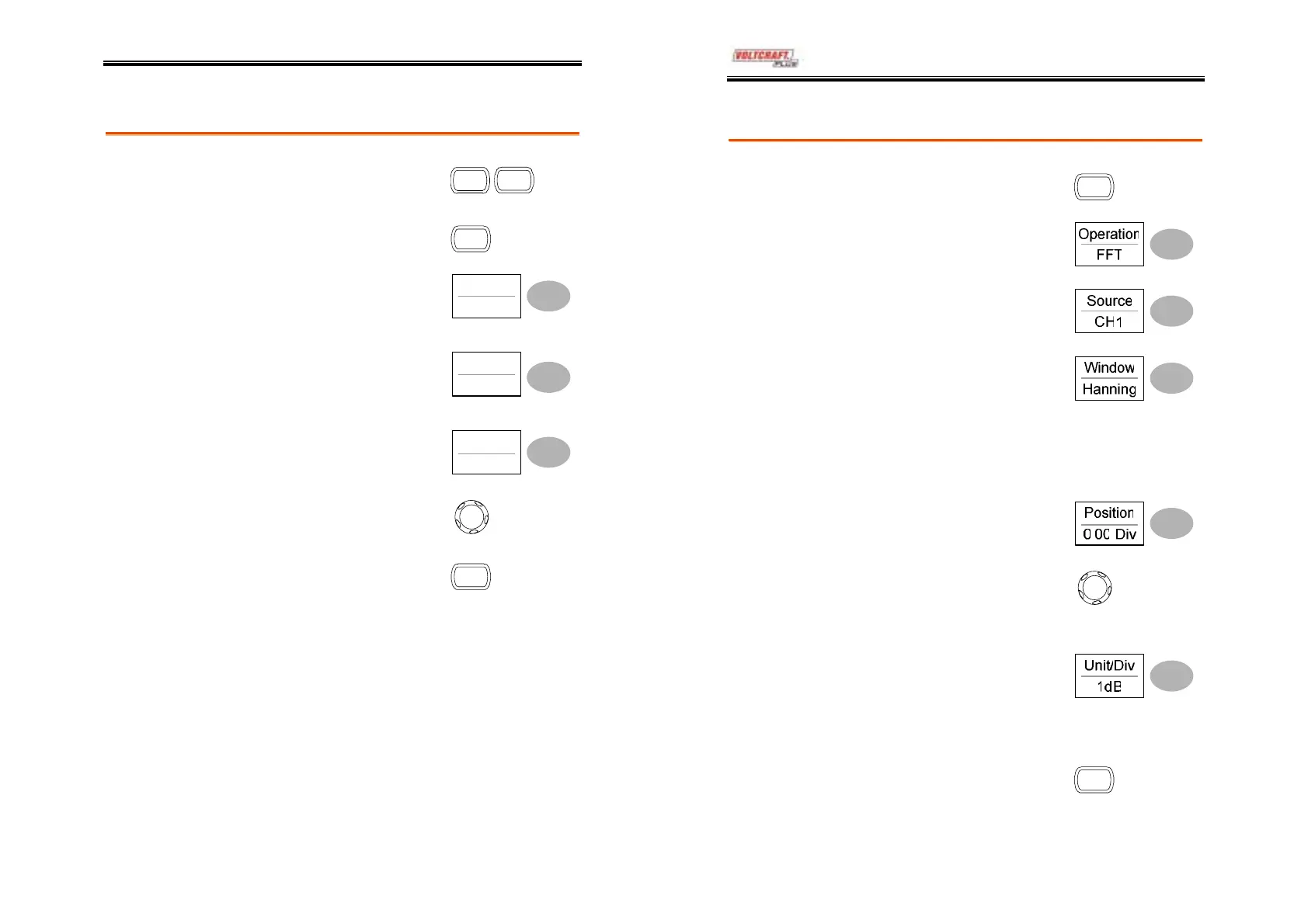
1. Press the Math key.
M
A
T
H
2. Press Operation repeatedly
to select FFT.
3. Press Source repeatedly to
select the source channel.
4. Press Window repeatedly to
select the FFT window type.
5. The FFT result appears. The horizontal scale
changes from time to frequency, and the
vertical scale from voltage to dB.
6. To move the FFT waveform
vertically, press Position and
use the Variable knob.
V
RIABL
Range
–12.00 Div ~ +12.00 Div
7. To select the vertical scale of
FFT waveform, press
Unit/Div repeatedly.
Range
1, 2, 5, 10, 20 dB/Div
8. To clear the FFT result from
the display, press the Math
key again.
M
A
T
H



 To Next Page