73
Setup file format
Format
xxxx.set (proprietary format)
A setup file saves or recalls the following settings.
Acquire
• mode
Contents
Cursor
• source channel
• cursor location
• cursor on/off
Display
• dots/vectors
• grid type
• accumulation
on/off
Measure
• item
Utility
• hardcopy type
• language
• ink saver on/off
Horizontal
• display mode
• position
• scale
Trigger
• trigger type
• trigger mode
• video polarity
• pulse timing
• source channel
• video standard
• video line
• slope/coupling
Channel
(vertical)
• vertical scale
• coupling mode
• bandwidth limit
on/off (DSO-
4102, DSO-4062)
• vertical position
• invert on/off
• probe
attenuation
Math
• operation type
• vertical position
• FFT window
• source channel
• unit/div
DSO-4000 User Manual
74
Using the SD card file utilities
Background
For the SD card inserted into the oscilloscope, file
deletion, folder creation, file/folder rename are
available from the front panel.
SD Card
restriction
The DSO-4000 series accept the following SD card.
Size: 2GB or less
Format: FAT or FAT32
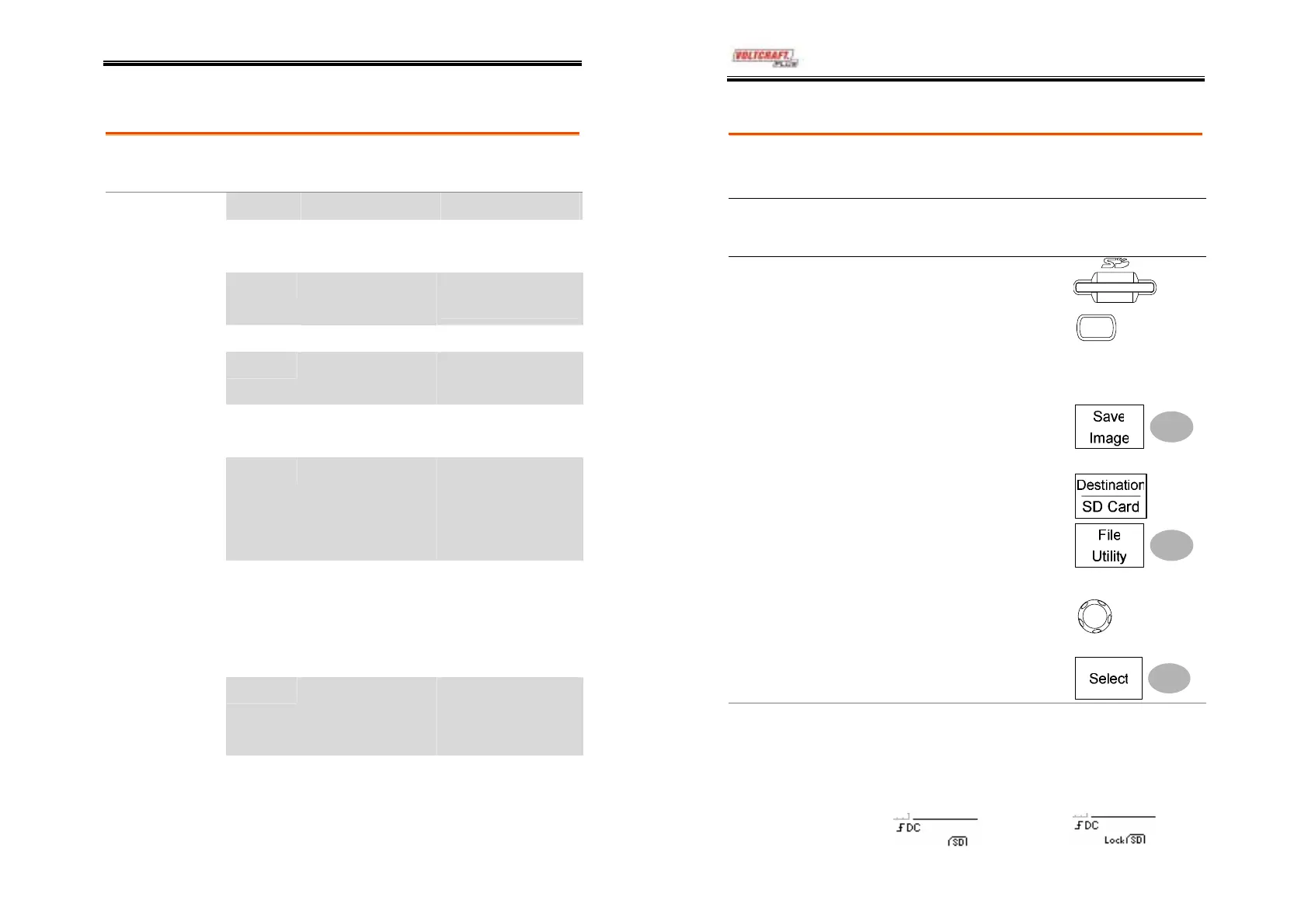
Procedure
1. Insert an SD card to the card
slot.
2. Press the Save/Recall key.
Select any save or recall
functionality, for example
SD card destination in Save
image function.
Save/Recal
(Example)
3. Press File Utility. The
display shows the SD card
contents.
4. Use the Variable knob to
move the cursor. Press Select
to go into the folder or go
back to the previous
directory level.
V
RIABL
SD card indicator
When an SD card is inserted into the oscilloscope,
an indicator appears at the right bottom corner of
the display. (Unlock the SD card before file
operations).
SD card
SD card (locked )



 To Next Page