39
Using the probe compensation signal
Background
This section introduces how to use
the probe compensation signal for
general usage, in case the DUT
signal is not available or to get a
second signal for comparison. For
probe compensation details, see
page91.
Note that the frequency accuracy and duty factor
are not guaranteed. Therefore the signal should
not be used for reference purpose.
Waveform type
Square waveform used for probe
compensation. 1k ~ 100kHz, 5% ~
95%.
Demonstration signal for showing
the effects of peak detection. See
page49 for peak detection mode
details.
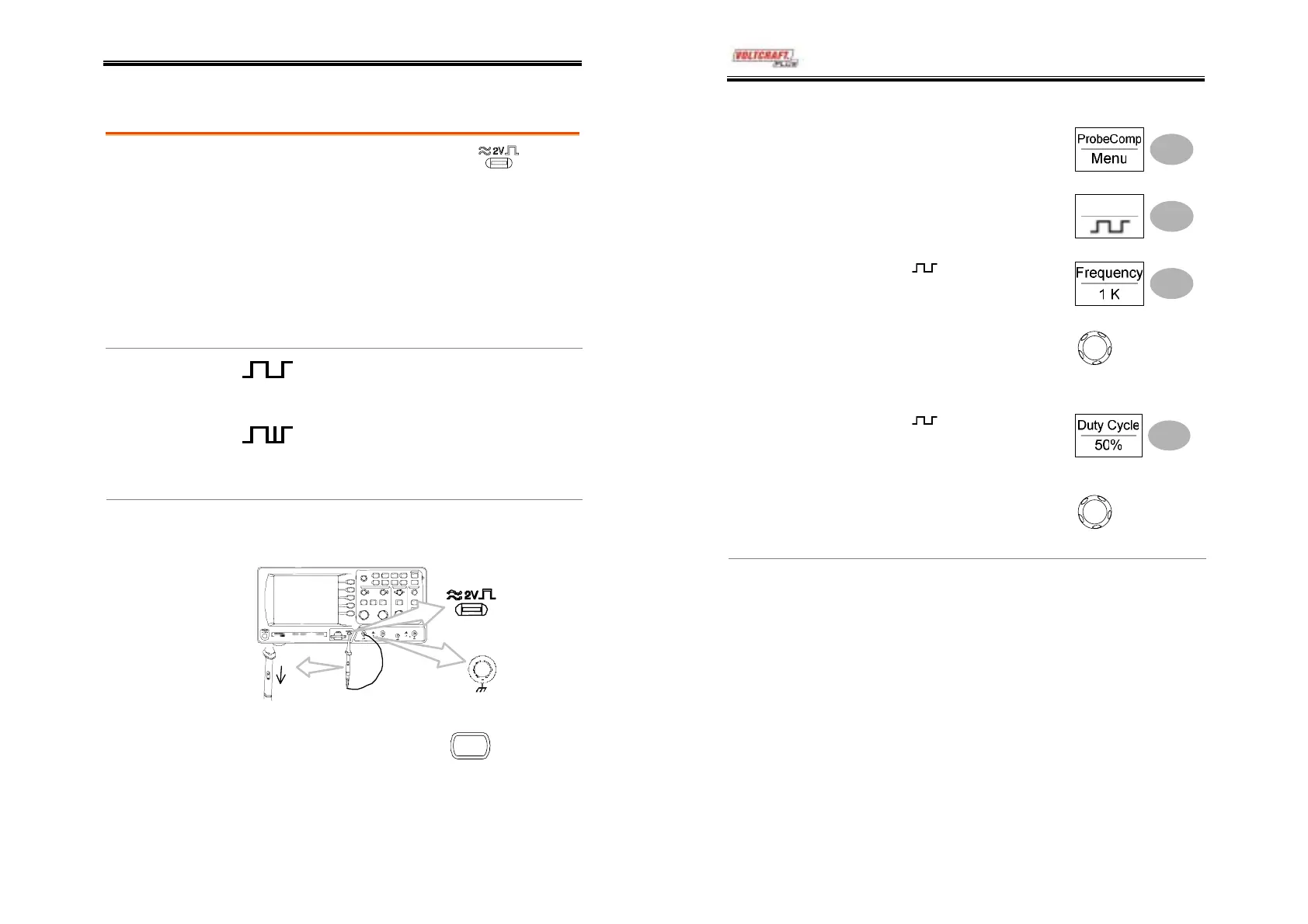
1. Connect the probe between the compensation
signal output and Channel input.
View the probe
compensation
waveform
2. Press the Utility key.
Utility
DSO-4000 User Manual
40
3. Press ProbeComp.
4. Press Wave type repeatedly
to select the wave type.
Wave Type
5. (For
only) To change
the frequency, press
Frequency and use the
Variable knob.
V
RIABL
Range
1kHz ~ 100kHz
6. (For
only) To change
the duty cycle, press Duty
Cycle and use the Variable
knob.
V
RIABL
Range
5% ~ 95%
Probe
compensation
For probe compensation details, see page91.



 To Next Page