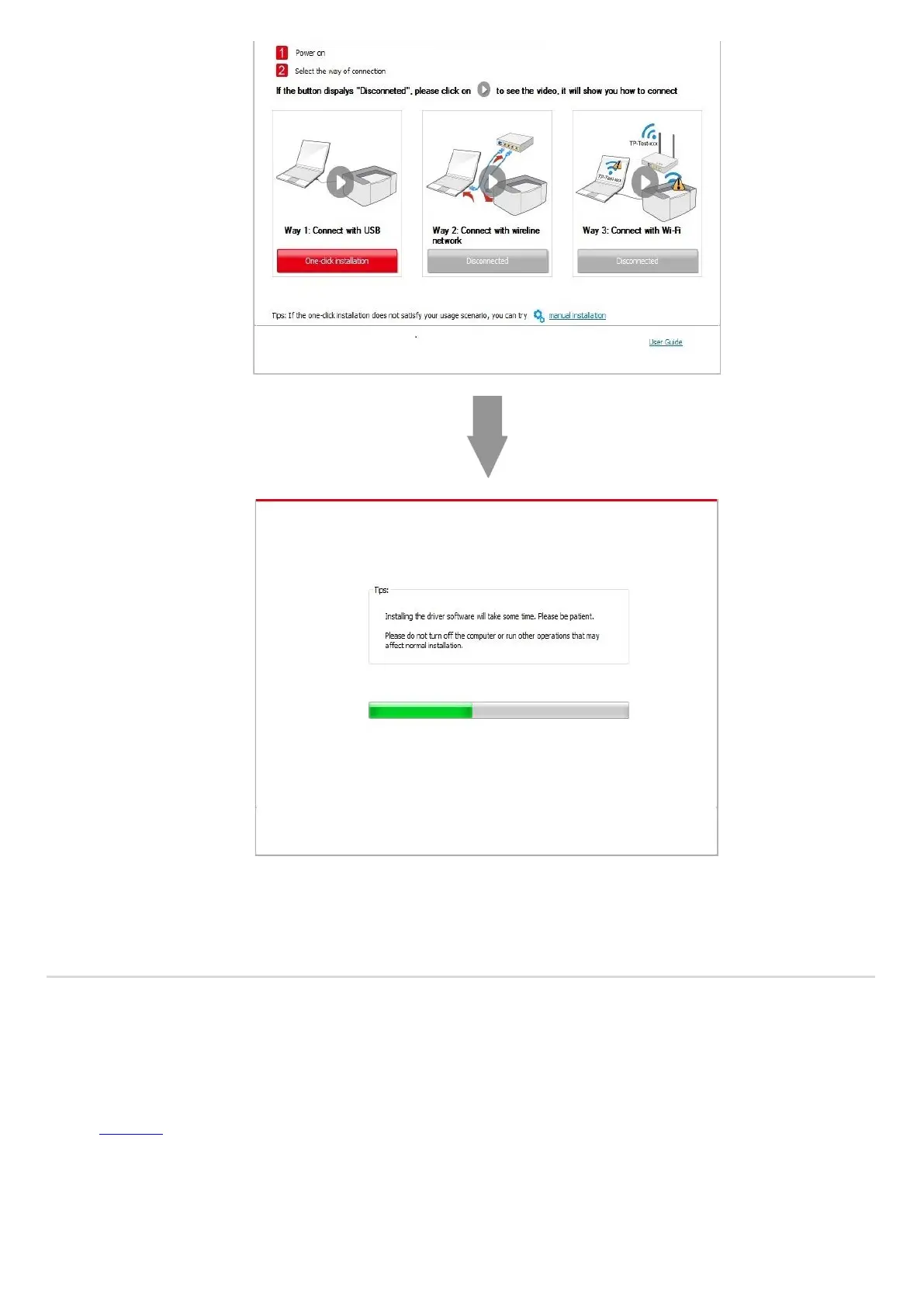
5. After the installation, click "Print &Test Page" button. If your printer prints the test page successfully, it means that you have
installed the driver correctly.
3.1.1.2. Method II: Connect the printer via wired network
1. Turn the power of printer and computer on.
2. Connect the computer to wired network.
3. Connect network cable to the network interface of printer, to make sure the printer is connected to computer network (please
refer to Chapter 4 for network setup).
4. Place the attached installation CD in the computer CD-ROM:
• Windows XP system: automatically run the installation procedure.



 To Next Page