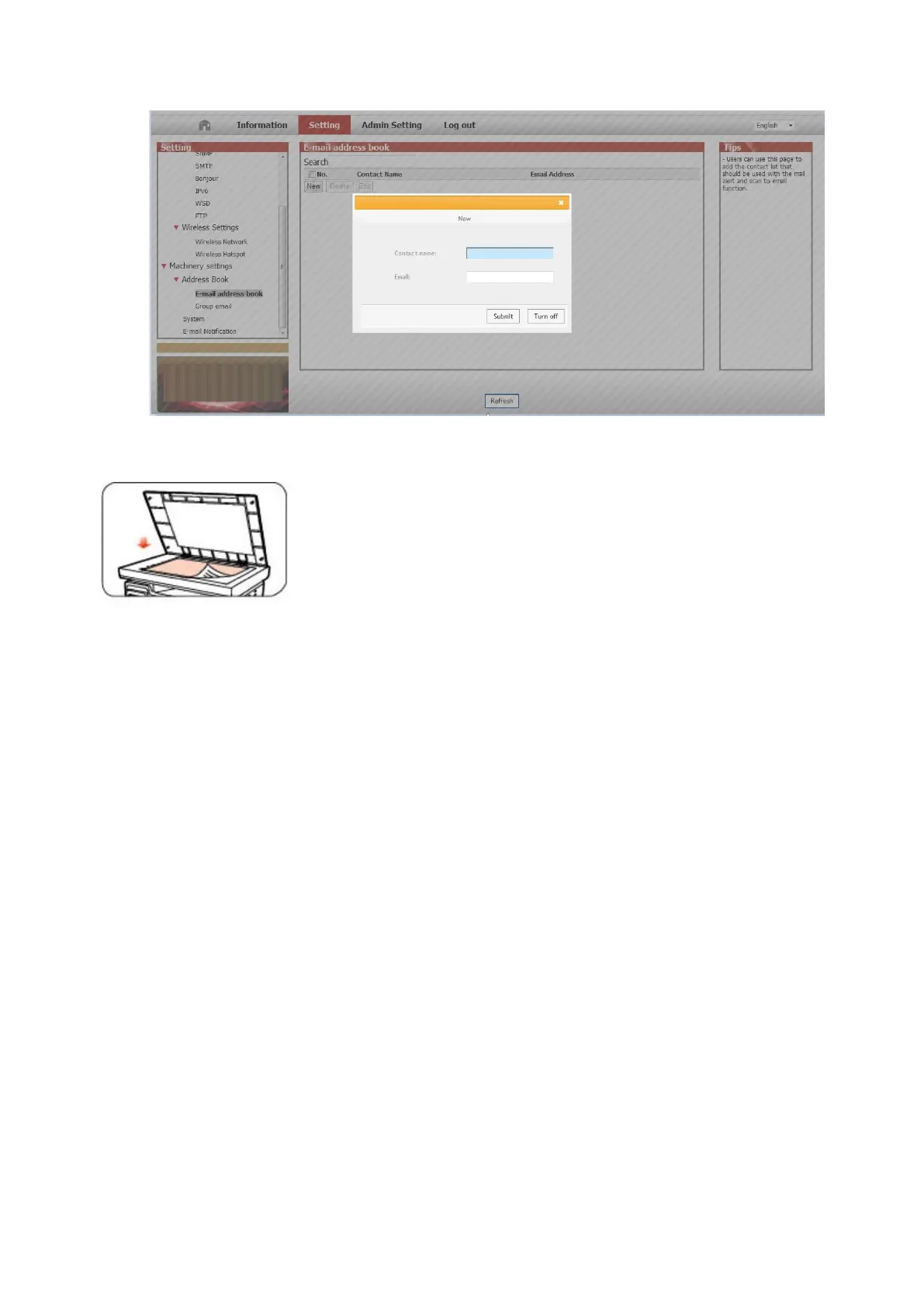
④ Click on "New" and the following window will pops up, edit the name of contacts ,input the E-mail address and then
click on "Submit".
⑤ Put the document on the platen.
⑥ Press "Scan" button on the control panel, and press “▲” or “▼" to select "1. Single Page Scan" or "2. Merge Scan",
then press "OK" button.
⑦ In the "1. Scan To" interface, press "OK" button.
⑧ Press “▲” or “▼" to select "Scan to E-mail" and press "OK" button.
⑨ Press “▲” or “▼" to select "E-mail Address Book" or "Group Mail" and press "OK" button.
⑩ Press “▲” or “▼" to select address or group and then press "OK" button; press "Start" button to start scan.
Please follow these instructions on the settings for group emails:
Set the group name for group e-mail sending by webpage, and set the members, i.e.the receivers, in the group of group
email. After finishing scanning, firmware will send the scanned documents to the mail server. Then mail server sends the
documents to every member of the group.
2. Scan to FTP
Scanning to FTP requires a network environment. Users can scan comparatively large files online. Users need to log in FTP server
with user name and password and install IIS Component on the computer.
1) Operation Steps:
① Type the IP address in the Web browser's address bar to access the embedded Web server of the printer.
② Click on "Setting" – "FTP" to enter into FTP Setting interface.



 To Next Page