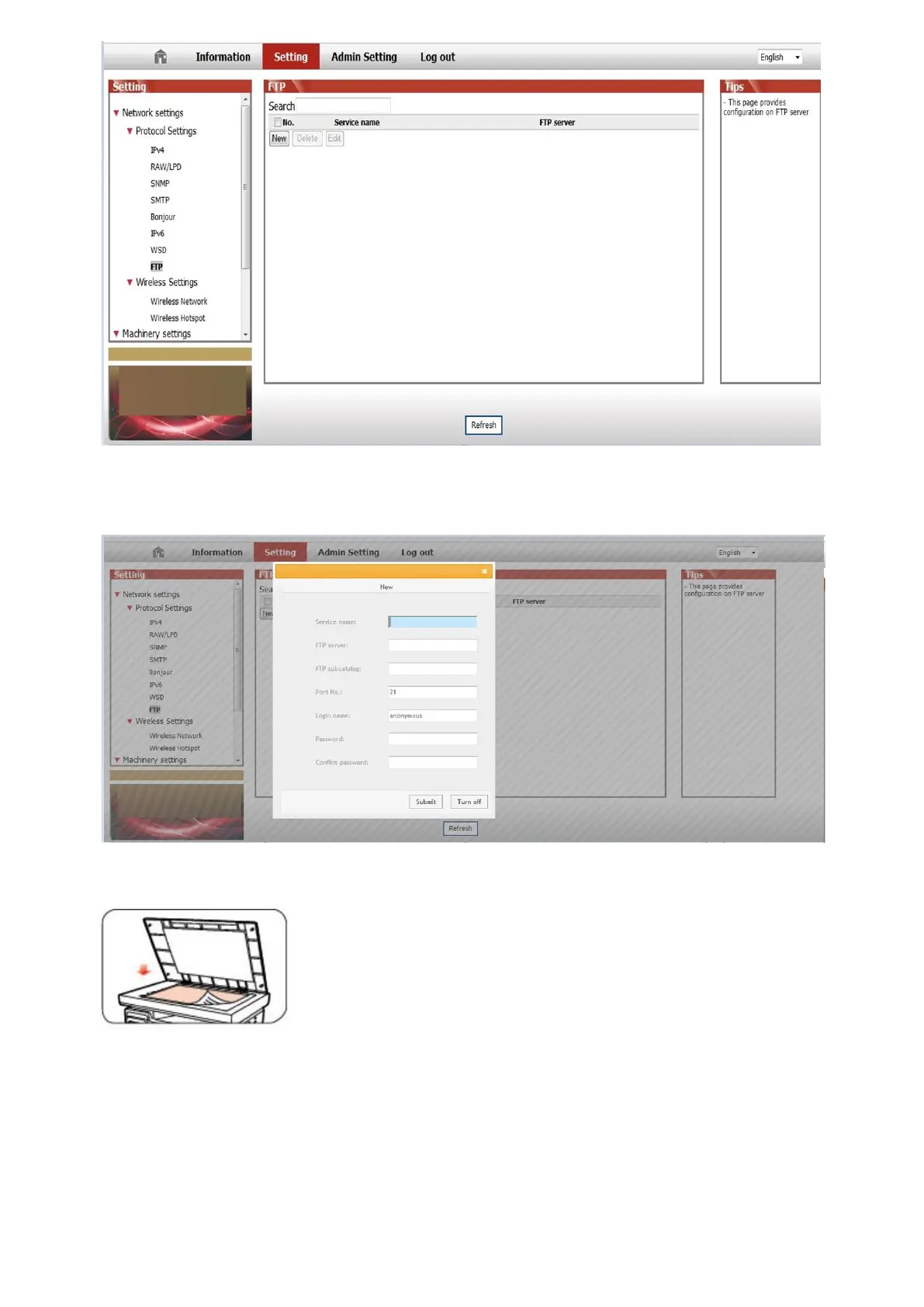
③ Click "New", the following window will pop up. Set the relative parameters of the FTP Protocol. After complete setting,
click on "Submit".
④ Put the document on the platen.
⑤ Press "Scan" button on the control panel, press “▲” or “▼" to select "1. Single Page Scan" or "2. Merge Scan" and
press "OK" button.
⑥ In the "1. Scan To" interface, press "OK" button.
⑦ Press “▲” or “▼" to select "Scan to FTP" and press "OK" button.
⑧ Press “▲” or “▼" to select the server and press "OK" button; Press "Start" button to start scan.



 To Next Page