The relative parameters setting of the FTP Protocol are as follows:
FTP Server: IP Address of the server (such as 10.10.145.100 )
Port Number: Default port number is 21
Login Name: For example, anonymous
Password: such as (anonymous login needs no password)
Confirm Password: For example (anonymous login needs no password)
Server Name: For example, Printon
10.2. Pull Scan
10.2.1. Printon Scan Application
Operation Steps:
1) Double click on "Printon Scan Application" on the computer, the icon is shown as below:
2) The prompt window is shown as below:
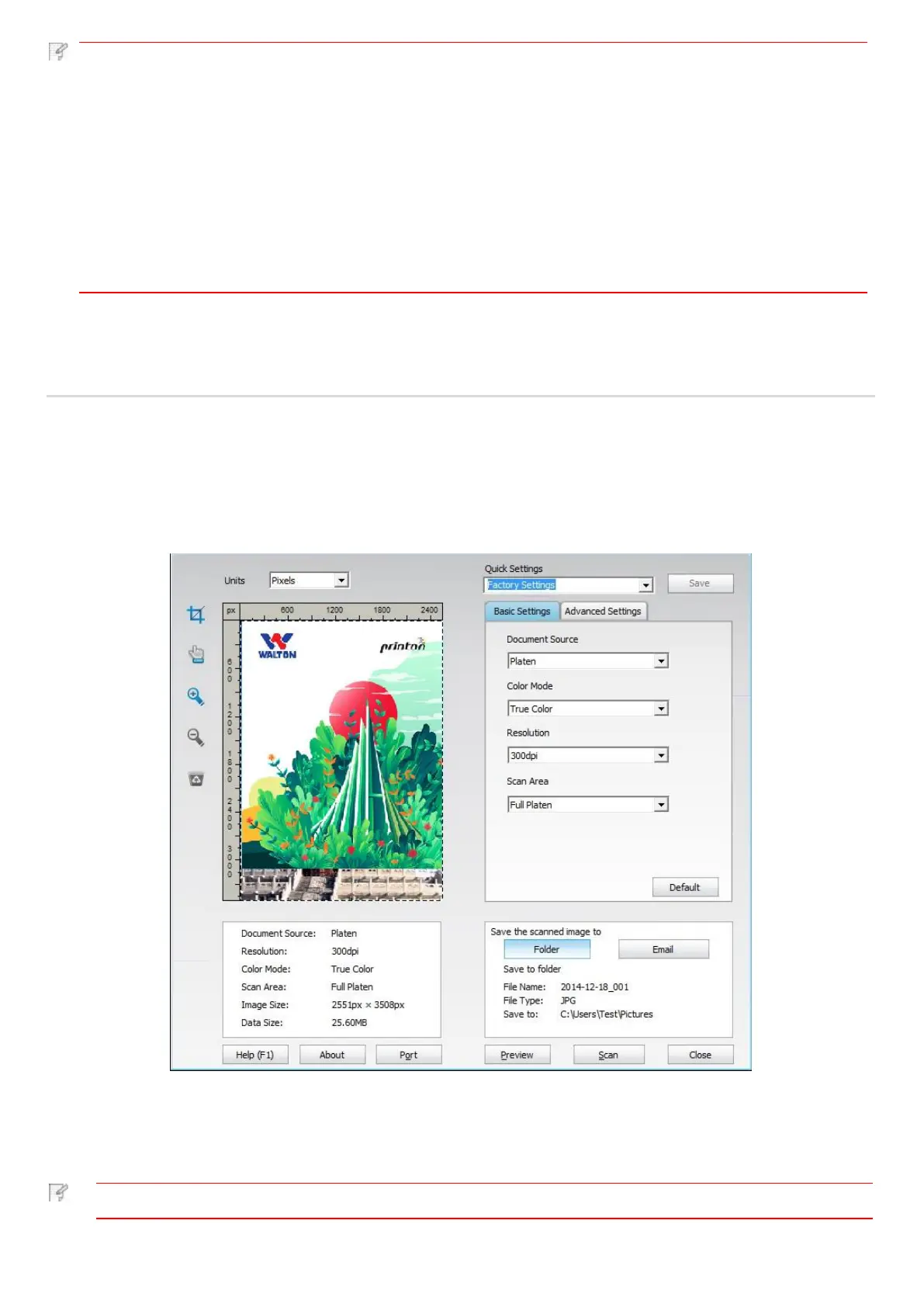
3) Set Scan in the right list. Click "Scan" on the bottom right corner and start scan.
Printon scan application software can scan pictures and support 5 formats of files: BMP, JPG, TIF, PDF, and
PNG.



 To Next Page