2-2 Preparing the Autosampler
Preparing for installation
Requirement: To install the autosampler, you must know, in general, how to
set up and operate laboratory instruments and computer-controlled devices,
as well as how to handle solvents properly.
Tip: Before installing the instrument, ensure that:
• It is not situated under a heating or cooling vent
• All required components are present
• No shipping containers or unpacked items are damaged
If you discover any damage or discrepancy when inspecting carton contents,
immediately contact the shipping agent and your local Waters representative.
If you are in the USA or Canada, report damage and discrepancies to Waters
Technical Service (800-252-4752). From other areas, contact your local Waters
subsidiary or Waters corporate headquarters in Milford, MA, USA, or visit
http://www.waters.com.
For complete information on reporting shipping damages and submitting
claims, see Waters Licenses, Warranties, and Support Services.
Setting up the instrument
To set up the autosampler
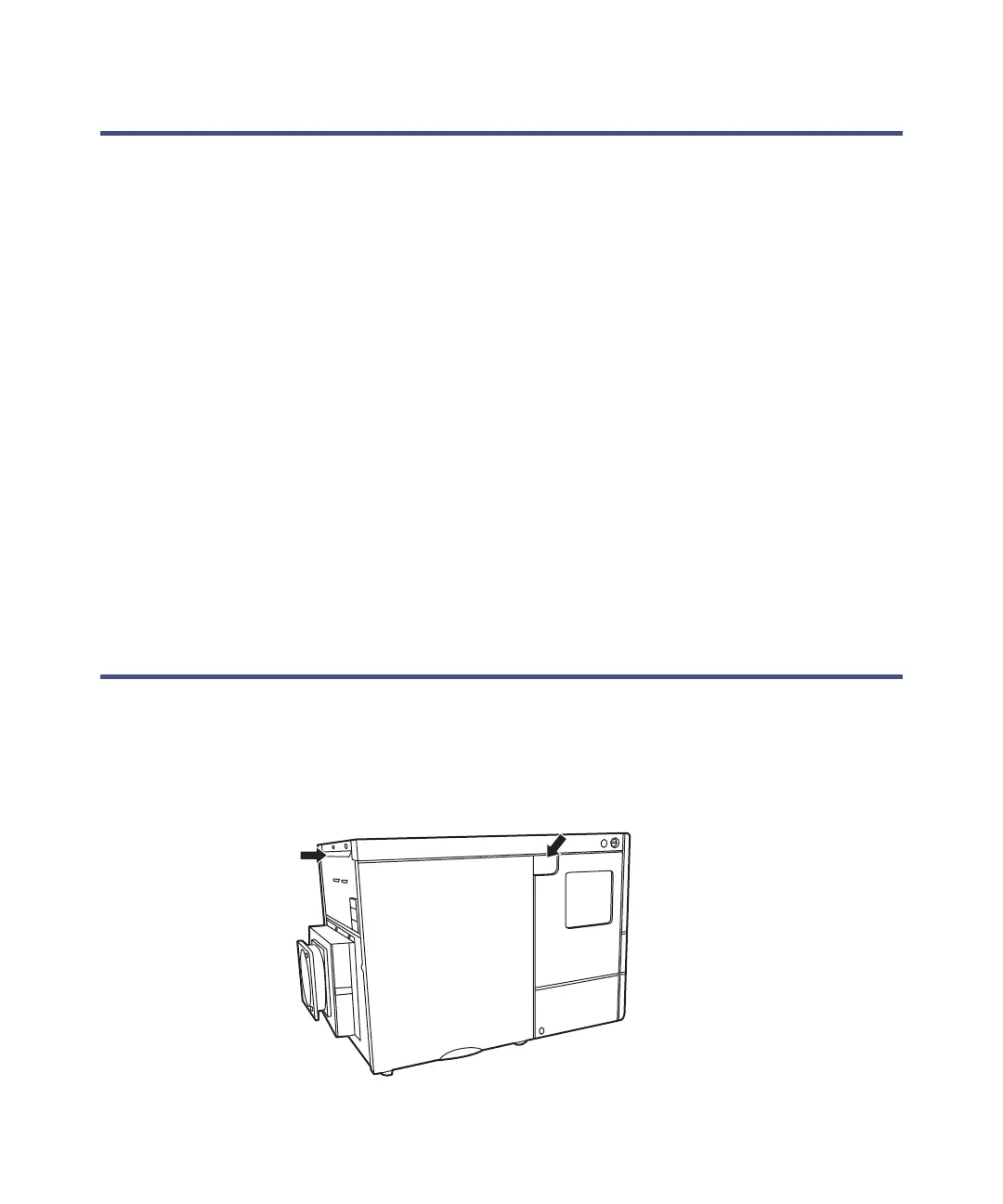
1. Using both hands as shown in the accompanying figure, lift the
instrument from its packaging.
TP03070













 To Next Page