Changing the rear-panel interface connections 4-3
I/O connections
Changing the rear-panel interface connections
Via the rear-panel display, you can open and close the output connection.
Doing so is useful when starting or stopping an injection or troubleshooting
system connectivity.
To change rear-panel interface connections
1. From the Troubleshoot menu in the 2707 Console, click Rear Panel.
2. In the Rear Panel dialog box, find the Inject Start signal connection, and
then click the red or green LED symbol.
Tip: The output signal indicates whether the selected signal connection
is open or closed.
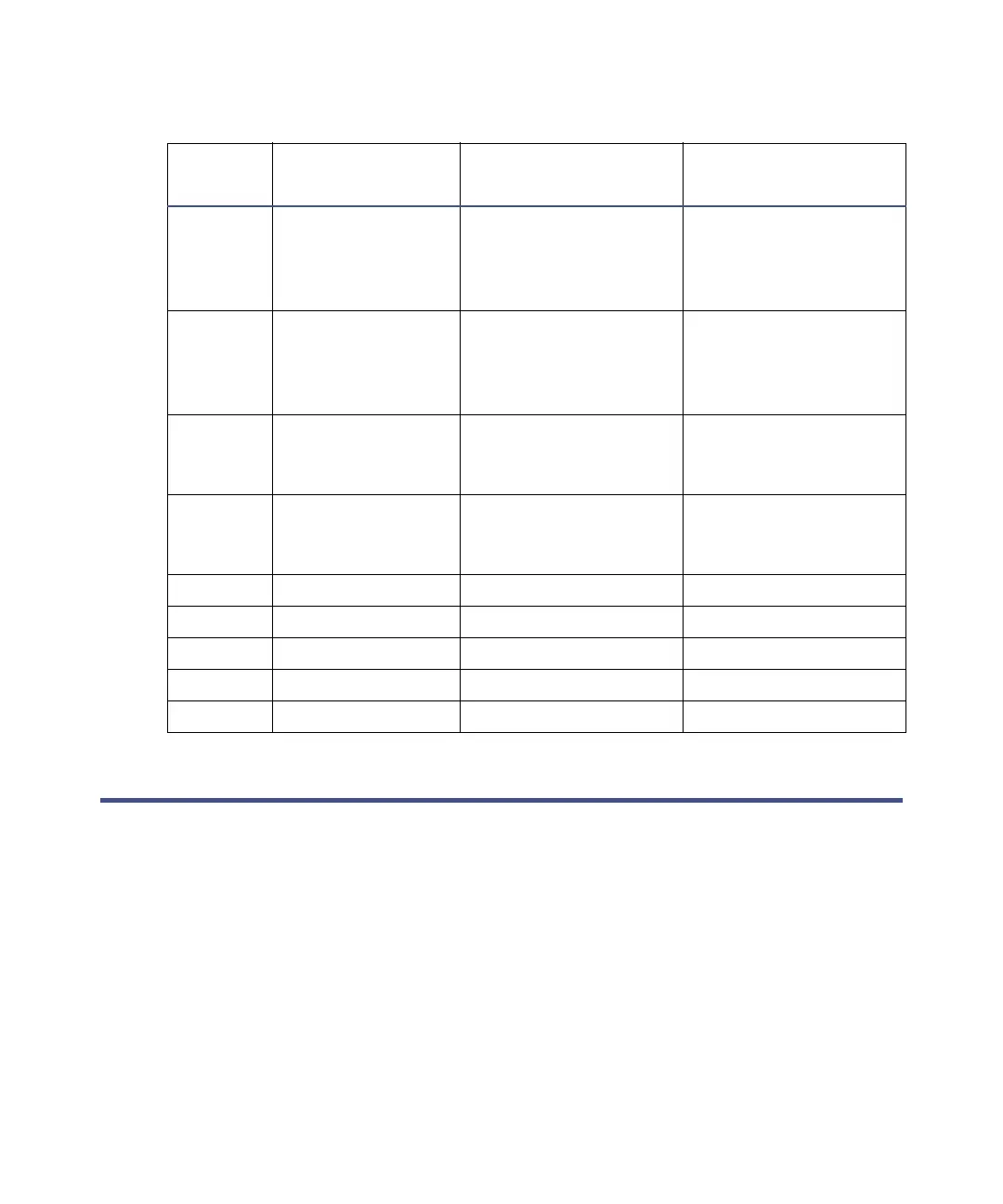
Pin
number
Cable color Signal connections Description
1 White Inject start (out) Injector valve trigger
switch closure (1
second); normally
open
2 Green Inject start (out) Injector valve trigger
switch closure (1
second); normally
open
3 Red Input 1 Programmable event
input to hold or stop
injections (active low)
4 Black Input 2 Programmable event
input to hold or stop
injections (active low)
5None Not used
6Gray Not used
7None Not used
8 Orange Ground For input 1 or 2
9 Brown Ground For input 1 or 2













 To Next Page