3-14 Maintaining the Autosampler
Replacing a syringe
The instrument is fitted with a 500-µL syringe as standard equipment, but a
2500-µL syringe can be installed as part of the prep kit.
To replace a syringe
1. From the Maintain menu of the 2707 Console, click Replace > Syringe.
Result: The syringe plunger lowers.
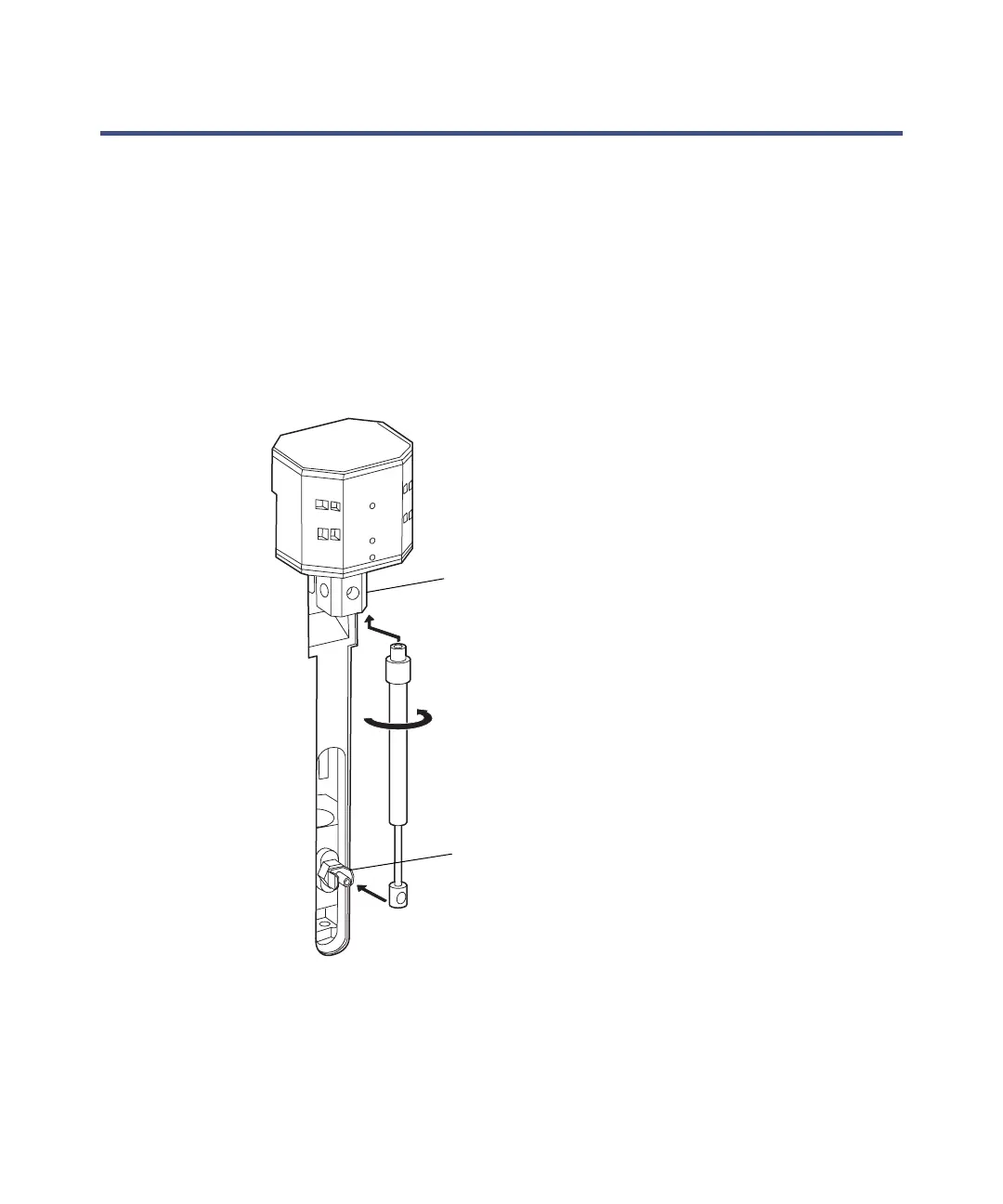
2. Unscrew the syringe from syringe valve.
Requirement: Keep the connector in the valve intact.
3. Disconnect the plunger from the syringe drive by sliding it straight
backward, out of the holding clip.
Syringe valve
Holding clip













 To Next Page