Plumbing the instrument 2-5
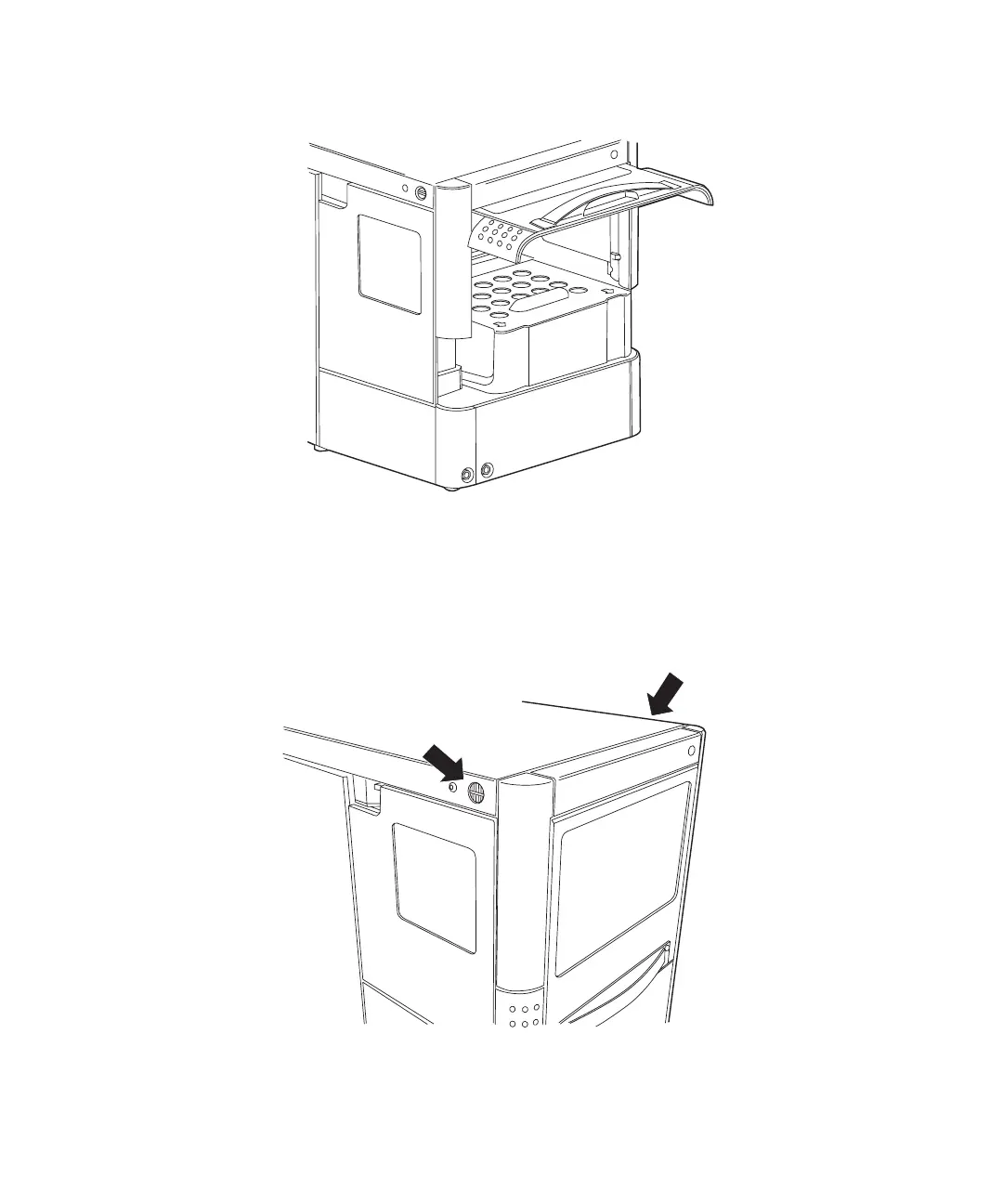
3. Slide the door into the cabinet.
Tip: To access components more easily, remove the instrument’s cover.
To remove the instrument’s cover
1. Simultaneously press the two black buttons on either side of the top of
the instrument.
2. Gently pull the cover toward you.













 To Next Page