Waves eMotion LV1 Classic User Guide | Chapter 2: Channel
Window Window
Plugin Menu: Presets Section
P
ASTE
[
PLUGIN NAME
]
P
RESET
Pastes presets from a copied plugin to another plugin in the same family (e.g., Q10 to Q6, or L1 Ultramaximizer to
L1 Limiter). This does not replace the plugin, only the presets.
The Paste [plugin name] Preset option is not available when the source and destination plugins are not from the
same family (e.g., Q6 to REQ 6, or H-Delay to SuperTap).
U
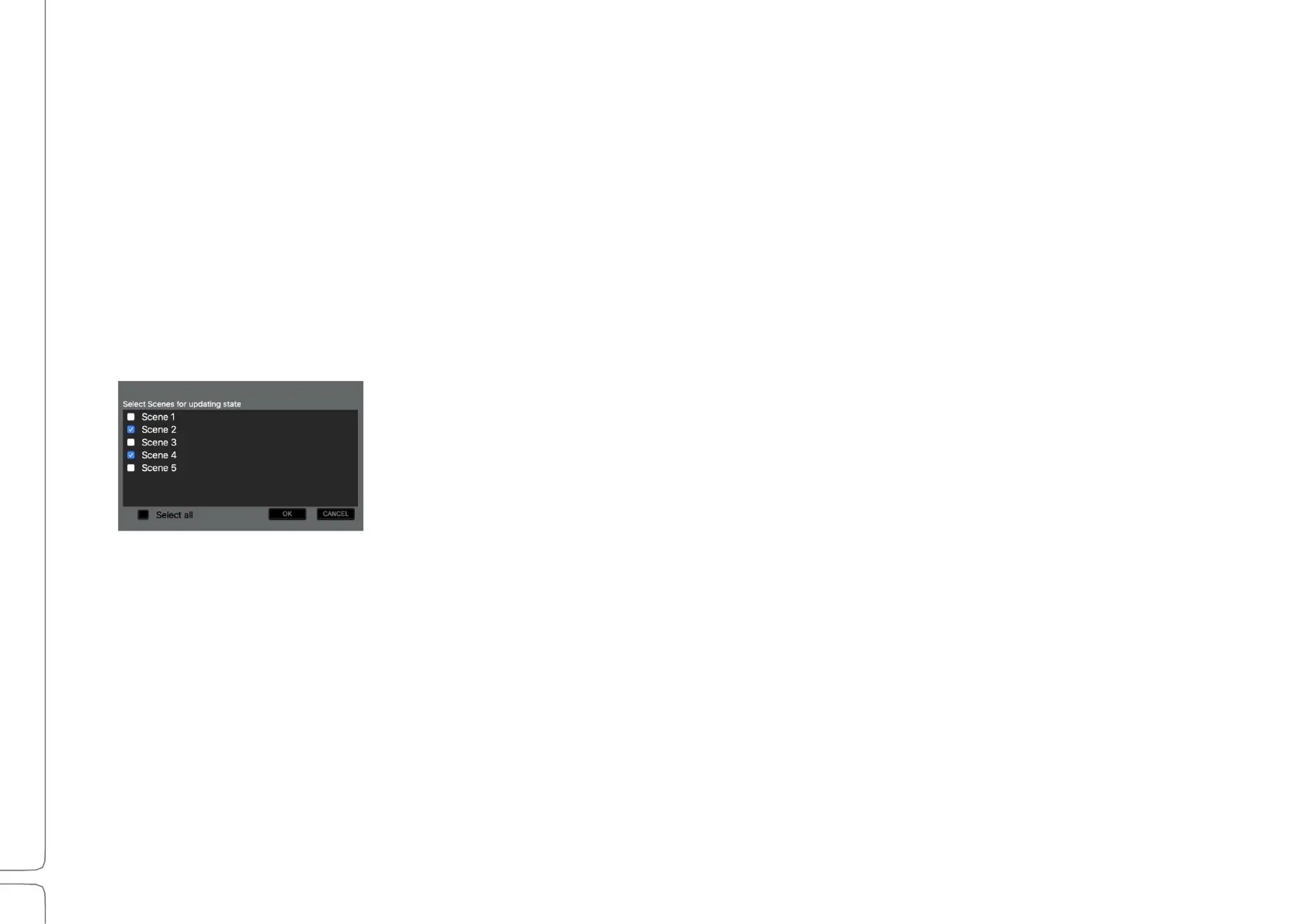
PDATE
P
LUGIN
S
TATE TO
S
CENE
(
S
)
Updates the current plugin’s settings in selected scenes. Choose the scene(s) you want
to update.



 To Next Page