Waves eMotion LV1 Classic User Guide | Chapter 2: Channel
Window Window
C
OPY
Copies the plugin and its parameters. This enables pasting the plugin,and its current settings, to another rack
slot. There are two paste options: Paste [plugin name] and Paste [plugin name] Preset.
P
ASTE
[
PLUGIN NAME
]
Pastes the copied plugin and its parameters to an empty slot or replaces the plugin that occupies the slot. In certain
circumstances it is possible to paste a preset into an existing plugin. (See Paste [plugin name] Preset below.)
S
TEREO AND
M
ONO
P
LUGINS
• Adding or pasting a mono plugin module to a stereo channel converts the plugin to stereo. The mono
plugin’s parameters will usually be applied to both sides of the stereo plugin.
• If a stereo plugin is added to a mono channel, the settings of the left stereo channel become the mono
parameters. The two-channel parameters will be restored if the plugin is returned to a stereo channel.
• Adding a mono-to-stereo plugin to a mono rack converts the rack to stereo from that point downward..
E
NABLE
S
IDECHAIN
Enables and disables the plugin’s sidechain key input when an active sidechain is patched to an appropriate
plugin. Sidechain sources are established in the Plugin user interface. Plugins with an active sidechain have a
drop-down menu (S/C) that patches the sidechain source.
A
SSIGN
/U
NASSIGN TO THE
M
AIN
C
ONTROL
S
ECTION
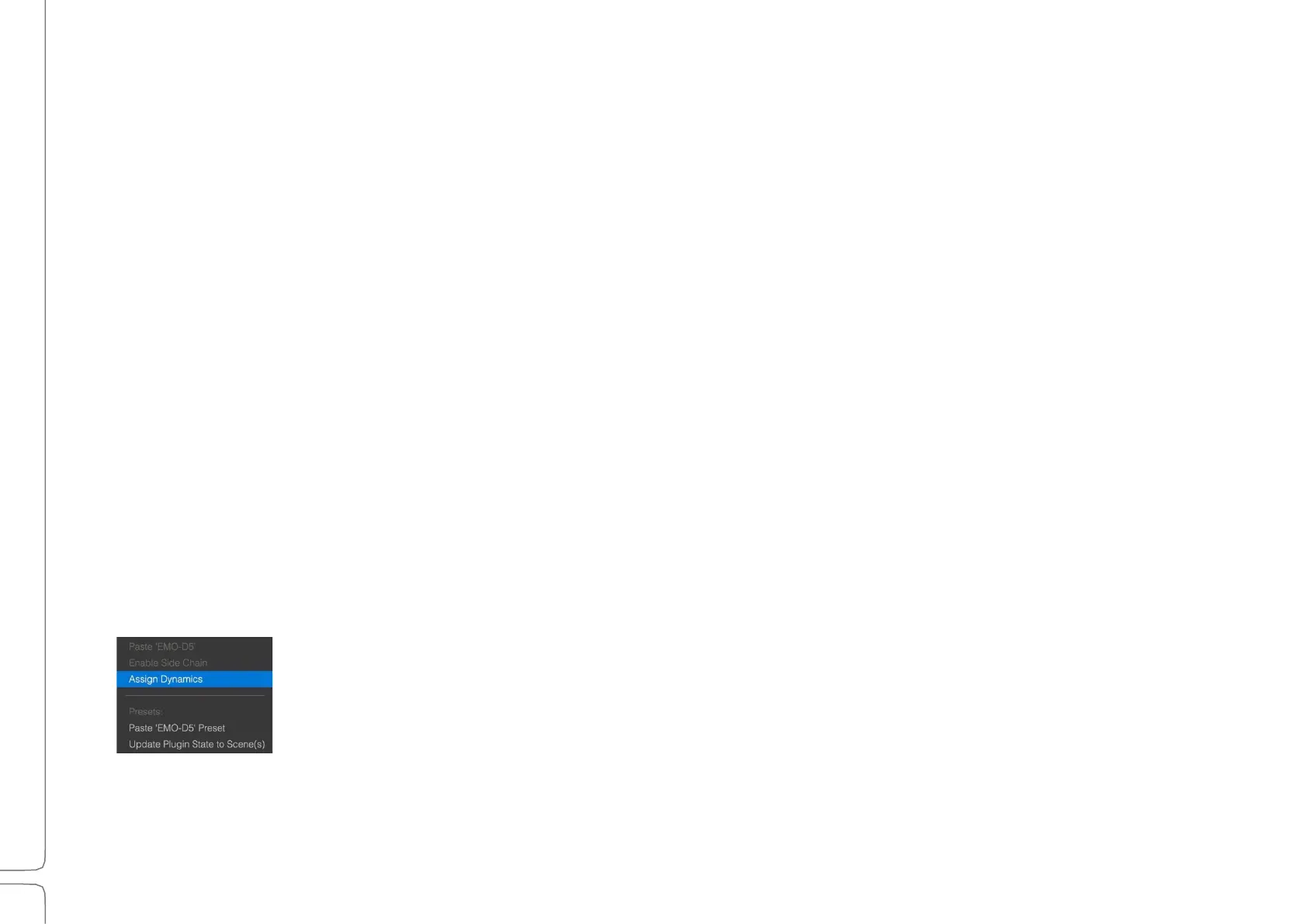
eMo plugins can be assigned to the Main Control section, where a dynamics processor, a
filter, and an EQ can be controlled on a single plugin user interface. Assigned plugins are
also available in the Channel mode of the Mixer window.
The eMo plugins are assigned to the channel by default. Use the menu item to unassign
one or more plugins.



 To Next Page