22 2576780000/00/02-2018
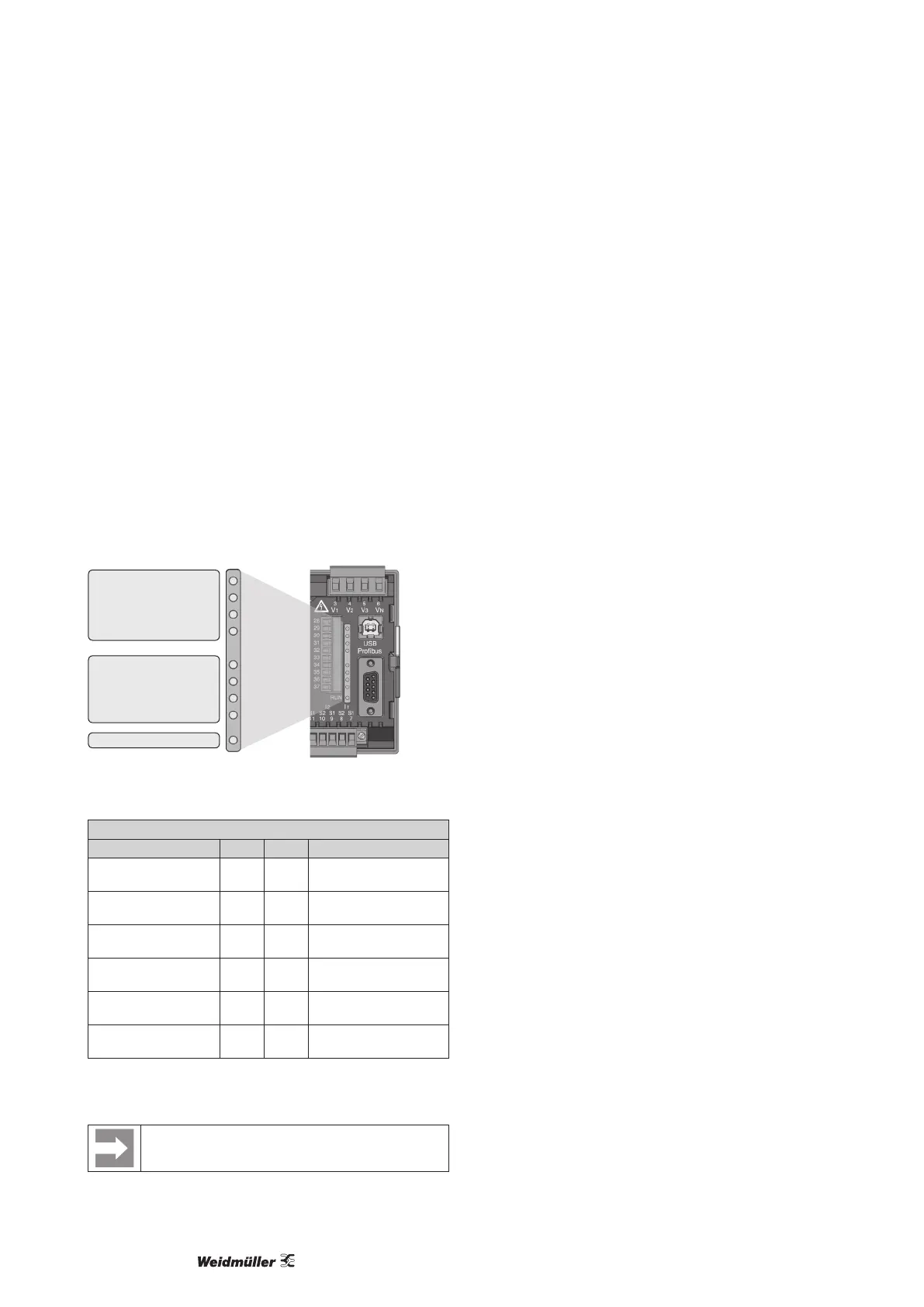
LED status bar
LED status bar
The different statuses of the inputs and outputs are displayed via
the LED status bar on the rear of the device.
Digital inputs
The LED associated with the respective input illuminates green
if there is a signal of at least 1 mA owing through the interface.
Digital outputs
The LED associated with the respective output illuminates green if
the output is active - independent of whether there is a connection
on the interface.
Probus (only Energy Meter 610-PB variant)
The LED associated with the Probus provides comprehensive in-
formation by means of a red or green illumination and a ashing
frequency, according to the table below.
Digital output 3
Digital output 4
Digital output 5
Digital output 6
Probus (only -PB model)
Digital input 1
Digital input 2
Digital input 3
Digital input 4
LED status bar
Fig.: LED status bar for inputs and outputs
Probus status LED
Flashing frequency Red Green Status
Illuminates steadily x – Still no contact with
PLC
Slowly (approx. 1x per
second)
x – Fault in the congura-
tion data
Very slowly (approx.
1x per 2 second)
x – Fault with data ex-
change
Illuminates steadily – x Data exchange with
the PLC
Quickly (approx. 3x
per second)
– x Energy Meter waiting
on parameterising data
Slowly (approx. 1x per
second)
– x Energy Meter waiting
on conguration data
x = active – = passive
Tab.: LED status bar for inputs and outputs
The status “Energy Meter waiting on configuration
data” occurs if there is no PLC connected



 To Next Page