46 2576780000/00/02-2018
Service and maintenance
Battery
The internal clock is fed from the supply voltage. If the supply volt-
age fails then the clock is powered by the battery. The clock pro-
vides date and time information, for the records, min. and max.
values and results, for example.
The life expectancy of the battery is at least 5 years with a storage
temperature of +45 °C. The typical life expectancy of the battery
is 8 to 10 years.
The battery is replaced via the battery insert provided on the rear
of the device. Make sure that the correct type of battery is used
and correct polarity is observed when inserting the battery (posi-
tive pole faces the rear of the device; negative pole faces the front).
See chapter “Changing the battery” for more information.
Battery monitoring function
The device indicates the condition of the battery via the “EEE”
symbol followed by “bAt” and the status number. Depending on
the status number a conrmation of the information by the operator
may be required. It is recommended that the battery be replaced.
Fault number
Battery fault status
Fault message symbol
Status Status description
EEE
bAt
321
• Battery capacity is < 85 %
• Operator conrmation required
• Message appears weekly after conrmation
• Battery should be replaced
EEE
bAt
322
• Battery capacity is < 75 %
• Battery capacity is too low
• Can only be detected after resumption of mains
power
• Battery should be replaced
EEE
bAt
330
• Battery capacity OK
• Clock is stopped and must be set
EEE
bAt
331
• Battery capacity is < 85 %
• Clock is stopped and must be set
• Operator conrmation required
• Message appears weekly after conrmation
• Battery should be replaced
EEE
bAt
332
• Battery capacity is < 75 %
• Clock is stopped and must be set
• Operator conrmation required
• Message appears daily after conrmation
• Battery should be replaced
Firmware update
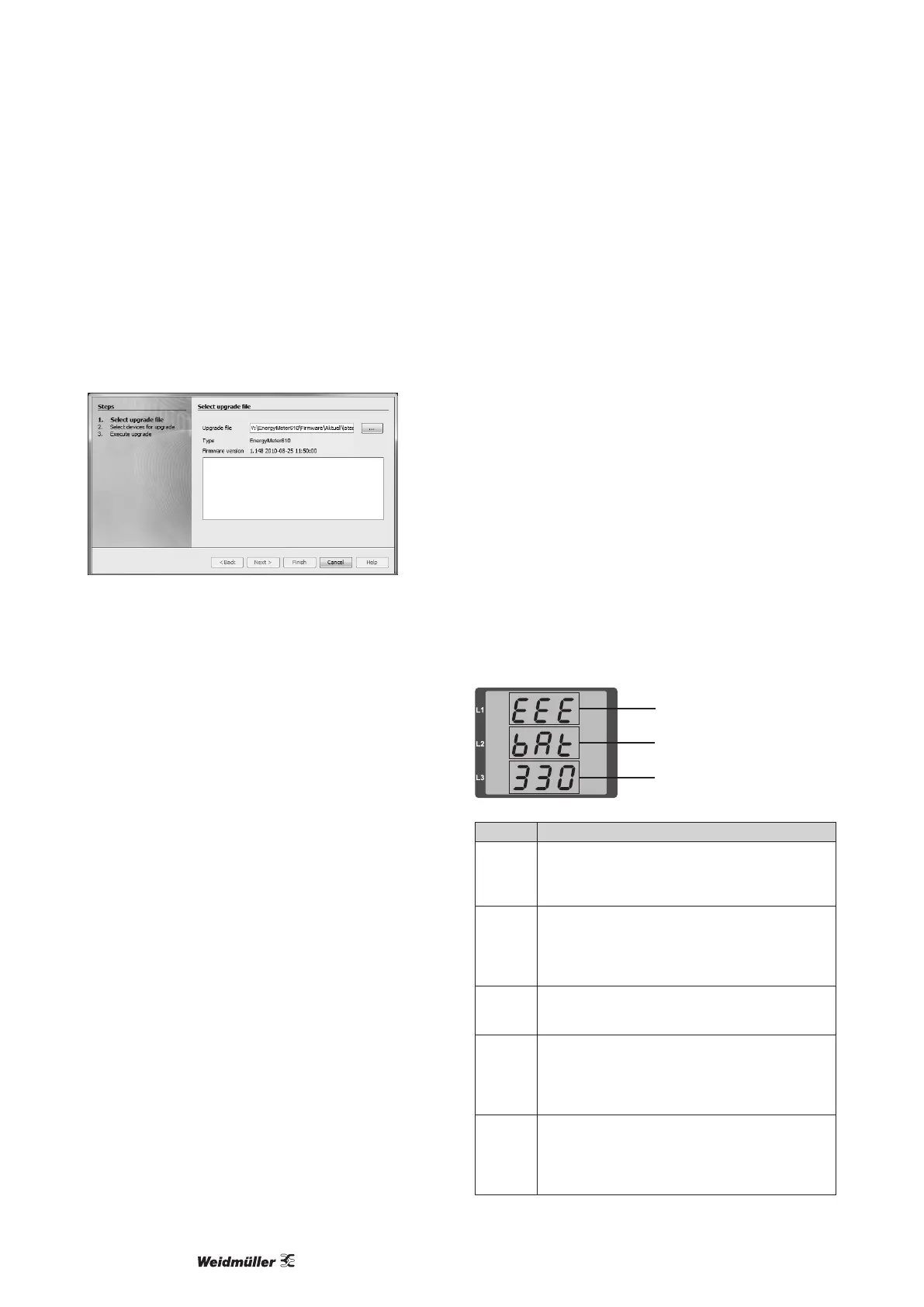
If the device is connected to a computer via Ethernet, then the
device rmware can be updated via the ecoExplorer go software.
Select a suitable update le (menu Extras / Update device) and the
device and the new rmware will be transferred.
Fig.: Software ecoExplorer go rmware update assistent



 To Next Page