Confirming the firmware update
After an update of the appliance firmware certain files are copied back to the USB memory stick.
You can check if the file transfer was successful with the following procedure:
1. Load the files from the USB memory stick to a computer.
2. Open the update (UPDATE.txt) file.
3. A firmware update is confirmed below the serial number of the appliance with ‘updated’ following the QTS/SRB
firmware.
Load only the specific files for the stage 4.x upgrade onto the USB memory stick:
• BTS/QTS - (model type) V.004.000.xxx
• SRB - (model type) V.004.000.xxx
• Latest menu file xxxxxxxxxx
Load only the correct menu files onto the USB memory stick and not single menus.
PM (Personality Module) replacement - firmware update
The Personality Module on the SRB contains the firmware.
The Personality Module on the QTS contains the firmware, serial number of your appliance, temperature calibration, cooking
profiles, application icons and the recipe images.
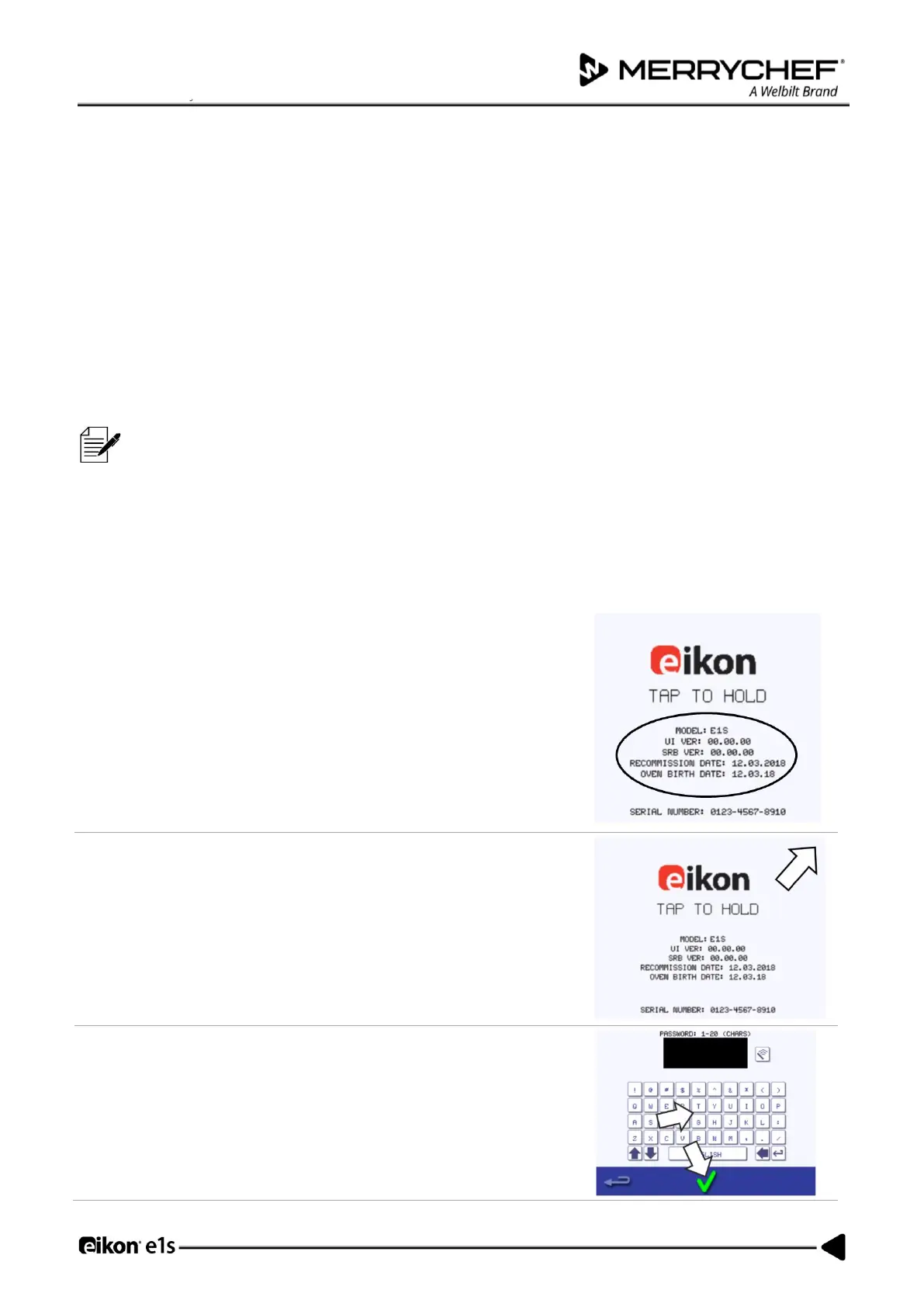
With a new Personality Module fitted and casing refitted, switch on the
appliance and tap the screen to hold and check the QTS and SRB versions
are the latest release.
If not, execute a firmware update using the latest versions.













 To Next Page