eikon e1s
Service and repair guide
Oven counters
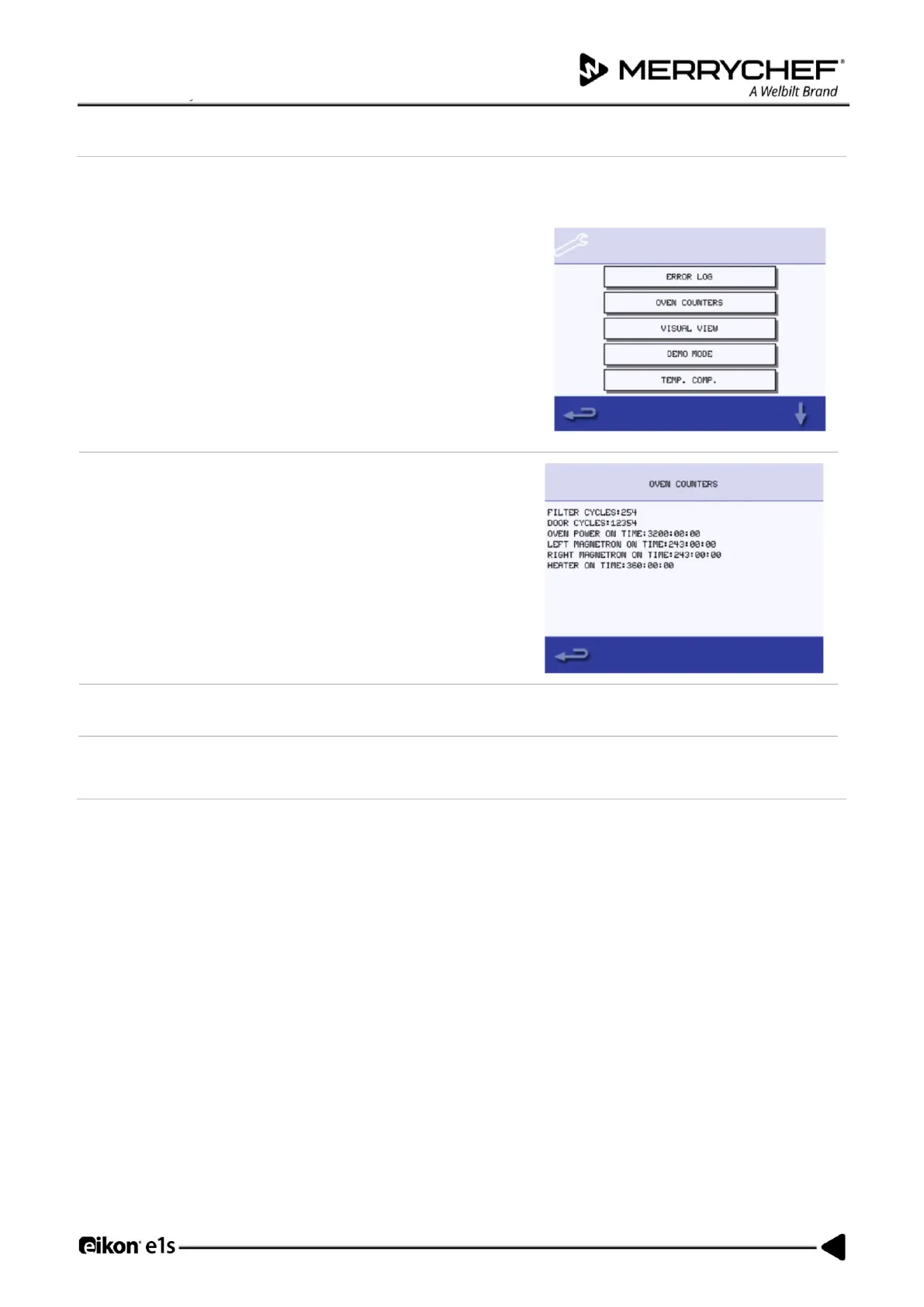
The Oven Counters option in service mode is used to to display the oven component usage. This information can be
requested by service and manufacturer engineers to give indication of component life expectancy.
In Service Mode, select ‘Oven Counters’ to display the oven
component usage and ambient controls area temperature.
Details include the number of screen touches, filter cycles, door
cycles, total oven power, magnetron and heater element power
on time and the ambient controls area temperature in the cabinet.
Select backspace to return to the Service Menu.
Health checks of components
Procedure: Service Mode > Visual View
The Visual View option in Service Mode allows you to do health checks on some of the components of the application,
including:
• The oven door
• Cooling fan
• Magnetron
• Convection fan
• Heater
Instructions on how to check each component are provided below once you have entered Service Mode and selected Visual
View is provided below.













 To Next Page