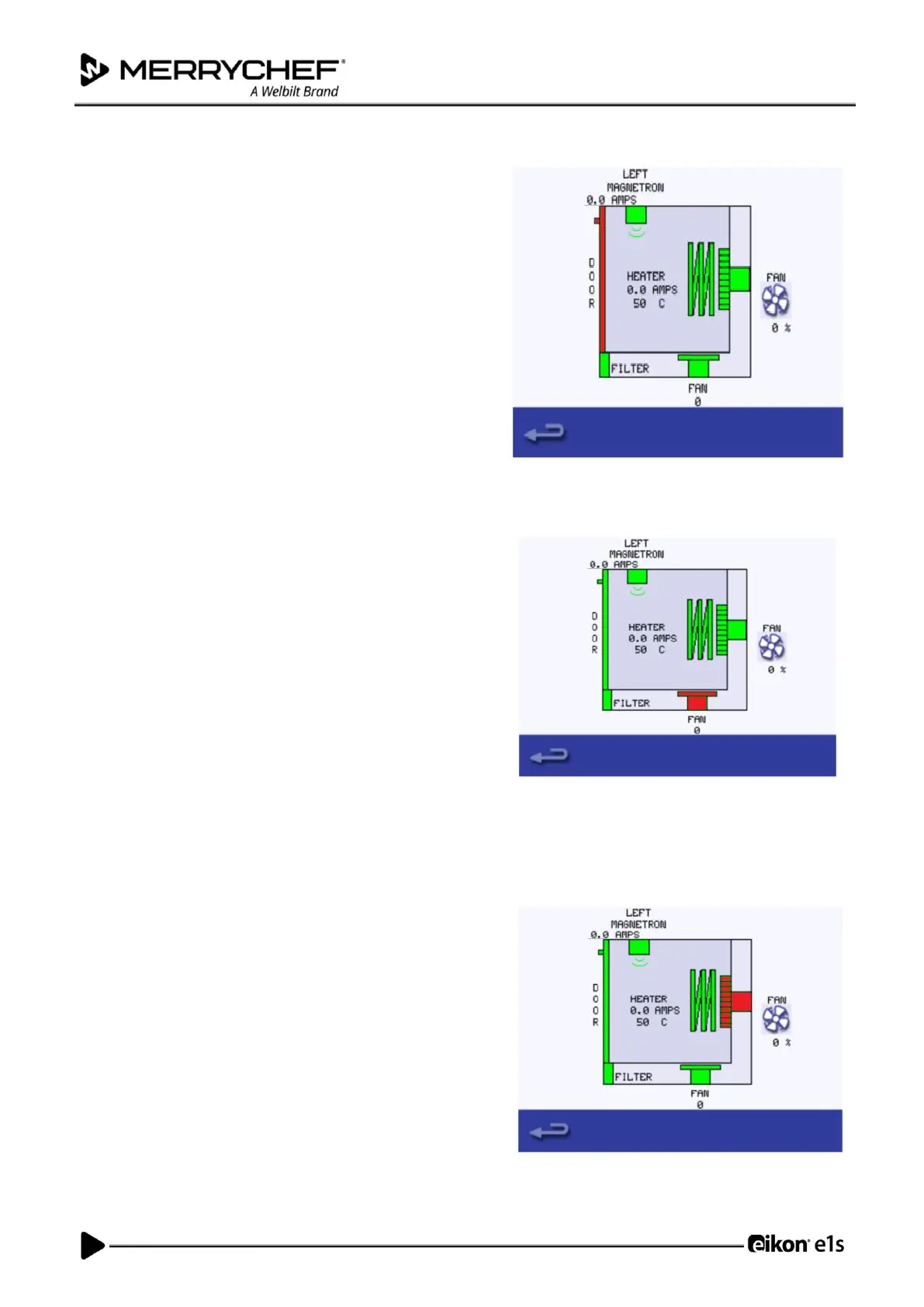
• Open the oven door.
• Check the colour of the door symbol changes from green
to red on the display to check the door microswitch circuit
is operating.
• Place door spacers onto the oven door (refer to Adjusting
the door microswitches in Section 3F for details), close the
door and check the colour of the door symbol on the
display.
Green colouring indicates that the door microswitch
adjustment is ok.
Red colouring indicates that the door microswitch
adjustment procedure must be completed.
• Select the cooling fan symbol so it becomes red.
• Increase and decrease the fan power from 0% (Off) to
100% (Max).
• When increasing the fan power from the fan noise should
become louder.
Pressing the fan icon increases the fan power in 10% steps and from
100% to 0%. Pressing the fan symbol in the diagram switches the
fan to 100% power.
When increasing the fan power gradually to 100% the fan noise
should become louder.













 To Next Page