eikon e1s
Service and repair guide
Touchscreen calibration
Should the touchscreen behave in an inconsistent manner, the touchscreen can be re-calibrated.
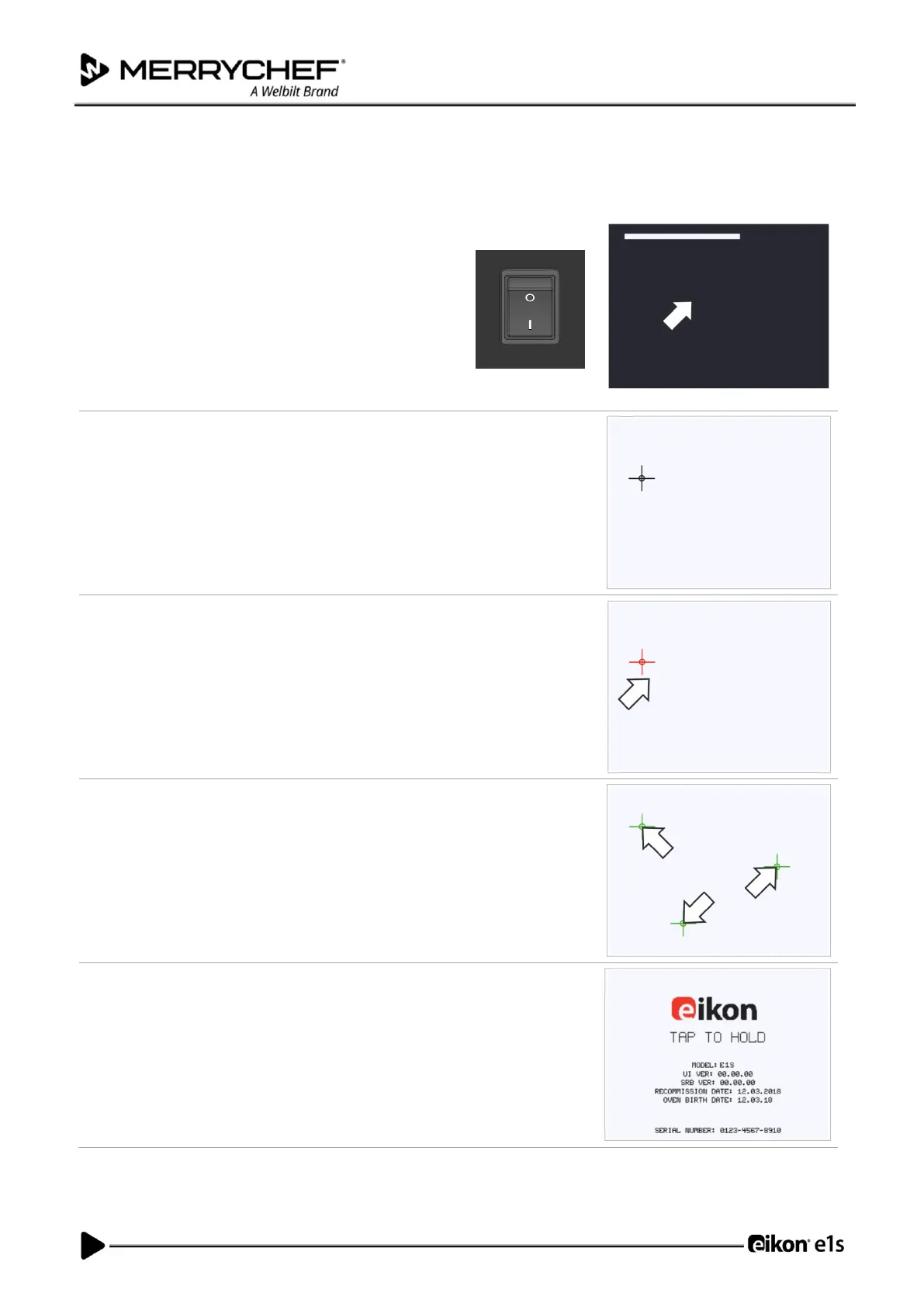
Apply continuous light pressure to the screen while switching the
appliance on.
Continue to hold until the progress bar has completed.
Using a non-abrasive pointer, such as a ball point pen, accurately press the
centre of each crosshair displayed on the screen.
Note: If a crosshair turns red, you missed the centre of the crosshead and
should repeat the procedure.
If the crosshair turns red you missed the centre of the crosshair.
Repeat the procedure.
If the crosshairs turn green three times consecutively the calibration
process is completed successfully.
Once calibrated the screen will display information about the appliance.













 To Next Page